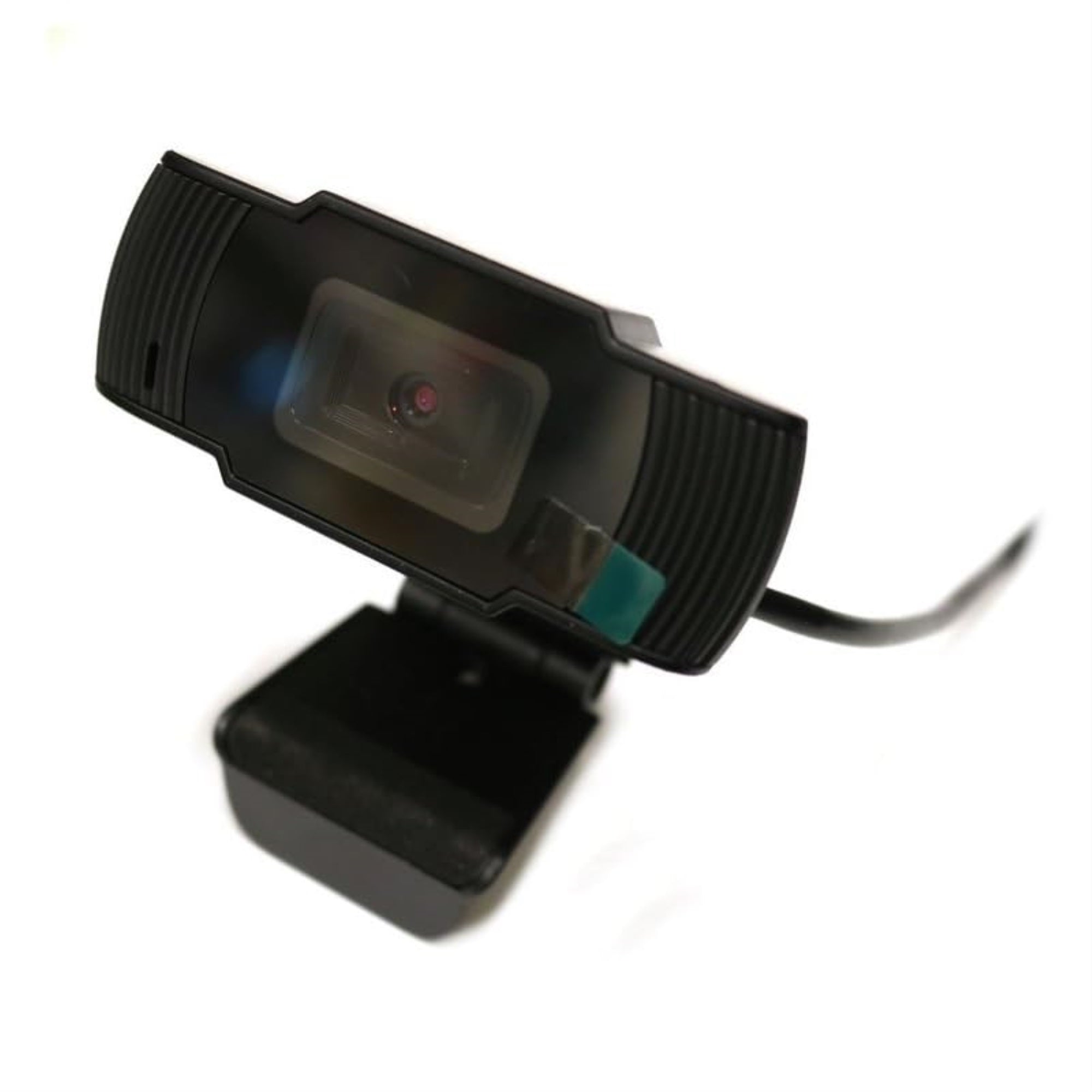
480P Economy Performance. High Quality And True Color Images.. Built-In Microphone.. Sound Clarity Within 10 Meters.. Hd Lens For Crisp, High-Resolution Video And High Color Reproduction.. Designed For Both Laptop And Desktop.. Usb + 3.5Mm Interface.. Streaming Video.. Superior Sound.. 180 Degrees Rotatable Clip.. Contents: 1 X Hd Pc Webcam.. 1 X Usb Audio Cable.. Universal Compatibility: Compatible With Windows 10,8,7, Vista, Xp, Linux, And Latest Operating System.. Live Stream.. Plug & Play.. Built-In Microphone.
⚠️ WARNING (California Proposition 65): This product may contain chemicals known to the State of California to cause cancer, birth defects, or other reproductive harm. For more information, please visit www.P65Warnings.ca.gov.
Frequently Asked Questions
Q: What are the dimensions of the BYTECH PC Web Cam?A: The BYTECH PC Web Cam has a compact design that makes it easy to use in various setups. However, specific dimensions are not provided.
Q: What materials is the BYTECH PC Web Cam made of?A: The BYTECH PC Web Cam is made with durable plastic materials. This ensures longevity and resistance to everyday wear and tear.
Q: Is the BYTECH PC Web Cam compatible with all operating systems?A: Yes, the BYTECH PC Web Cam is compatible with most major operating systems including Windows and macOS. This provides versatility for users across different platforms.
Q: How do I set up the BYTECH PC Web Cam?A: To set up the BYTECH PC Web Cam, simply plug it into a USB port on your computer. It will automatically be recognized by your system, requiring no additional software.
Q: Can I use the BYTECH PC Web Cam for video conferencing?A: Yes, the BYTECH PC Web Cam is ideal for video conferencing. Its design and features enhance video quality for clear communication.
Q: Is the BYTECH PC Web Cam suitable for gaming?A: Yes, the BYTECH PC Web Cam is suitable for gaming. It provides reliable video capture for streaming and in-game communication.
Q: How should I clean the BYTECH PC Web Cam?A: To clean the BYTECH PC Web Cam, use a soft, lint-free cloth to wipe the lens and body. Avoid using harsh chemicals to prevent damage.
Q: Does the BYTECH PC Web Cam have a warranty?A: Yes, the BYTECH PC Web Cam typically comes with a manufacturer's warranty. Check the packaging for specific warranty details.
Q: What is the best way to store the BYTECH PC Web Cam?A: To store the BYTECH PC Web Cam, keep it in a dry place away from direct sunlight. This will help maintain its quality and functionality.
Q: Is the BYTECH PC Web Cam easy to install on a laptop?A: Yes, the BYTECH PC Web Cam is easy to install on a laptop. Just plug it into a USB port, and it should be ready to use.
Q: Can I use the BYTECH PC Web Cam for live streaming?A: Yes, the BYTECH PC Web Cam is suitable for live streaming. It captures high-quality video, making it a great choice for streamers.
Q: What if my BYTECH PC Web Cam is not recognized by my computer?A: If your BYTECH PC Web Cam is not recognized, try plugging it into a different USB port or restarting your computer. If the issue persists, check for driver updates.
Q: Does the BYTECH PC Web Cam come with a built-in microphone?A: Yes, the BYTECH PC Web Cam comes with a built-in microphone. This allows you to capture audio along with video for a complete experience.
Q: What is the resolution of the BYTECH PC Web Cam?A: The BYTECH PC Web Cam typically supports high-definition video resolution. However, specific resolution details are not provided.
Q: Can I adjust the camera angle on the BYTECH PC Web Cam?A: Yes, the BYTECH PC Web Cam has an adjustable design that allows you to change the angle for optimal positioning. This enhances your video framing.