The Samchdfek Accessory Kit For The Samsung Xe303 Chromebook Is An Addon Accessory Bundle Containing Two Startech.Com Adapter Products That Let You Extend The Display And Network Capabilities Of Your Portlimited Chromebook. The Kit Contains An Hdmi To Vga Adapter To Connect Your Samsung Xe303 (Or Similarly Configured Chromebook / Laptop) To An External Vga Display Or Projector Through The Hdmi Output. Also Included Is A Usb 2.0 To Fast Ethernet Adapter Which Adds A Wired 10/100Mbps Ethernet Connection Through Usb. Though Extremely Portable, The Chromebook Often Lacks The Necessary Ports To Connect To Various Desktop Displays/Projectors And Wired Networks When Traveling Between Boardrooms, Home / Remote Offices, Tradeshows, Hotels And Conference Centers. We Designed This Bundle Of Tablet Accessories To Provide The Missing Connections Most Commonly Desired Among Mobile Users, To Prepare You For Almost Anything.
⚠️ WARNING (California Proposition 65): This product may contain chemicals known to the State of California to cause cancer, birth defects, or other reproductive harm. For more information, please visit www.P65Warnings.ca.gov.
Frequently Asked Questions
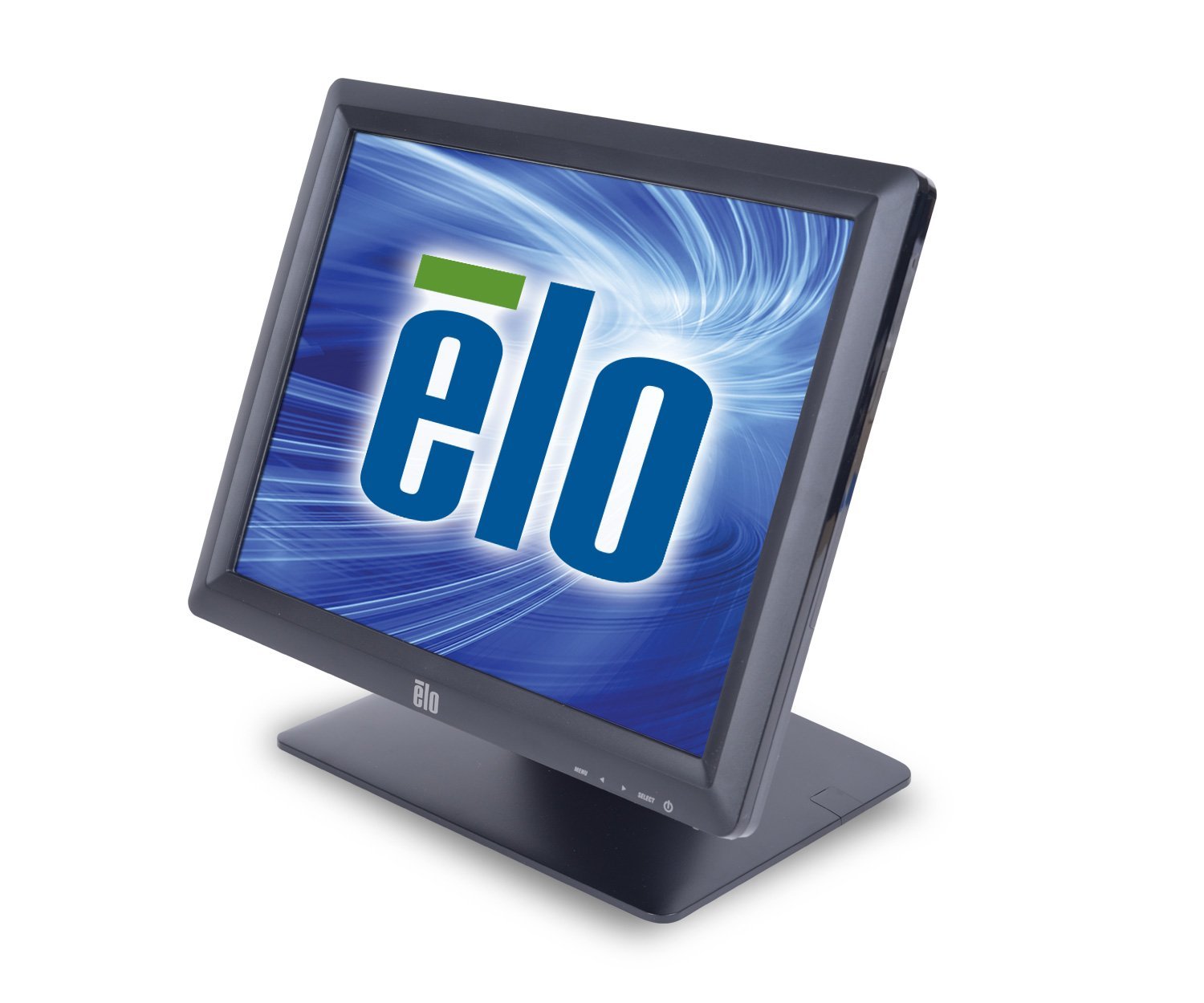
Q: What are the dimensions of the Elo E829550 monitor?A: The dimensions are nineteen point one inches in length, nineteen inches in width, and nine point one inches in height.
Q: What type of display technology does the Elo E829550 use?A: The monitor uses LED-backlit LCD technology, which provides a bright and energy-efficient display.
Q: What is the screen size of the Elo E829550 monitor?A: The screen size is fifteen inches diagonally, making it suitable for various applications.
Q: How do I install the Elo E829550 monitor?A: To install the monitor, mount it on a compatible stand or wall mount and connect it to your computer using the provided cables.
Q: Is the Elo E829550 suitable for public use?A: Yes, the Elo E829550 is designed for continuous public use, making it ideal for high-traffic environments.
Q: Can I use the Elo E829550 for digital signage?A: Yes, this monitor is well-suited for interactive digital signage and point-of-sale applications.
Q: How do I clean the Elo E829550 monitor?A: To clean the monitor, use a soft, lint-free cloth and a gentle glass cleaner, avoiding harsh chemicals.
Q: Is the Elo E829550 monitor energy-efficient?A: Yes, it offers sixty percent energy savings thanks to its LED technology.
Q: What is the warranty on the Elo E829550 monitor?A: The warranty period typically lasts for three years, covering manufacturing defects.
Q: What if the Elo E829550 arrives damaged?A: If the monitor arrives damaged, contact customer support within thirty days for a replacement or refund.
Q: Does the Elo E829550 come with a magnetic stripe reader?A: Yes, the monitor can be equipped with an optional three-track magnetic stripe reader for easy payment processing.
Q: Is the Elo E829550 monitor environmentally friendly?A: Yes, it is designed to be environmentally friendly, using less power and incorporating energy-saving features.
Q: What type of touchscreen technology does the Elo E829550 use?A: The monitor uses iTouch or IntelliTouch surface acoustic wave technology, providing a responsive touch experience.
Q: Is the Elo E829550 suitable for retail environments?A: Yes, its rugged design and effective touchscreen technology make it perfect for retail applications.
Q: Can I mount the Elo E829550 on a wall?A: Yes, the monitor can be mounted on a wall using a compatible VESA mount.
Q: What colors does the Elo E829550 monitor come in?A: The monitor is available in a sleek black finish, suitable for various settings.