

Cart
0


DP dellVP0DW R
Free Standard Shipping Across USA
Vendor: Dell
Type: All-in-One Computers
Sku: WBCOMB0B7B43YZS
Availability: Sold Out
Couldn't load pickup availability
Guarantee safe checkout

Sold by Electroeshop, an authorized reseller.
Returns accepted within 30 days | support@electroeshop.com
Shipping Information
- Free Standard Shipping — United States only
- Estimated Delivery Time: Dec 2 – Dec 8
- Double-boxed, fully insured & discreetly packaged
- Tracking number sent via email once dispatched
Returns & Refund
Returns accepted within 30 days of delivery.
Damaged or Defective Item
Free return shipping + replacement or full refund
Wrong Item Received
Free return shipping + replacement or full refund
Change of Mind
Return shipping at customer's expense · 25% restocking fee applies
All returns require a Return Authorization (RA) number before sending.
View Full Return & Refund Policy
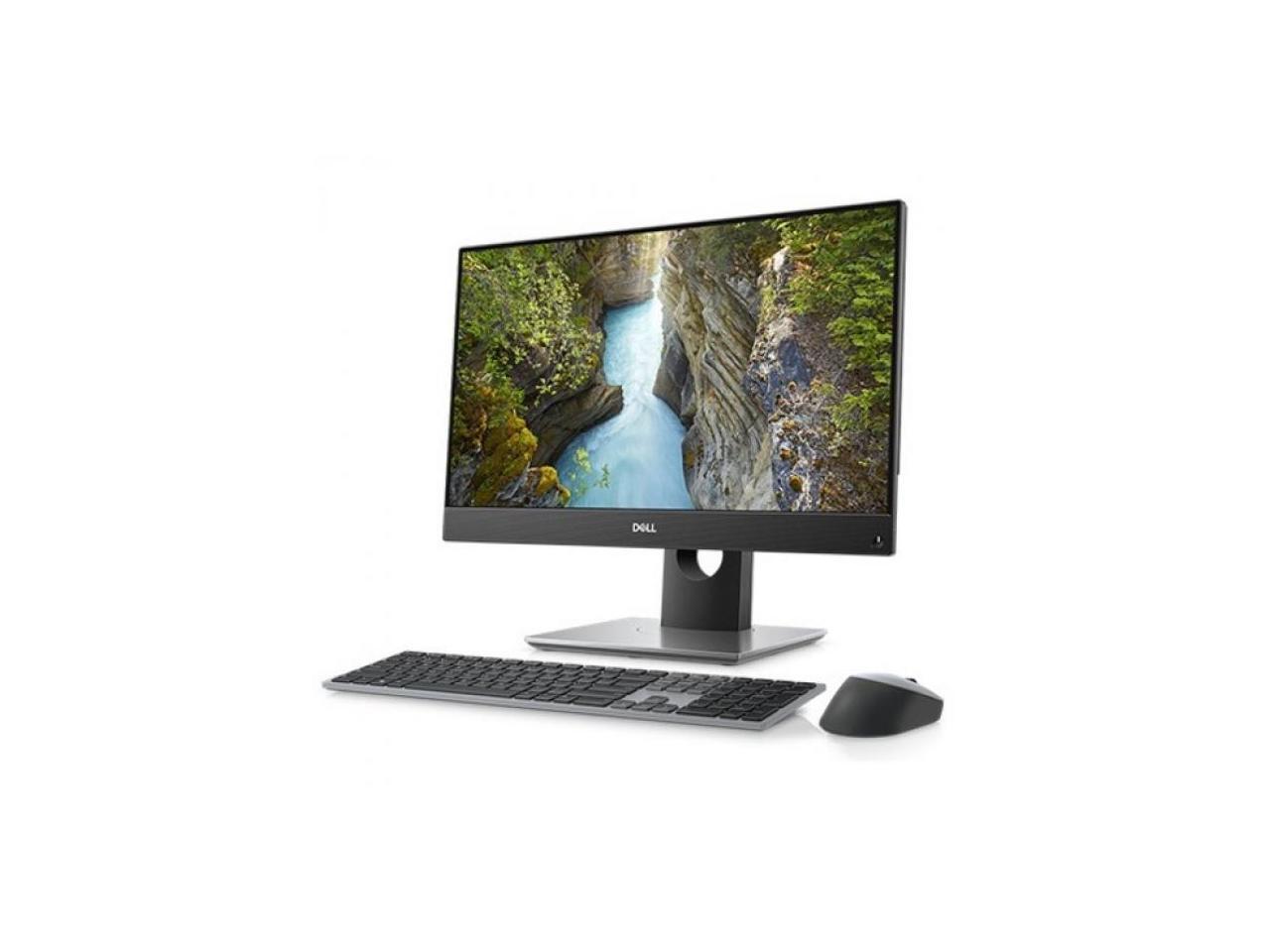
DP dellVP0DW R
$1,370.42

Frequently Asked Questions
- Q: What are the dimensions of the Dell OptiPlex 7000 7400 All-in-One Computer? A: The dimensions are approximately seven point two inches in length, nineteen point forty-one inches in width, and thirty-two point eight inches in height.
- Q: What type of processor does this computer have? A: This computer features an Intel Core i7 twelve generation processor, specifically the i7-12700, which is a twelve-core processor running at two point ten gigahertz.
- Q: How much memory does the Dell OptiPlex 7000 7400 come with? A: It comes with sixteen gigabytes of DDR4 SDRAM, allowing for efficient multitasking and handling of intensive applications.
- Q: What is the storage capacity of this All-in-One computer? A: It features a two hundred fifty-six gigabyte M.2 PCI Express NVMe three point zero x four SSD, which ensures fast boot and load times.
- Q: What is the display resolution of the Dell OptiPlex 7000 7400? A: The display resolution is full HD at one thousand nine hundred twenty by one thousand eighty pixels, providing clear and vibrant visuals.
- Q: What operating system does this computer run? A: The Dell OptiPlex 7000 7400 comes pre-installed with Windows ten Pro edition, offering enhanced features for professional use.
- Q: How do I set up the Dell OptiPlex 7000 7400 All-in-One Computer? A: Simply connect the power cable, turn it on, and follow the on-screen setup instructions to configure your preferences.
- Q: Is this computer suitable for gaming? A: Yes, the Intel UHD Graphics 770 shared graphics card provides adequate performance for casual gaming and multimedia tasks.
- Q: How do I clean the display of the Dell OptiPlex 7000 7400? A: Use a microfiber cloth slightly dampened with water or a screen cleaner specifically designed for electronics to gently wipe the screen.
- Q: Is the Dell OptiPlex 7000 7400 energy efficient? A: Yes, this model is designed to be energy efficient, helping to reduce electricity consumption during use.
- Q: What should I do if my computer won't turn on? A: First, check that it is plugged in and the outlet is functioning. If it still won't turn on, refer to the troubleshooting guide or contact support.
- Q: Can I upgrade the memory on this computer? A: Yes, the Dell OptiPlex 7000 7400 allows for memory upgrades, enabling you to enhance performance as needed.
- Q: How is the sound quality of this All-in-One computer? A: The Dell OptiPlex 7000 7400 features integrated speakers that deliver clear sound quality suitable for most multimedia applications.
- Q: What types of ports does this computer have? A: It includes various ports such as USB, HDMI, and Ethernet, providing flexibility for connecting peripherals and networks.
- Q: What warranty comes with the Dell OptiPlex 7000 7400? A: Typically, it comes with a standard one-year limited hardware warranty, but it's best to check with the retailer for specifics.