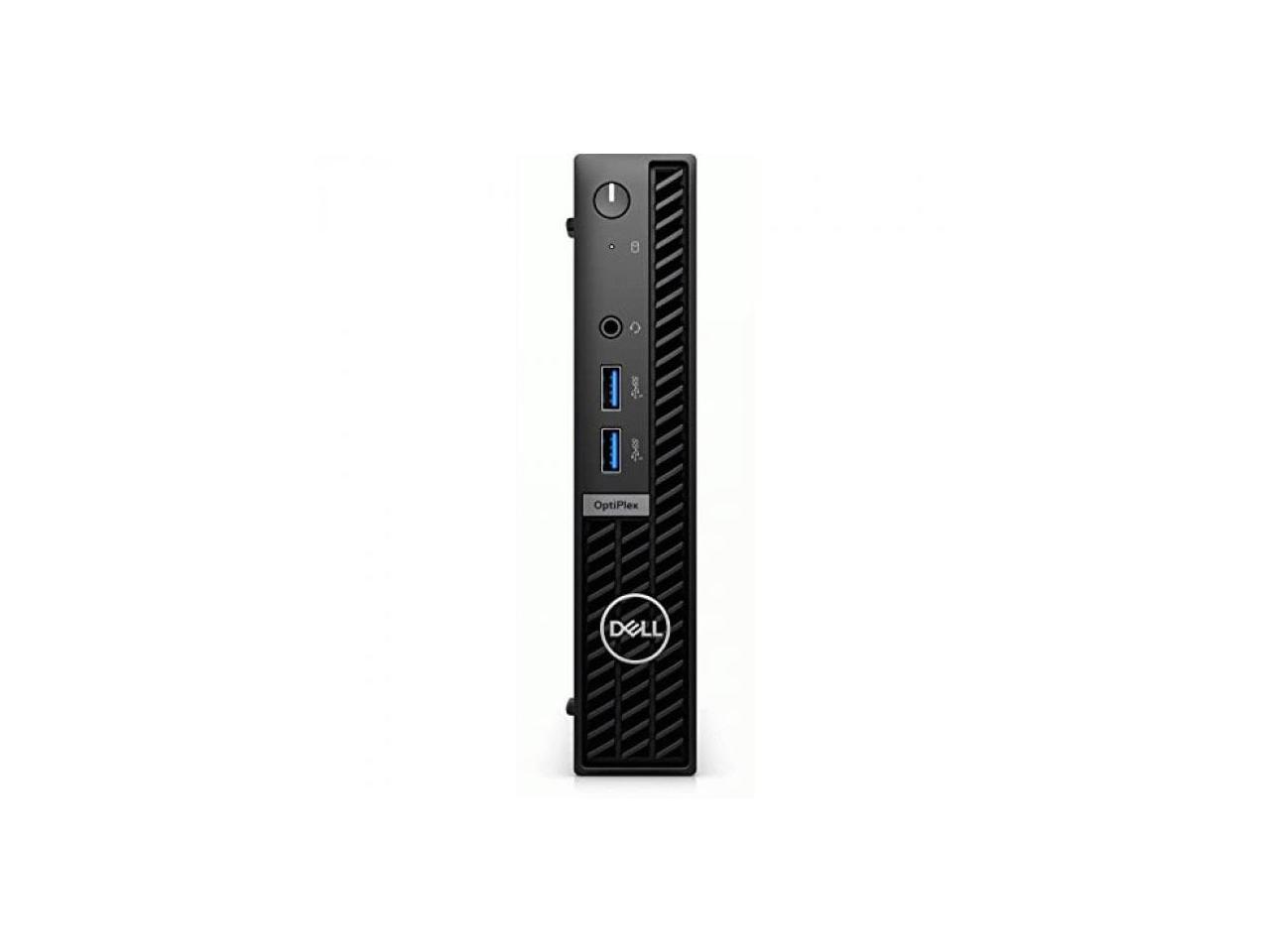
Dell Optiplex 7010 Mff Desktop Computer - 13Th Gen Intel Core I7-13700K 16-Core Up To 54 Ghz, 32Gb Ram, 256Gb Nvme Ssd + 2Tb Hdd, Intel Uhd Graphics 770, Wi-Fi 6E + Bluetooth, Windows 10 Pro
⚠️ WARNING (California Proposition 65): This product may contain chemicals known to the State of California to cause cancer, birth defects, or other reproductive harm. For more information, please visit www.P65Warnings.ca.gov.
Frequently Asked Questions
Q: What are the dimensions of the Dell OptiPlex 7000 Desktop Computer?A: The dimensions are fourteen point five inches wide, six point seven inches deep, and eleven point eight inches tall. This compact size makes it suitable for various office setups.
Q: What type of processor does this desktop use?A: It features an Intel Core i7 thirteenth generation i7-13700 processor. This hexadeca-core processor has a base speed of two point ten gigahertz.
Q: How much RAM does the Dell OptiPlex 7000 have?A: This model comes with sixteen gigabytes of DDR5 SDRAM. This amount of memory enhances multitasking capabilities and overall performance.
Q: What storage capacity does the Dell OptiPlex 7000 offer?A: It includes a five hundred twelve gigabyte M.2 PCI Express NVMe SSD. This storage provides ample space for files, applications, and media.
Q: What operating system is pre-installed on this desktop?A: The desktop comes with Windows eleven Pro. This OS includes various productivity tools ideal for business and creative tasks.
Q: Does the Dell OptiPlex 7000 have a DVD drive?A: Yes, it includes a DVD-Writer drive. This feature allows for convenient media playback, writing, and recording.
Q: How do I connect this desktop to the internet?A: It has a gigabit Ethernet port. This ensures high-speed internet connectivity, making it suitable for demanding tasks.
Q: Is this desktop suitable for gaming?A: Yes, it can handle gaming due to its sixteen gigabytes of memory and Intel UHD Graphics 770. These specs support a remarkable gaming experience.
Q: What security features does the Dell OptiPlex 7000 have?A: It includes a security slot for added protection. This feature enhances the usability and reliability of the desktop.
Q: How do I clean the Dell OptiPlex 7000?A: Use a soft, dry cloth to wipe the exterior. Avoid using harsh chemicals to maintain the finish and functionality.
Q: What should I do if the computer doesn't power on?A: Check the power connections first. If it still doesn't turn on, consider contacting customer support for further assistance.
Q: How do I upgrade the RAM in this desktop?A: To upgrade the RAM, open the tower and locate the memory slots. Ensure you have compatible DDR5 RAM modules before installation.
Q: What is the warranty period for the Dell OptiPlex 7000?A: Typically, it comes with a one-year limited warranty. This covers manufacturing defects and certain repairs.
Q: Can I return the Dell OptiPlex 7000 if I'm not satisfied?A: Yes, you can return it within a specified period as per the return policy. Make sure to keep the original packaging.
Q: Is this desktop compatible with external monitors?A: Yes, it supports multiple display connections. This makes it versatile for various workspace configurations.