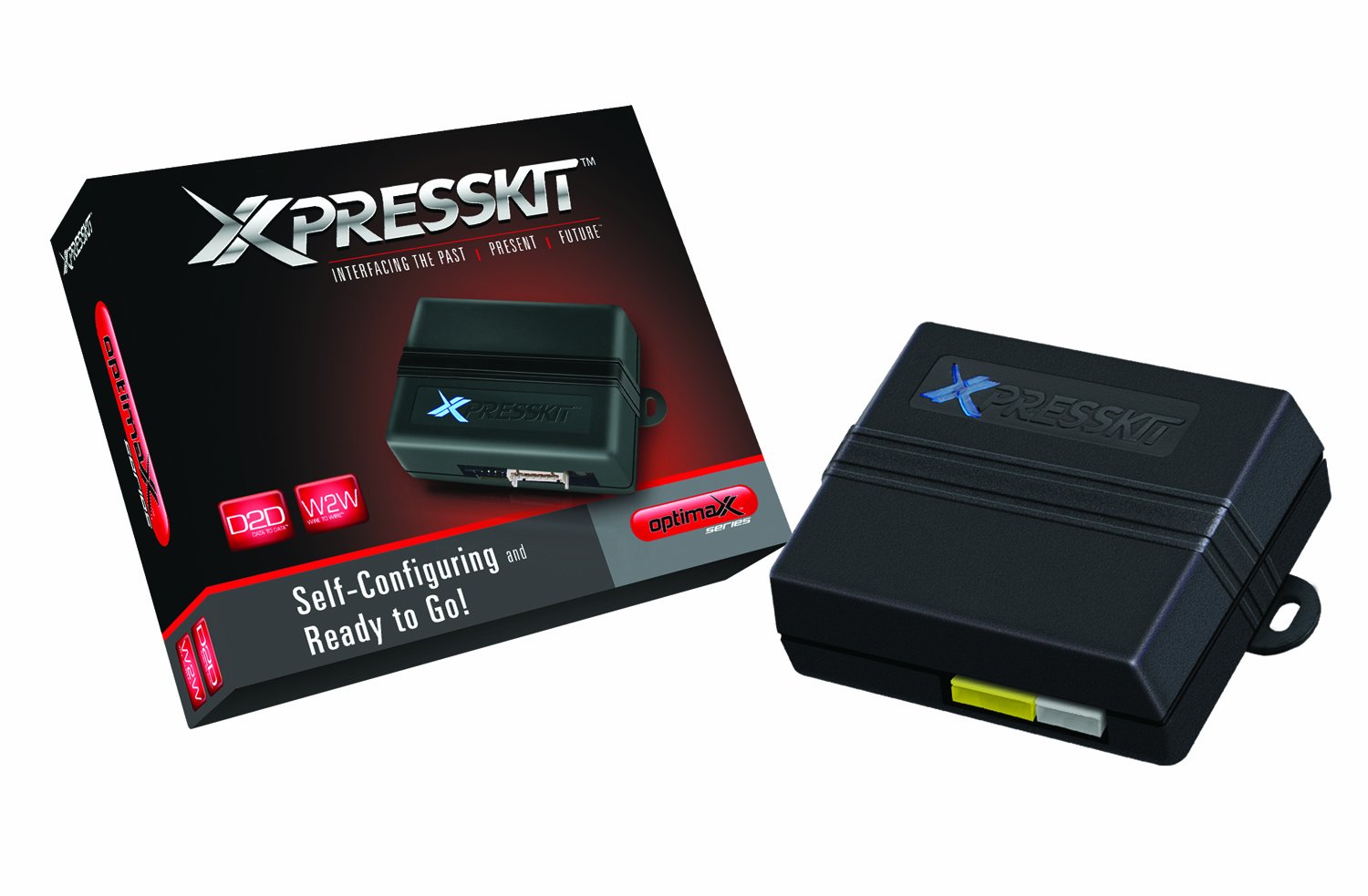
The Dlpk Can Bus Door Lock, Alarm & Immobilizer Bypass From Directed Install Essentials Is An Upgradeable Can Bus Door Lock Kit Compatible With 700+ Vehicles From 2000 To 2010. It Includes An Rfloop Port That Allows Users To Plug-In An Optional Rfloop For Transponder Override. Once Connected To The Vehicle, The Dlpk Self-Learns The Vehicle Type, Making This The Easiest Install Possible. It Is Compatible With Push-To-Start Vehicles. It Is Recommended That You Check For Updates To The Firmware And Install Guides Prior To Installing This Module.
⚠️ WARNING (California Proposition 65): This product may contain chemicals known to the State of California to cause cancer, birth defects, or other reproductive harm. For more information, please visit www.P65Warnings.ca.gov.
Frequently Asked Questions
Q: What are the dimensions of the Directed Electronics Xpresskit DLPK?A: The dimensions are five point six three inches long, four point five inches wide, and one point six three inches tall. This compact size makes it easy to install in various vehicle models.
Q: What vehicles is the DLPK compatible with?A: The DLPK is compatible with over seven hundred vehicle models from the years two thousand to two thousand ten. This includes popular brands like Nissan and Infiniti.
Q: What material is used in the DLPK interface?A: The DLPK is primarily made of high-quality electronic components. Specific material details are not provided, but it is designed for durability.
Q: How do I install the Directed Electronics DLPK?A: To install the DLPK, connect it to the vehicle's CAN bus system following the included instructions. The unit self-learns the vehicle type for easy setup.
Q: Is the DLPK suitable for push-to-start vehicles?A: Yes, the DLPK is compatible with push-to-start vehicles. It includes features specifically designed for seamless integration with these modern systems.
Q: Can I use the DLPK with a remote-start system?A: Yes, the DLPK functions as a multi CAN remote-start bypass and interface module. It allows for easy integration with existing remote-start systems.
Q: How do I update the firmware on the DLPK?A: To update the firmware, visit the manufacturer's website for the latest updates and installation guides. Ensure your device is connected before proceeding.
Q: What is the best way to store the DLPK when not in use?A: Store the DLPK in a cool, dry place away from direct sunlight. Keeping it in its original packaging can help protect it from damage.
Q: Is the DLPK safe to use with older vehicles?A: Yes, the DLPK is designed to be safe for use with older vehicles from two thousand to two thousand ten. It includes safety features to prevent malfunctions.
Q: What if my DLPK arrives damaged?A: If your DLPK arrives damaged, contact customer support immediately for assistance with returns or exchanges. Keep all packaging materials for the return process.
Q: How do I clean the DLPK interface module?A: To clean the DLPK, use a dry cloth to wipe the exterior. Avoid using any liquids or abrasive materials that could damage the electronic components.
Q: Does the DLPK come with a warranty?A: Yes, the DLPK typically comes with a limited warranty. Check the product details or contact the manufacturer for specific warranty information.
Q: Can I install the DLPK myself or do I need a professional?A: You can install the DLPK yourself if you have basic automotive knowledge. However, professional installation is recommended for optimal performance.
Q: What are the key features of the DLPK?A: The DLPK features a CAN bus interface control module, compatibility with over five hundred vehicle models, and specific support for Nissan and Infiniti push-to-start systems.
Q: Is the DLPK suitable for use in colder climates?A: Yes, the DLPK is designed to operate effectively in various climates, including colder temperatures. Ensure proper installation for best performance.