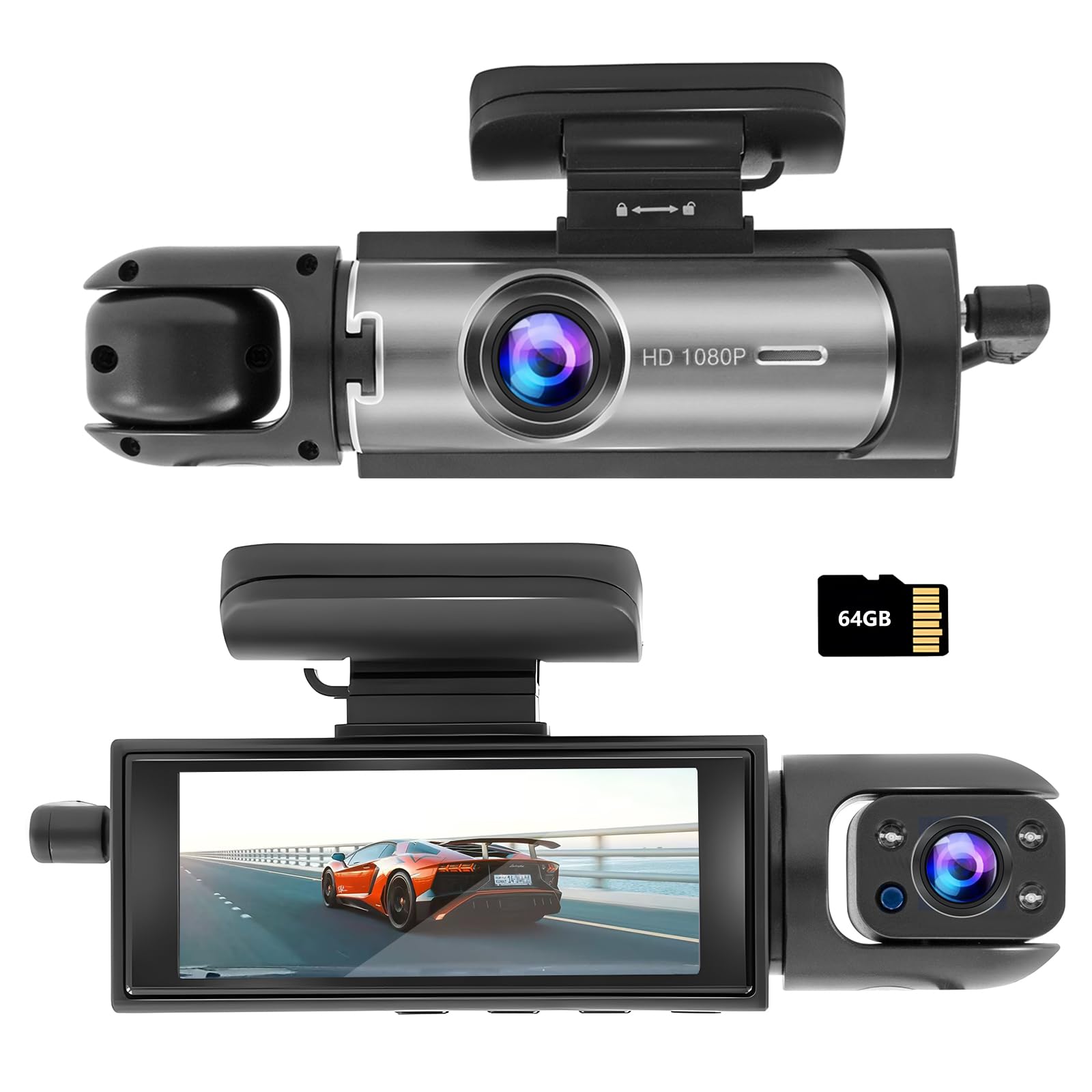
Dash Cam Front And Inside:1080P Car Dash Cam Has A Built-In Dual-Channel System, Providing A 170
⚠️ WARNING (California Proposition 65): This product may contain chemicals known to the State of California to cause cancer, birth defects, or other reproductive harm. For more information, please visit www.P65Warnings.ca.gov.
Frequently Asked Questions
Q: What is the resolution of the dash cam?A: The dash cam records in one thousand eighty pixels. This high-definition quality ensures clear footage for both the road and the cabin.
Q: What are the dimensions of the dash cam?A: The dash cam measures four point eighty-eight inches in width and height, and one point fifty-five inches in length. This compact size makes it easy to install in most vehicles.
Q: What type of material is the dash cam made from?A: The dash cam is primarily made from durable plastic materials. It is designed to withstand the rigors of daily use in vehicles.
Q: How do I set up the dash cam in my car?A: To set up the dash cam, mount it securely on your windshield using the provided adhesive or suction cup. Connect the power cable to your car's charging port for continuous operation.
Q: Is the dash cam easy for beginners to use?A: Yes, the dash cam features a simple and intuitive interface. This makes it user-friendly for both novice and experienced drivers.
Q: Can the dash cam record while parked?A: Yes, the dash cam includes parking monitoring features. It automatically activates and records when a collision is detected, ensuring safety even when the vehicle is stationary.
Q: How do I clean the dash cam?A: To clean the dash cam, use a soft, dry cloth to wipe the lens and screen. Avoid using harsh chemicals to prevent damage to the device.
Q: How should I store the dash cam when not in use?A: When not in use, store the dash cam in a cool, dry place. It's best to keep it in a protective case to prevent scratches and damage.
Q: Is the dash cam equipped with night vision capabilities?A: Yes, the dash cam features super infrared night vision. This allows it to capture clear images in low-light conditions.
Q: What should I do if the dash cam doesn't turn on?A: If the dash cam doesn't turn on, check the power connection. Ensure the cable is securely plugged into the car's power outlet and the device.
Q: Can I adjust the sensitivity of the G-sensor?A: Yes, the G-sensor sensitivity is adjustable. You can set it to 'low' to reduce the chances of false locks on video footage.
Q: What happens if the memory card is full?A: When the memory card is full, the dash cam will overwrite the oldest footage. Ensure important videos are saved separately to avoid loss.
Q: Is this dash cam suitable for all vehicle types?A: Yes, the dash cam is compatible with most vehicle types, including cars, trucks, and SUVs. Its design makes it versatile for different installations.
Q: Does the dash cam come with a warranty?A: Yes, the dash cam typically comes with a manufacturer's warranty. Be sure to check the specific terms and duration when purchasing.
Q: How do I access the recorded footage?A: You can access recorded footage by removing the memory card and inserting it into a computer, or by connecting the dash cam directly to a computer via USB.