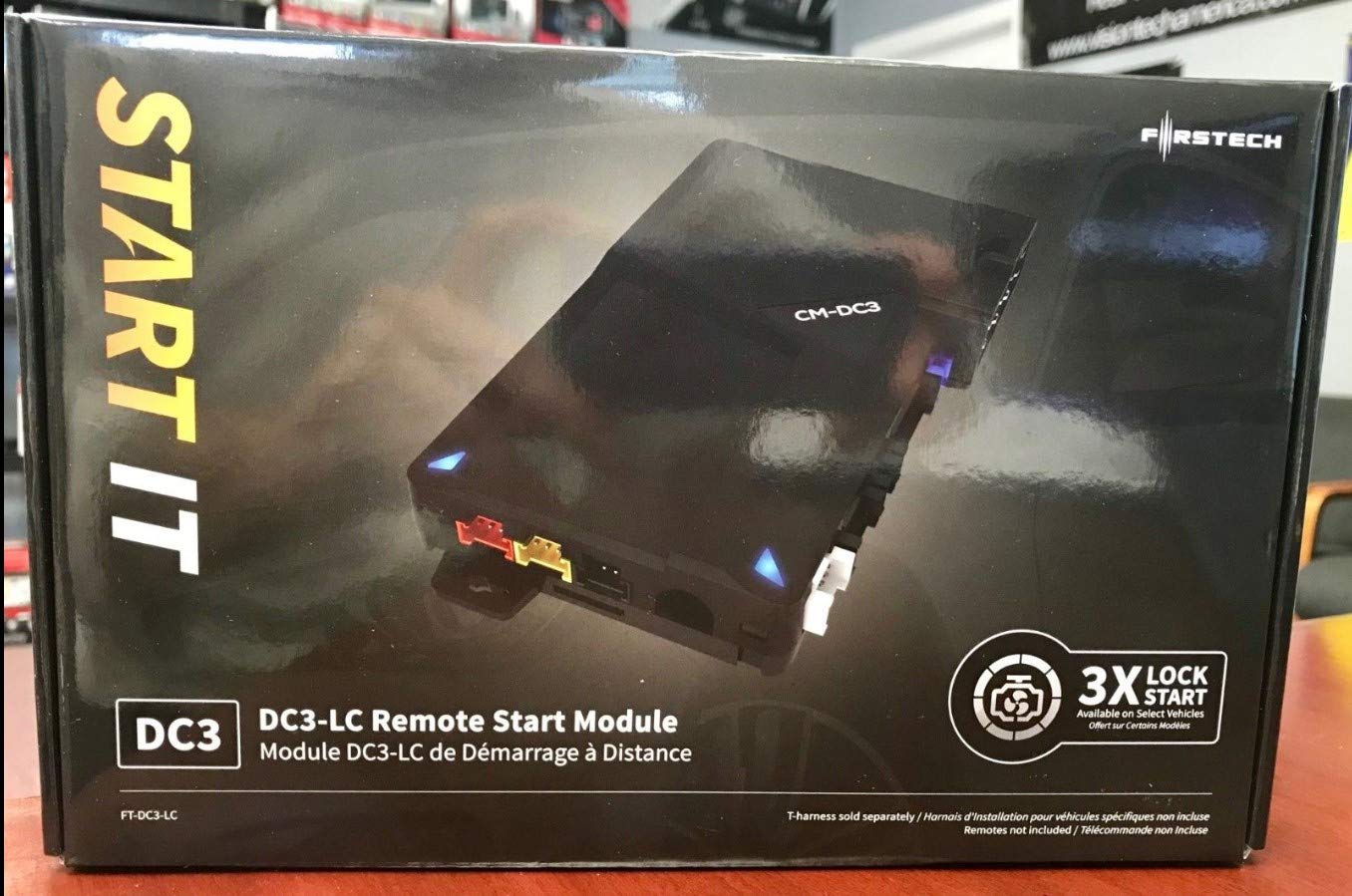
We Strive To Provide New Innovative Products To Meet The Need Of The Rapidly Changing World We Live In. Our Goal Is To Provide Products Made With The Finest Material And Consistent And High Quality Processes. Features. Universal Remote Start Solution. Component Supports Compustar Rf Kits Drone Mobile Telematicsspecifications. Weight 2 Lbs
⚠️ WARNING (California Proposition 65): This product may contain chemicals known to the State of California to cause cancer, birth defects, or other reproductive harm. For more information, please visit www.P65Warnings.ca.gov.
Frequently Asked Questions
Q: What are the technical specifications of the Compustar FTDC3LC Remote Start Module?A: The Compustar FTDC3LC weighs two pounds and is designed as a universal remote start solution. It supports Compustar RF kits and Drone Mobile telematics.
Q: What vehicles is the Compustar FTDC3LC compatible with?A: The Compustar FTDC3LC is suitable for high and low-current draw vehicles. This makes it versatile for a wide range of automotive applications.
Q: Does the Compustar FTDC3LC require special tools for installation?A: No, the Compustar FTDC3LC does not require special tools for installation. It is designed to be user-friendly for both professional installers and DIY enthusiasts.
Q: How do I install the Compustar FTDC3LC Remote Start Module?A: To install the Compustar FTDC3LC, follow the provided installation manual for step-by-step guidance. It connects to your vehicle's existing wiring harness.
Q: Can I use the FTDC3LC with my existing remote start system?A: Yes, the FTDC3LC can be integrated with existing remote start systems. It enhances functionality and compatibility with various RF kits.
Q: What is the best way to maintain the Compustar FTDC3LC?A: To maintain the Compustar FTDC3LC, ensure it is kept dry and free from dust. Regularly check connections to ensure proper functionality.
Q: Is the Compustar FTDC3LC safe for use in all weather conditions?A: Yes, the Compustar FTDC3LC is designed to operate safely in various weather conditions. It is built with quality materials to withstand environmental factors.
Q: How do I store the Compustar FTDC3LC when not in use?A: When not in use, store the Compustar FTDC3LC in a cool, dry place. Avoid exposure to extreme temperatures or moisture to maintain product integrity.
Q: What should I do if my FTDC3LC does not work after installation?A: If the FTDC3LC does not work after installation, double-check all wiring connections and ensure compatibility with your vehicle. Consult the troubleshooting section of the manual for specific issues.
Q: What is the warranty policy for the Compustar FTDC3LC?A: The Compustar FTDC3LC typically comes with a limited warranty that covers defects in materials and workmanship. Check the packaging or manufacturer's website for specific details.
Q: How long does it take to install the Compustar FTDC3LC?A: Installation of the Compustar FTDC3LC generally takes about one to two hours depending on the installer’s experience and vehicle complexity.
Q: Can the FTDC3LC be used with non-Compustar products?A: Yes, the FTDC3LC can be used with non-Compustar products as long as they are compatible with the system's requirements. Always verify compatibility before installation.
Q: Is professional installation recommended for the Compustar FTDC3LC?A: While DIY installation is possible, professional installation is recommended for optimal performance and to ensure all connections are secure.
Q: What features does the FTDC3LC support?A: The FTDC3LC supports features like remote start and compatibility with Compustar RF kits and Drone Mobile telematics for enhanced functionality.
Q: Is there customer support available for the FTDC3LC?A: Yes, customer support is available for the FTDC3LC. The manufacturer provides assistance for installation, troubleshooting, and warranty inquiries.