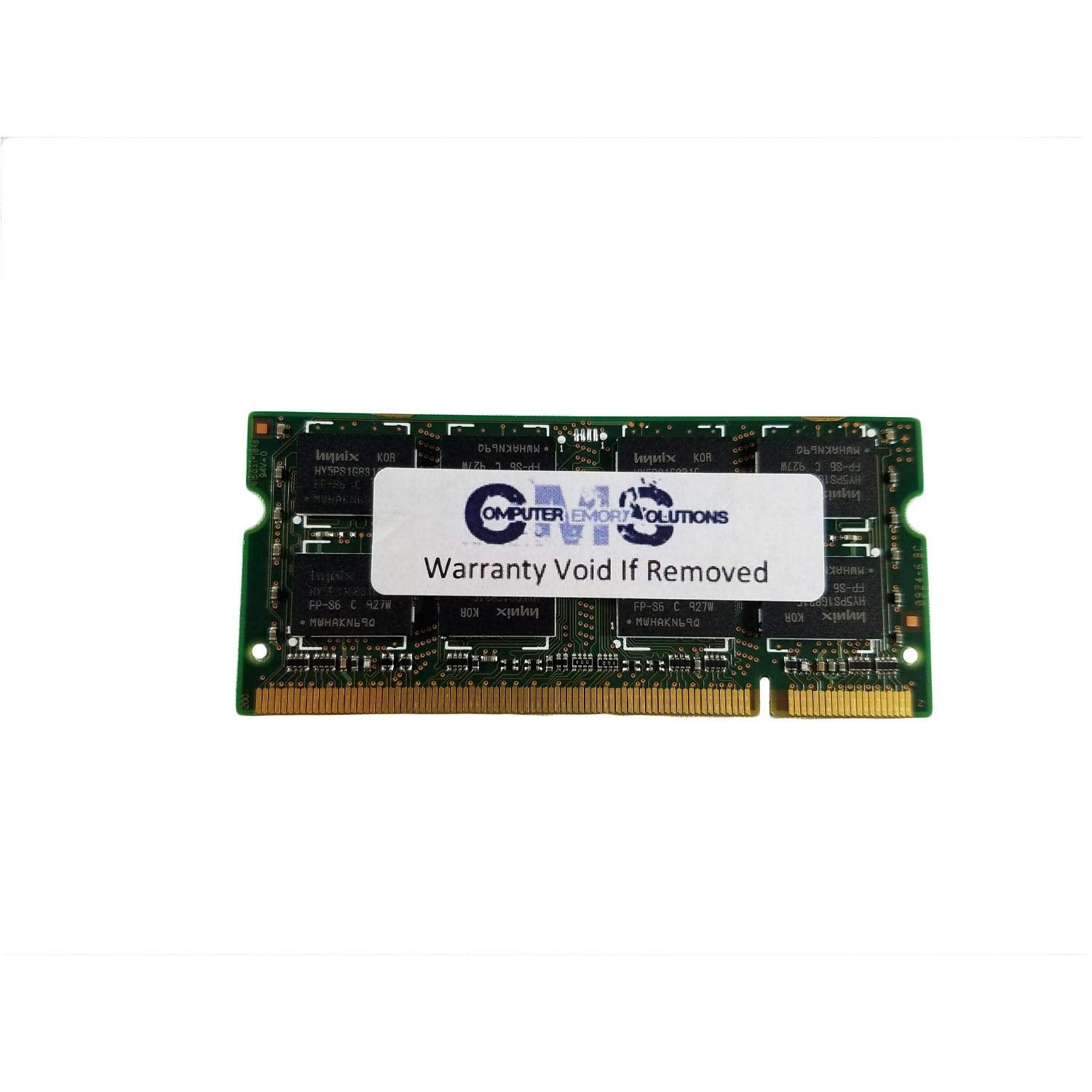
4Gb Total Memory Using 1Pc Of 4Gb Pc2-5300 Ddr2-667 Cl5 200P Sdram Sodimm. Genuine Cms Brand, Cms Is One Of The Most Trusted Names In The Computer Memory Industry And This Product Carries A Lifetime Warranty From Cms. Max Memory 8Gb Sockets 2 64 Bit Operating System Required Features Compatible With Dell Latitude D630, D630C, D630 Xfr
⚠️ WARNING (California Proposition 65): This product may contain chemicals known to the State of California to cause cancer, birth defects, or other reproductive harm. For more information, please visit www.P65Warnings.ca.gov.
Frequently Asked Questions
Q: What is the capacity of this memory upgrade?A: The capacity is four gigabytes. This upgrade uses one piece of four gigabyte PC2-5300 DDR2-667 SDRAM.
Q: What type of memory is this?A: This is SODIMM DDR2 memory. It operates at a speed of eight hundred megahertz.
Q: What are the dimensions of this memory module?A: The dimensions are two point sixty-eight inches in length, zero point sixteen inches in width, and one point eighteen inches in height.
Q: Is this memory compatible with my laptop?A: Yes, it is compatible with Dell Latitude D630, D630C, and D630 XFR models. Computer Memory Solutions guarantees compatibility with the stated models.
Q: How do I install this memory upgrade?A: To install, first power down your laptop and remove the battery. Then, locate the memory compartment, insert the module, and secure it in place.
Q: Can I use this memory with a thirty-two bit operating system?A: No, a sixty-four bit operating system is required. This memory upgrade supports a maximum capacity of eight gigabytes.
Q: How do I care for this memory module?A: Keep it in a dry environment and avoid physical shocks. Store it in an anti-static bag when not in use.
Q: Is there a warranty for this product?A: Yes, it comes with a limited lifetime warranty. This warranty applies when purchasing directly from Computer Memory Solutions.
Q: What if the memory module arrives damaged?A: You should contact customer support for assistance. They will guide you through the return or replacement process.
Q: How does this memory compare to other options?A: This memory is specifically designed for older models like the Dell Latitude D630 series. It's a reliable choice for users needing DDR2 memory.
Q: Is this memory upgrade suitable for gaming?A: Yes, it can support light gaming. However, for more demanding games, consider upgrading to a higher capacity or faster memory.
Q: Can I mix this memory with other brands?A: Yes, you can mix brands, but it's recommended to use similar specifications for optimal performance. Ensure they match in speed and type.
Q: What happens if I install incompatible memory?A: If you install incompatible memory, your laptop may not boot or could experience instability. Always check compatibility before installation.
Q: How can I check if the memory is functioning correctly?A: You can run a memory diagnostic tool available in most operating systems. This will help identify any potential issues with the memory.
Q: What is the speed of this memory upgrade?A: The speed is eight hundred megahertz. It is categorized as DDR2-6400.
Q: Are there any specific installation instructions I should follow?A: Yes, ensure to handle the module by the edges to avoid static damage and consult your laptop's manual for specific instructions.