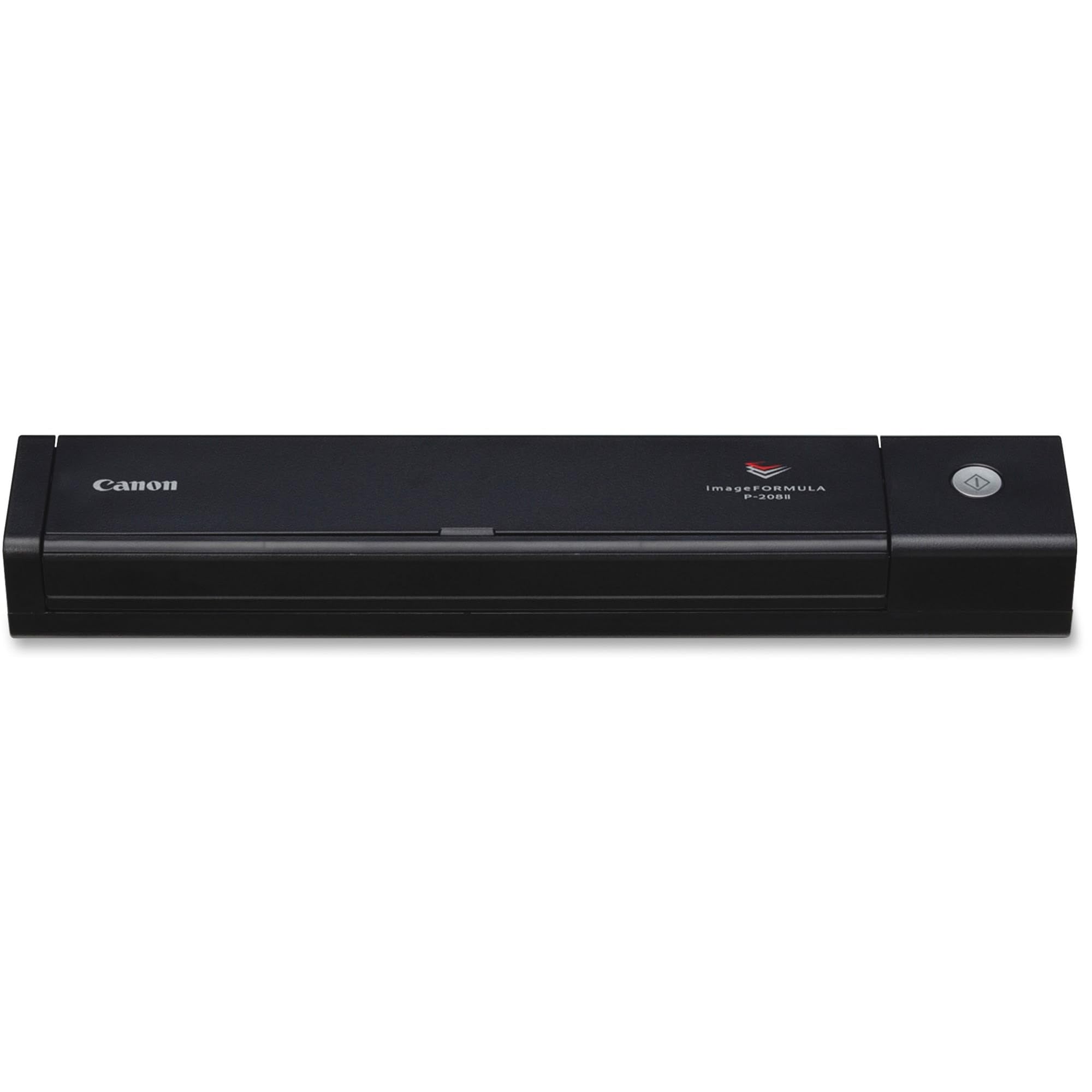
The Canon Imageformula P-208Ii Scan-Tini Personal Document Scanner'S Ultra-Compact Size And Robust Features Make It Ideal For Mobile Use At Home, The Office, And Virtually Anywhere In Between. It Moves From Location To Location As Easily As It Moves Paper-Based Information To Select Windows And Mac Devices, And Beyond. Canon Imageformula P-208Ii Scans In Color Or Black-And-White & Also It Can An Handle A Variety Of Document Types Including Thick Or Thin, Plastic Or Embossed Documents. One Of The Very Robust Features Are Character Emphasis That Improves Legibility Of Hard-To-Capture Documents, Auto Resolution Setting & Photograph Optimization.
⚠️ WARNING (California Proposition 65): This product may contain chemicals known to the State of California to cause cancer, birth defects, or other reproductive harm. For more information, please visit www.P65Warnings.ca.gov.
Frequently Asked Questions
Q: What are the dimensions of the Canon imageFORMULA P-208II scanner?A: The dimensions are one point five inches by twelve point three inches by two point two inches.
Q: What colors does the Canon imageFORMULA P-208II come in?A: This scanner is available in black.
Q: What is the weight of the Canon imageFORMULA P-208II scanner?A: The scanner weighs approximately two point two pounds.
Q: How do I use the Canon imageFORMULA P-208II scanner?A: Simply connect the scanner to your device via USB, load your documents, and use the bundled software to scan.
Q: Can I scan documents directly to cloud services with this scanner?A: Yes, you can scan directly to cloud services like Dropbox, Google Drive, and OneDrive.
Q: Is the Canon imageFORMULA P-208II suitable for scanning photos?A: Yes, this scanner can handle various document types, including photos and business cards.
Q: How should I clean the Canon imageFORMULA P-208II scanner?A: Use a soft, dry cloth to clean the exterior and a scanner cleaning kit for the internal components.
Q: What is the warranty period for the Canon imageFORMULA P-208II?A: The scanner comes with a one-year warranty.
Q: Does the Canon imageFORMULA P-208II require special software?A: Yes, it includes powerful scanning software that is easy to use.
Q: Can I scan both sides of a document at once?A: Yes, the scanner can scan both sides of a document simultaneously.
Q: What if my scanner arrives damaged?A: If it arrives damaged, you can return it according to the seller's return policy.
Q: Is this scanner compatible with Mac and Windows devices?A: Yes, the Canon imageFORMULA P-208II supports both Windows and Mac operating systems.
Q: Are there any specific document types that this scanner cannot handle?A: While it handles many documents, extremely thick documents may not be suitable for scanning.
Q: How fast can the Canon imageFORMULA P-208II scan documents?A: It can scan up to eight pages per minute.
Q: What should I do if I encounter a setup issue?A: Refer to the user manual or contact Canon's technical support for assistance.
Q: Is this scanner portable for travel?A: Yes, its slim and lightweight design makes it easy to carry in a briefcase or bag.