

Cart
0


Caldigit Displayport 2.0 To Hdmi 2.1 (Dp To Hdmi) Active Adapter 8K 60Hz Uhd (7680 X 4320), High Refresh, 10 Bit Color, Hdr And
Vendor: Caldigit
Type: HDMI & Display Cables
Sku: WBEEAB0BY3SW376
Availability: In Stock
Couldn't load pickup availability
Guarantee safe checkout

Sold by Electroeshop, an authorized reseller.
Returns accepted within 30 days | support@electroeshop.com
Shipping Information
- Free Standard Shipping — United States only
- Processing Time: 1–3 business days
- Estimated Delivery: 3–5 business days after dispatch
- Double-boxed, fully insured & discreetly packaged
- Tracking number sent via email once dispatched
- Orders over $250 require signature upon delivery. Taxes calculated at checkout.
Returns & Refund
Returns accepted within 30 days of delivery.
Damaged or Defective Item
Free return shipping + replacement or full refund
Wrong Item Received
Free return shipping + replacement or full refund
Change of Mind
Return shipping at customer's expense · 25% restocking fee applies
All returns require a Return Authorization (RA) number before sending.
View Full Return & Refund Policy
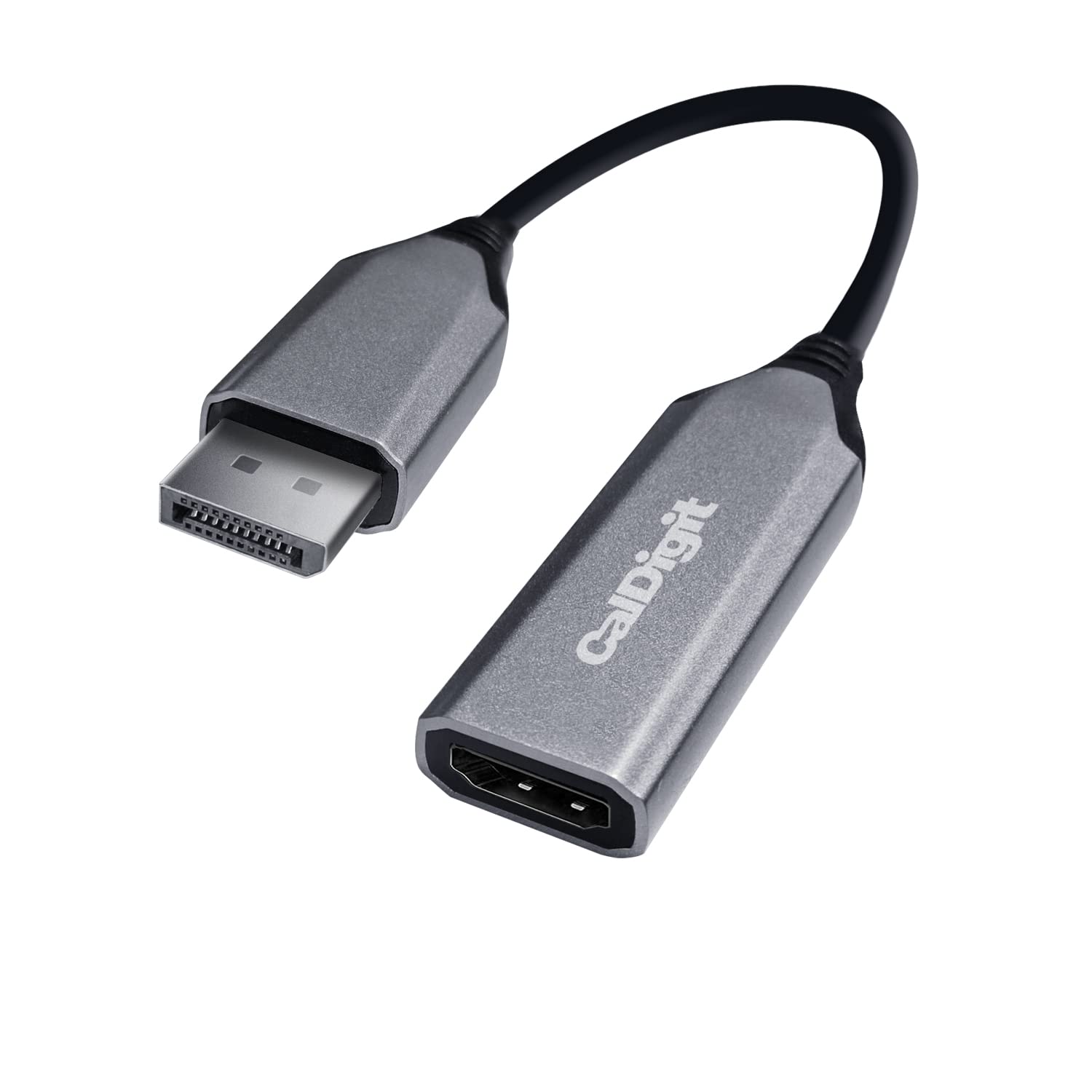
Caldigit Displayport 2.0 To Hdmi 2.1 (Dp To Hdmi) Active Adapter 8K 60Hz Uhd (7680 X 4320), High Refresh, 10 Bit Color, Hdr And
$38.26

Frequently Asked Questions
- Q: What is the maximum resolution supported by the CalDigit DisplayPort to HDMI adapter? A: The maximum resolution supported is eight thousand by four thousand pixels at sixty hertz. This is achievable with Display Stream Compression, providing high-quality visuals.
- Q: What video formats does the CalDigit adapter support? A: The adapter supports ten bit color and HDR formats. This ensures vibrant colors and enhanced contrast for a better viewing experience.
- Q: Is the CalDigit adapter compatible with Thunderbolt docks? A: Yes, it is compatible with both Thunderbolt three and Thunderbolt four docks. This allows seamless connection of HDMI monitors via DisplayPort outputs.
- Q: How do you install the CalDigit DisplayPort to HDMI adapter? A: Simply plug the DisplayPort end into your computer and the HDMI end into your monitor. No additional drivers or installations are required.
- Q: Can I use this adapter with a gaming console? A: No, this adapter is not intended for use with gaming consoles. It is designed specifically for converting DisplayPort outputs from computers or docking stations.
- Q: What devices can I connect using this adapter? A: You can connect it to HDMI monitors or TVs from a DisplayPort output. It is ideal for use with computers and compatible docking stations.
- Q: How do I maintain the CalDigit DisplayPort to HDMI adapter? A: To keep it in good condition, store it in a dry environment. Avoid bending the cables and check for dust on the connectors.
- Q: Is this adapter HDCP compliant? A: Yes, the adapter is HDCP compliant. This allows playback of protected content without issues.
- Q: What should I do if the adapter does not work? A: Ensure that both the host device and the HDMI cable are capable of supporting HDMI two point one. Check connections and restart your devices.
- Q: Is the CalDigit adapter suitable for Mac and PC users? A: Yes, it is compatible with both Mac and PC devices. This versatility makes it ideal for a wide range of users.
- Q: What is the adapter’s color and design? A: The adapter comes in black. Its sleek design is compact and portable for easy transport.
- Q: Does the CalDigit adapter require an external power source? A: No, it does not require an external power source. It functions as a plug-and-play device powered through the connection.
- Q: Can I use this adapter for 4K gaming? A: Yes, it supports four thousand by two thousand pixels at one hundred twenty hertz. Ensure your setup meets the necessary specifications.
- Q: What type of HDMI cable do I need for maximum performance? A: You need a certified HDMI two point one cable for optimal resolution and refresh rates. Using a lower-rated cable may limit performance.
- Q: Is the adapter non-bidirectional? A: Yes, the adapter is non-bidirectional. It only converts DisplayPort to HDMI, not the other way around.
- Q: What operating systems are compatible with this adapter? A: It is compatible with macOS, Windows ten and eleven, Chrome OS, Linux, and Android. Ensure your device has the latest OS updates for best performance.