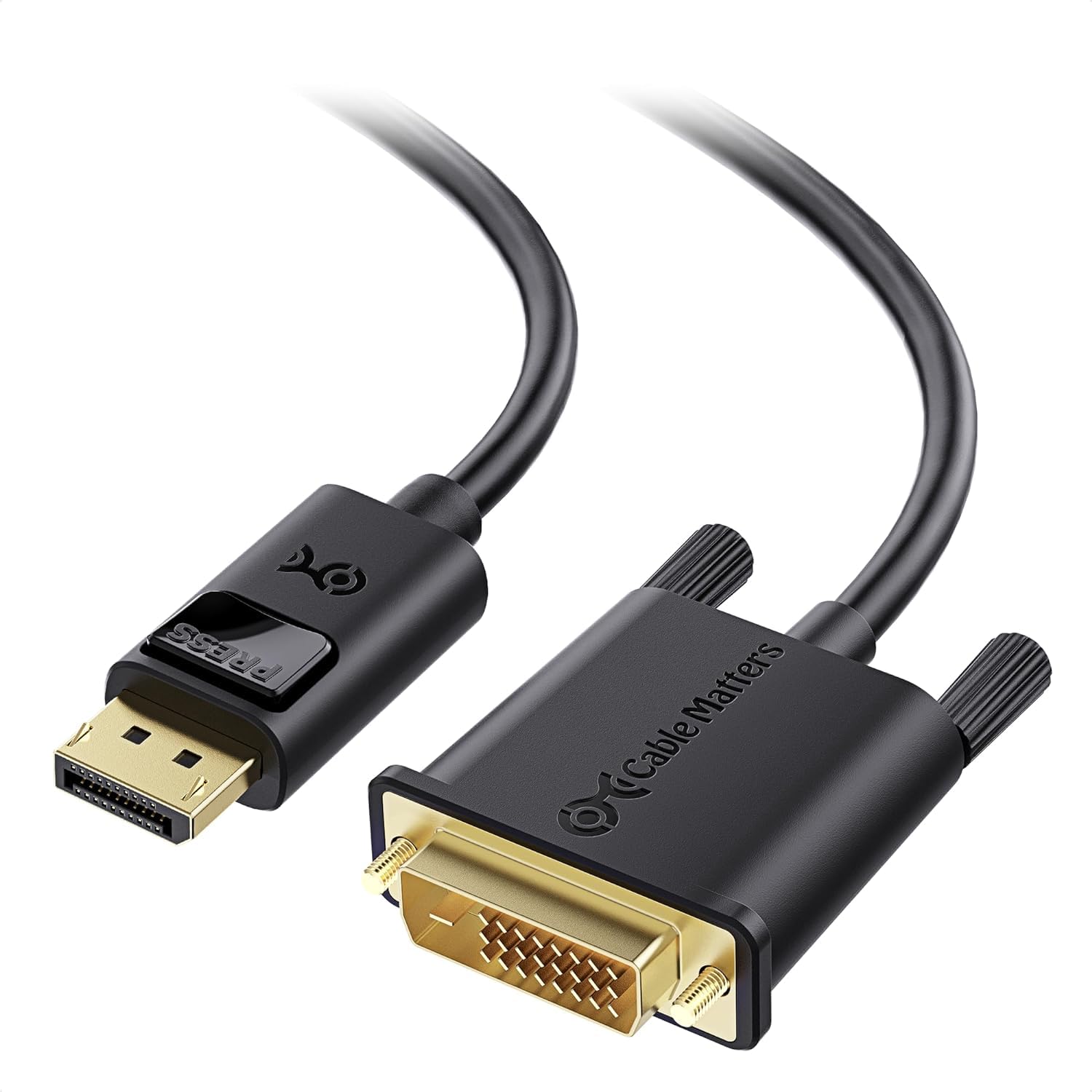
The Cable Matters Gold-Plated Displayport To Dvi Cable Is An Indispensable Companion For Your Laptop Or Desktop Equipped With Displayport. Extend Your Desktop To A Second Monitor (1920X1200 Or 1080P) For An Expanded Workstation, Or Show Presentations On A Projector At School Or Work With This Cable. The Combination Of Gold-Plated Connectors, Bare Copper Conductors, And Foil &Amp; Braid Shielding Provides Superior Cable Performance And Guarantees Exceptional Picture Quality. Connection Notes - Input: Displayport Male - Output: Dvi Male - Can Only Convert Signal From Displayport To Dvi. This Is Not A Bi-Directional Adapter - Connect Up To 2 Monitors Using Amd Eyefinity Multi-Display Technology (One Cable Per Monitor); An Active Cable Is Required To Support More Monitors - Depress The Button On The Displayport Connector To Release The Latches And Avoid Damage When Unplugging Important Note - This Cable Is Not Compatible With Usb Port On Your Computer Warranty Limited One-Year Warranty And Lifetime Product Support
⚠️ WARNING (California Proposition 65): This product may contain chemicals known to the State of California to cause cancer, birth defects, or other reproductive harm. For more information, please visit www.P65Warnings.ca.gov.
Frequently Asked Questions
Q: What is the length of the Cable Matters DisplayPort to DVI Cable?A: The cable is six feet long. This length provides ample reach for connecting devices without straining the cables.
Q: What are the dimensions of this cable?A: The dimensions of the cable are ten inches long, six point one inches wide, and one point nine inches high. These specifications help in determining storage and compatibility.
Q: What materials are used in the Cable Matters DisplayPort to DVI Cable?A: The cable features gold-plated connectors and bare copper conductors. These materials ensure effective signal transmission and durability.
Q: How do I connect the DisplayPort to DVI Cable?A: To connect, plug the DisplayPort male end into your computer and the DVI male end into your monitor. Ensure that the connections are secure for optimal performance.
Q: Is this cable suitable for dual monitor setups?A: Yes, this cable can support dual monitors using AMD Eyefinity Multi-Display technology. However, you will need an active cable to connect more than one monitor.
Q: Can I use this cable for gaming?A: Yes, this cable transmits high-definition video for gaming. It supports video resolutions up to one thousand eighty P, ensuring quality images during gameplay.
Q: How should I store the Cable Matters DisplayPort to DVI Cable?A: Store the cable in a cool, dry place to prevent damage. Avoid bending or twisting the cable excessively to maintain its integrity.
Q: Is the cable compatible with all devices?A: No, this cable is not compatible with USB ports. It only connects DisplayPort outputs to DVI inputs on monitors or projectors.
Q: How do I clean the DisplayPort to DVI Cable?A: To clean the cable, use a soft, dry cloth to wipe it down. Avoid using any liquids or abrasive materials that could damage the connectors.
Q: What should I do if the cable arrives damaged?A: If the cable arrives damaged, contact the manufacturer for assistance. They will provide information on how to return or exchange the product.
Q: Does this cable come with a warranty?A: Yes, it comes with a limited one-year warranty. This ensures that you have support for any manufacturing defects or issues.
Q: Can I use this cable for presentations?A: Yes, this cable is ideal for presentations. It easily connects your laptop to a projector, allowing you to display content effectively.
Q: Is this cable bi-directional?A: No, the cable is not bi-directional. It only converts signals from DisplayPort to DVI and cannot convert in the opposite direction.
Q: What is the maximum supported video resolution?A: The cable supports video resolutions up to one thousand ninety-two by one thousand two hundred. This ensures clear and detailed images.
Q: Does the cable have a release button?A: Yes, the DisplayPort connector features a release button. You must depress this button to safely unplug the cable without damaging it.
Q: How do I ensure a secure connection with this cable?A: Make sure to insert the connectors firmly into the ports. The DVI connector has latches that provide a secure fit to prevent accidental disconnections.