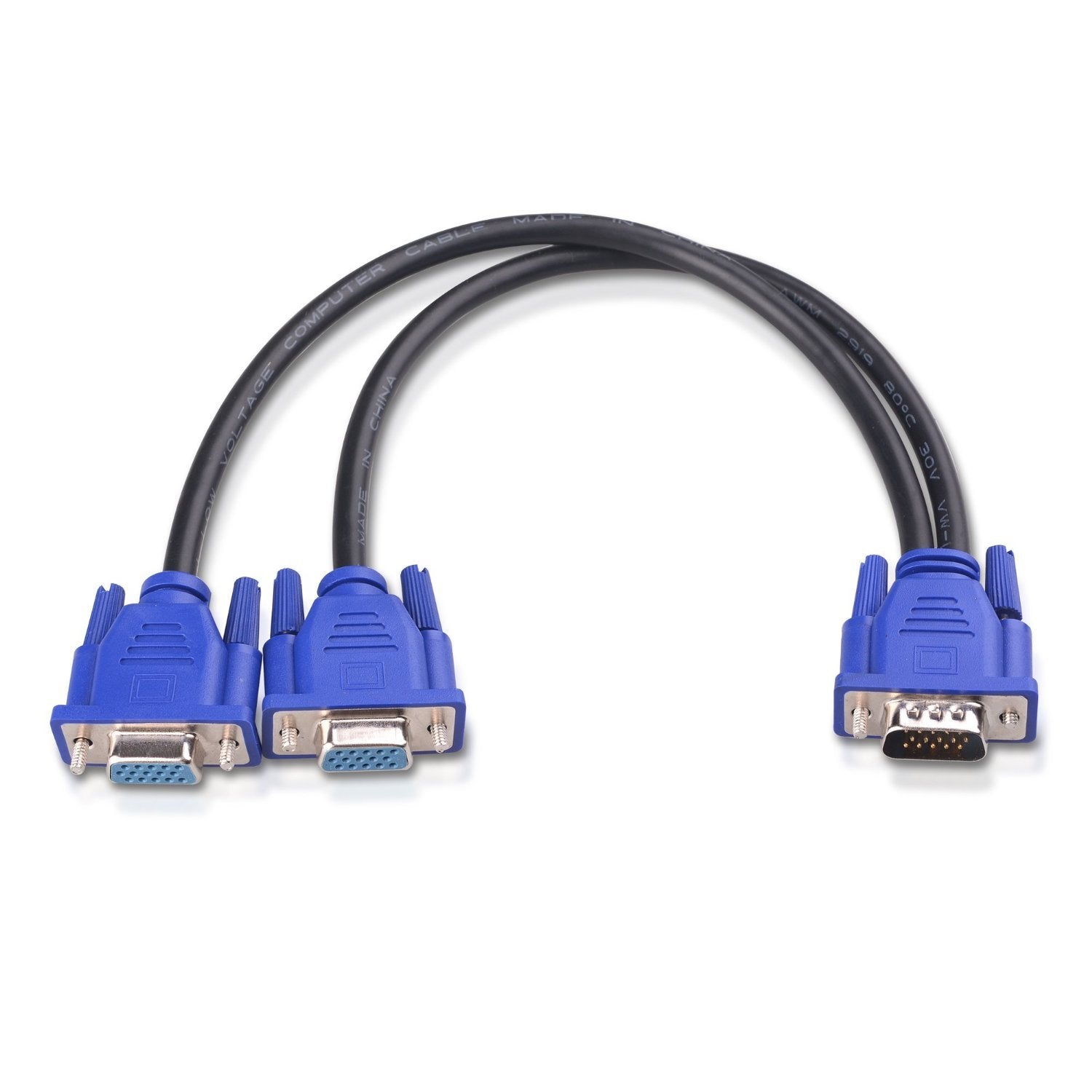
Connect More With Cable Matters Vga Products Dual Output Displays The Cable Matters Vga Monitor Y-Splitter Cable Is A Great Solution For Duplicating Images From A Computer To Two Identical Screens. Applications Include Security Monitors, Conference Room Presentations, Or Video In A House Or Worship. Important Notes - Computer And Both Displays Must Use A Common Resolution - Splitting Of The Vga Signal Can Degrade The Video Appearance - Passive Cable Only Duplicates (Does Not Extend) The Pc Screen To A Monitor - Vga Cables (Sold Separately) Are Required - Audio Is Not Supported Over Vga, It Must Be Transmitted Separately &Nbsp;Specifications - Host Connector: Vga Male - Display Connectors: 2 X Vga Female Warranty Lifetime Warranty And Product Support
⚠️ WARNING (California Proposition 65): This product may contain chemicals known to the State of California to cause cancer, birth defects, or other reproductive harm. For more information, please visit www.P65Warnings.ca.gov.
Frequently Asked Questions
Q: What is the length of the Cable Matters VGA splitter cable?A: The length of the Cable Matters VGA splitter cable is one foot. This compact size makes it easy to connect devices in tight spaces.
Q: What are the connector types on this VGA splitter?A: The connectors include one VGA male connector and two VGA female connectors. This configuration allows you to duplicate the VGA signal to two displays.
Q: What is the maximum video resolution supported by this splitter?A: The maximum video resolution supported is one thousand nine hundred twenty by one thousand two hundred. This ensures high-quality visuals for both connected displays.
Q: How do I install the Cable Matters VGA splitter?A: To install the VGA splitter, plug the male connector into your computer and connect your VGA cables to the two female connectors. Ensure both displays are set to the same resolution for optimal performance.
Q: Is this VGA splitter suitable for security monitor setups?A: Yes, this VGA splitter is ideal for security monitor setups. It allows you to display the same image on two monitors simultaneously.
Q: Can I extend my screen using this VGA splitter?A: No, this VGA splitter only duplicates the screen, it does not extend it. Both displays will show the same content, not separate screens.
Q: How should I clean the VGA splitter?A: To clean the VGA splitter, use a soft, dry cloth. Avoid using liquids or abrasive materials to maintain its condition.
Q: Does the VGA splitter support audio transmission?A: No, the VGA splitter does not support audio transmission. Audio must be transmitted separately from the video signal.
Q: What is the warranty on the Cable Matters VGA splitter?A: The VGA splitter comes with a lifetime warranty. This warranty includes product support to assist with any issues.
Q: What materials are used in the construction of this VGA splitter?A: The VGA splitter is made from copper material. This ensures reliable signal transmission and durability.
Q: Can I use this splitter with older VGA monitors?A: Yes, this splitter is compatible with older VGA monitors. It supports universal VGA standards, ensuring versatility across different devices.
Q: Is this VGA splitter portable for travel?A: Yes, the one-foot length makes this VGA splitter portable. It is easy to pack and carry for presentations or travel.
Q: What should I do if the VGA splitter doesn't work?A: If the VGA splitter doesn't work, ensure both displays are set to a common resolution. If issues persist, check connections or contact customer support.
Q: Is this product safe for home use?A: Yes, the Cable Matters VGA splitter is safe for home use. It complies with safety standards for electronic devices.
Q: Can I use this splitter for gaming applications?A: Yes, this splitter can be used for gaming applications. It allows you to duplicate your gaming display on two monitors for an immersive experience.
Q: What is the item size of this product?A: The item size is a splitter pack containing two cables. This provides an efficient solution for connecting two displays.