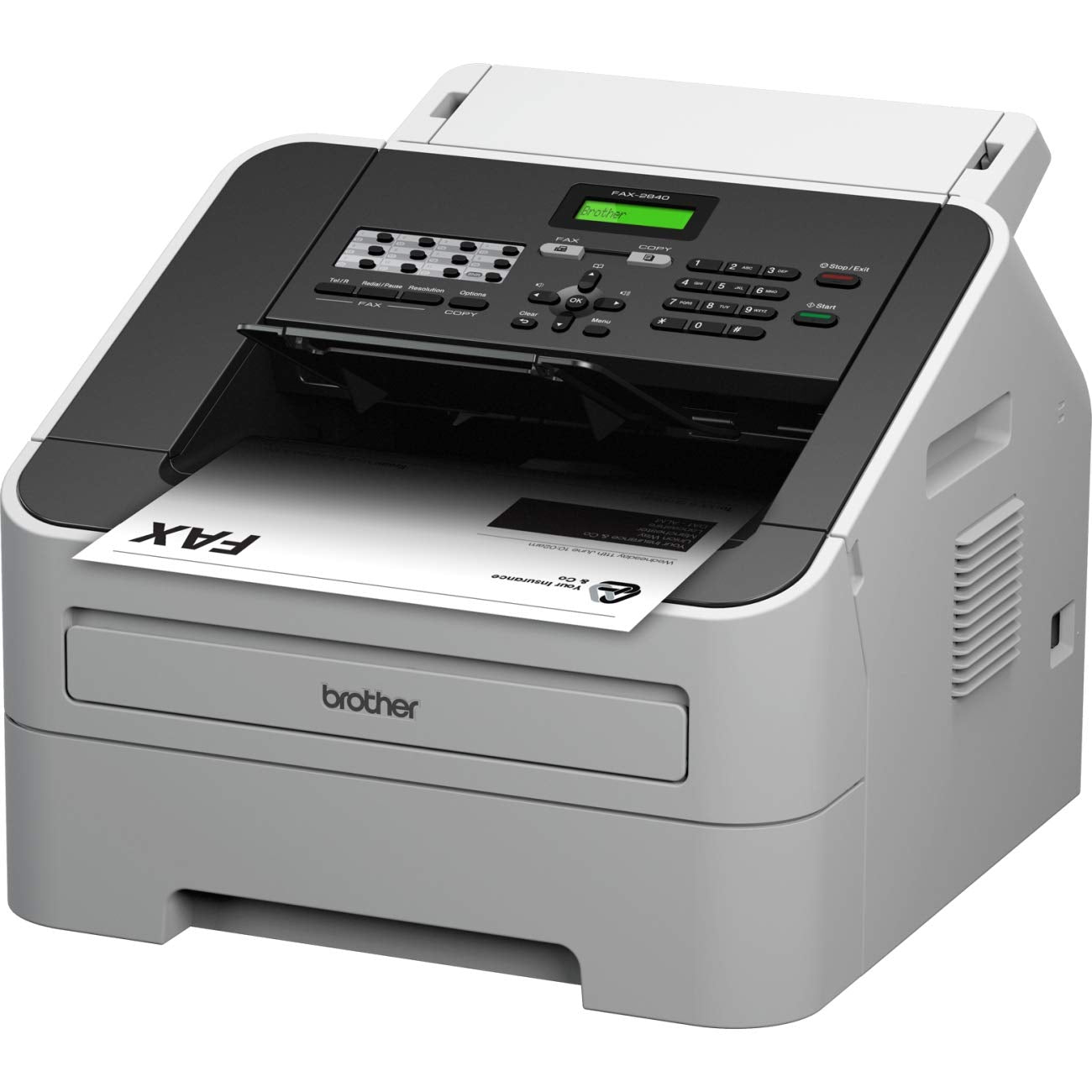
Intellifax-2840 Laser Fax Is Ideal For Home Offices Or Small Offices. It Features A 33.6 Kbps Modem, 16Mb Memory And A 20-Page Capacity Auto Document Feeder For Faxing And Copying Multiple Pages. This Compact Fax Offers Up To 272 Broadcasting Locations, 200 Speed Dial Locations, 22 One-Touch Keys And Can Even Receive Fax And Voice Calls On The Same Telephone Line. It Has A Generous Paper Tray Capacity Of 250 Sheets And A Usb Interface For Future Printing Capability. Print Technology: Laser Maximum Print Speed Black: 21 Ppm.
⚠️ WARNING (California Proposition 65): This product may contain chemicals known to the State of California to cause cancer, birth defects, or other reproductive harm. For more information, please visit www.P65Warnings.ca.gov.
Frequently Asked Questions
Q: What are the dimensions of the Brother intelliFAX-2840?A: The dimensions are fourteen point seventeen inches in length, fourteen point forty-nine inches in width, and twelve point twenty-four inches in height. This compact design makes it suitable for small office spaces.
Q: What is the printing technology used in this fax machine?A: The Brother intelliFAX-2840 uses laser printing technology. This provides high-quality prints, making it efficient for both faxing and copying tasks.
Q: How much memory does the Brother intelliFAX-2840 have?A: It has sixteen megabytes of memory. This allows for efficient storage of multiple fax documents before sending.
Q: How do I send a fax using the Brother intelliFAX-2840?A: To send a fax, load your document into the auto document feeder and enter the recipient's fax number. Press the 'Send' button to initiate the fax transmission.
Q: Is the Brother intelliFAX-2840 suitable for home offices?A: Yes, it is ideal for home offices or small offices. Its compact design and features cater to the needs of small-scale faxing and copying.
Q: Can I print from a computer using the Brother intelliFAX-2840?A: Yes, it has a USB interface for future printing capability. However, it primarily functions as a fax machine.
Q: What is the maximum paper capacity of the Brother intelliFAX-2840?A: The maximum paper capacity is two hundred fifty sheets. This allows for extended use without frequent paper refills.
Q: How do I maintain the Brother intelliFAX-2840?A: To maintain it, keep the machine clean and free of dust. Regularly check and replace the toner cartridge as needed for optimal performance.
Q: Is the Brother intelliFAX-2840 compatible with voice calls?A: Yes, it can receive both fax and voice calls on the same telephone line. This feature adds versatility to the machine.
Q: What types of documents can I fax with the Brother intelliFAX-2840?A: You can fax various types of documents, including letters, contracts, and forms. The twenty-page capacity auto document feeder facilitates multi-page faxing.
Q: How fast can the Brother intelliFAX-2840 send a fax?A: The fax transmission speed is thirty-three point six kilobits per second. This ensures quick delivery of documents.
Q: What is the warranty period for the Brother intelliFAX-2840?A: The standard warranty period is typically one year from the date of purchase. Always check with the retailer for specific warranty details.
Q: Is there a speed dial feature in the Brother intelliFAX-2840?A: Yes, it has two hundred speed dial locations. This allows you to store frequently used numbers for quick access.
Q: How can I troubleshoot if the fax machine is not sending faxes?A: If it’s not sending faxes, check the phone line connection and ensure the recipient's number is correct. Refer to the user manual for additional troubleshooting steps.
Q: Can I use the Brother intelliFAX-2840 for color printing?A: No, the Brother intelliFAX-2840 only supports black and white printing. It is designed primarily for faxing and copying text documents.