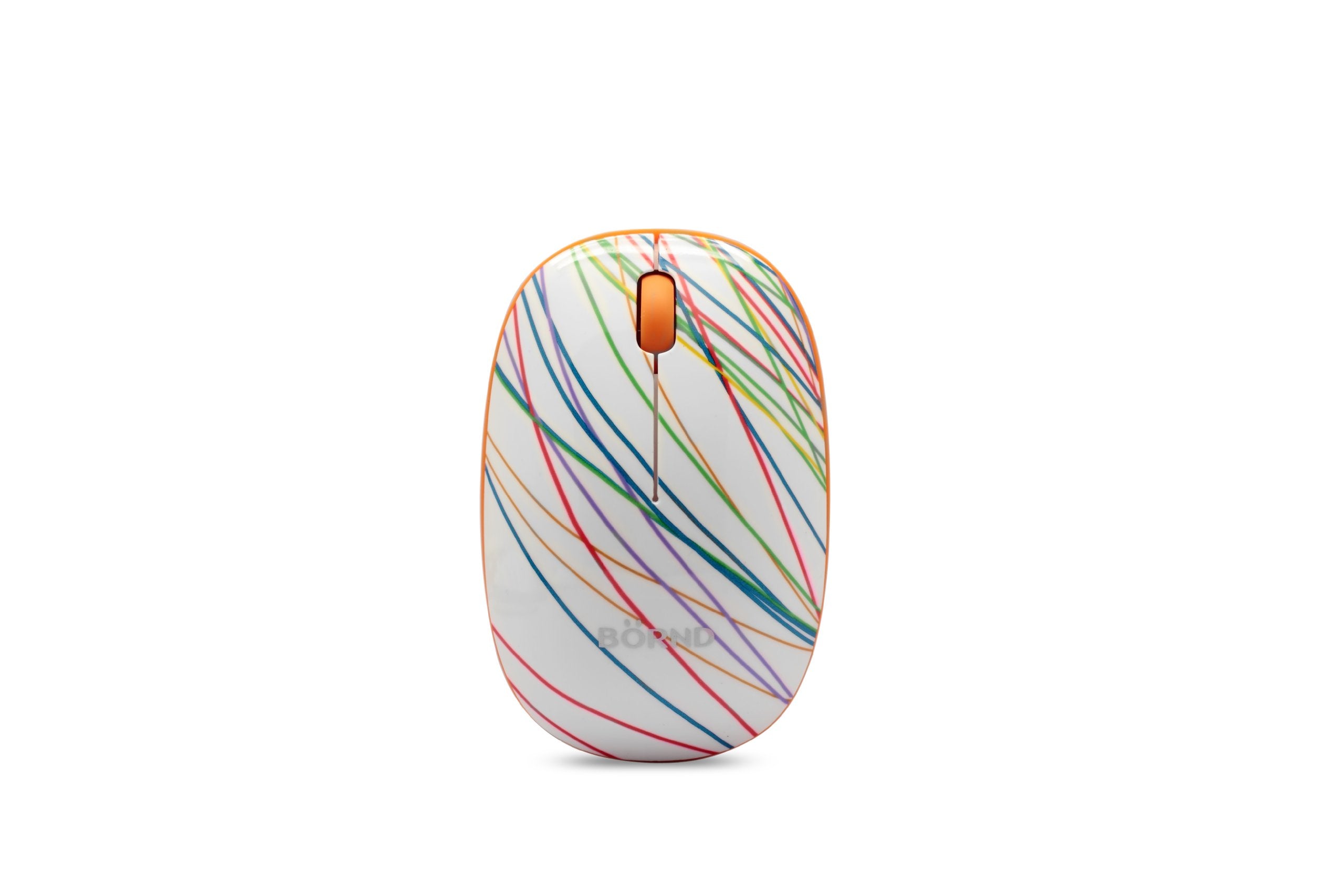
Bornd E220 2.4Ghz Optical Wireless Mouse (Slim-Rainbow), Auto Sleep/Awake Function To Save Power
⚠️ WARNING (California Proposition 65): This product may contain chemicals known to the State of California to cause cancer, birth defects, or other reproductive harm. For more information, please visit www.P65Warnings.ca.gov.
Frequently Asked Questions
Q: What are the dimensions of the Bornd E220 Slim-Rainbow mouse?A: The dimensions are eight point ninety-eight inches in length, one point ninety-seven inches in width, and four point ninety-six inches in height.
Q: What color options are available for this mouse?A: The Bornd E220 Slim-Rainbow mouse is available in a Slim-Rainbow color scheme.
Q: What chipset does the Bornd E220 mouse use?A: It uses the US Cypress RF Chipset, ensuring reliable wireless connectivity.
Q: How does the auto sleep function work?A: The auto sleep function activates automatically every eight minutes of inactivity to save battery life.
Q: What is the battery life of the Bornd E220 mouse?A: The battery life can last up to six years with normal use, depending on your usage patterns.
Q: How do I adjust the mouse resolution?A: To adjust the resolution between one thousand and two thousand DPI, press the left and right buttons simultaneously for three seconds.
Q: Is the wireless USB receiver included?A: Yes, the USB receiver will be provided inside or along with the mouse for easy connection.
Q: How do I connect the Bornd E220 mouse to my computer?A: Simply plug the included USB receiver into your computer's port and turn on the mouse to establish a connection.
Q: Can I use this mouse with multiple devices?A: Yes, it supports multipoint interconnection, allowing compatibility with various Bornd wireless mice and keyboards.
Q: How do I clean the Bornd E220 mouse?A: To clean the mouse, use a soft, lint-free cloth and mild cleaning solution, avoiding any harsh chemicals.
Q: What should I do if my mouse stops working?A: If the mouse stops working, check the battery, ensure the USB receiver is connected, and try reconnecting it to your computer.
Q: Does the Bornd E220 mouse require drivers to function?A: No, the mouse does not require additional drivers and is compatible with most operating systems out of the box.
Q: Is this mouse suitable for gaming?A: Yes, the adjustable DPI settings make it suitable for light gaming, but it is primarily designed for everyday use.
Q: Can I use this mouse with a laptop?A: Yes, the Bornd E220 Slim-Rainbow mouse is compatible with laptops that have USB ports.
Q: What type of battery does the Bornd E220 mouse use?A: The mouse typically uses standard AA batteries, which are easily replaceable.
Q: What is the warranty period for this mouse?A: The warranty period may vary by retailer, but typically it is one year from the date of purchase.