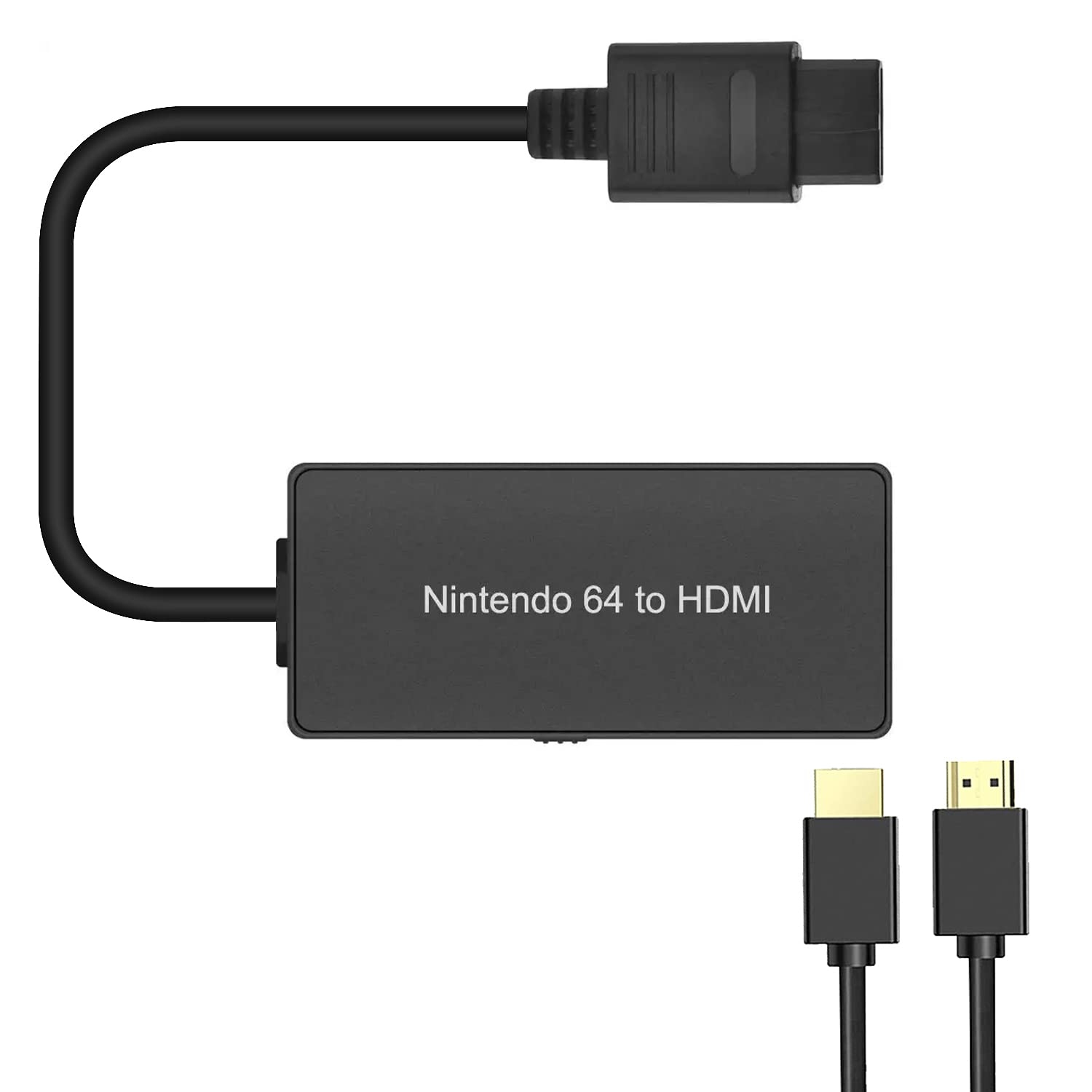
N64 To Hdmi Converter To Connect Your N64 Game Console To An Hdtv, You Need An N64 To Hdmi Converter. He Can Convert N64 Video Signal To Hdmi Signal, Which Can Easily Connect The Game Console To The Tv. Show The Most Original Game Picture. (Note: Only Video Signal Transmission Cannot Improve The Video Quality.) Plug And Play, Need To Connect External Power Supply, Dc 5V1A Support 16:9 And 4:3 Switching Note: Only Supports N64, Snes, Ngc To Hdmi Converters, Other Game Consoles Are Not Supported. The Picture Quality Depends On The Quality Of The Input Source. The Tv Should Be Set To Hdmi Input If No Signal Is Displayed, Please Check Your Connection Or Re-Plug Test Can Replace The Power Supply And Hdmi Cable Test For Warranty, Please Contact The Sellers Customer Service Package Contents: 1 X N64 To Hdmi Converter 1 X Hdmi Cable 1 X Usb Cable 1 X User Manual
⚠️ WARNING (California Proposition 65): This product may contain chemicals known to the State of California to cause cancer, birth defects, or other reproductive harm. For more information, please visit www.P65Warnings.ca.gov.
Frequently Asked Questions
Q: What is the size of the N64 to HDMI converter?A: The N64 to HDMI converter measures three and a half inches in length, one and a half inches in width, and six tenths of an inch in height.
Q: What is included in the package?A: The package includes one N64 to HDMI converter, one HDMI cable, one USB cable, and one user manual.
Q: What is the model number of this product?A: The model number of this product is GuangDa.
Q: How do I connect my N64 to an HDTV?A: To connect your N64 to an HDTV, simply plug the N64 to HDMI converter into the console and connect the HDMI cable to the TV.
Q: Does this converter support other gaming consoles?A: No, this converter only supports the N64, SNES, SFC, and NGC. Other consoles are not compatible.
Q: Is this product plug and play?A: Yes, the N64 to HDMI converter is plug and play, meaning you can use it without installing any drivers.
Q: How do I ensure the best picture quality?A: To ensure the best picture quality, make sure the TV is set to HDMI input and that the quality of the input source is high.
Q: What should I do if I see no signal?A: If there is no signal, check your connections, re-plug the setup, or try a different power supply and HDMI cable.
Q: Can I switch between aspect ratios?A: Yes, you can switch between sixteen by nine and four by three aspect ratios using the N64 to HDMI converter.
Q: Is the converter safe to use?A: Yes, the N64 to HDMI converter is safe to use as long as you follow the usage instructions provided in the user manual.
Q: How do I clean the N64 to HDMI converter?A: To clean the converter, use a soft, dry cloth to wipe it gently. Avoid using liquids or abrasive materials.
Q: What is the warranty period for this product?A: For warranty information, please contact the seller's customer service for assistance regarding the warranty period.
Q: Can I use this converter without an external power supply?A: No, the N64 to HDMI converter requires an external power supply of DC five volts and one amp to function properly.
Q: Is there a return policy for this product?A: Yes, please check with the seller regarding their specific return policy if you are not satisfied with your purchase.
Q: What do I do if the HDMI cable is damaged?A: If the HDMI cable is damaged, replace it with a compatible HDMI cable to ensure proper functionality of the converter.