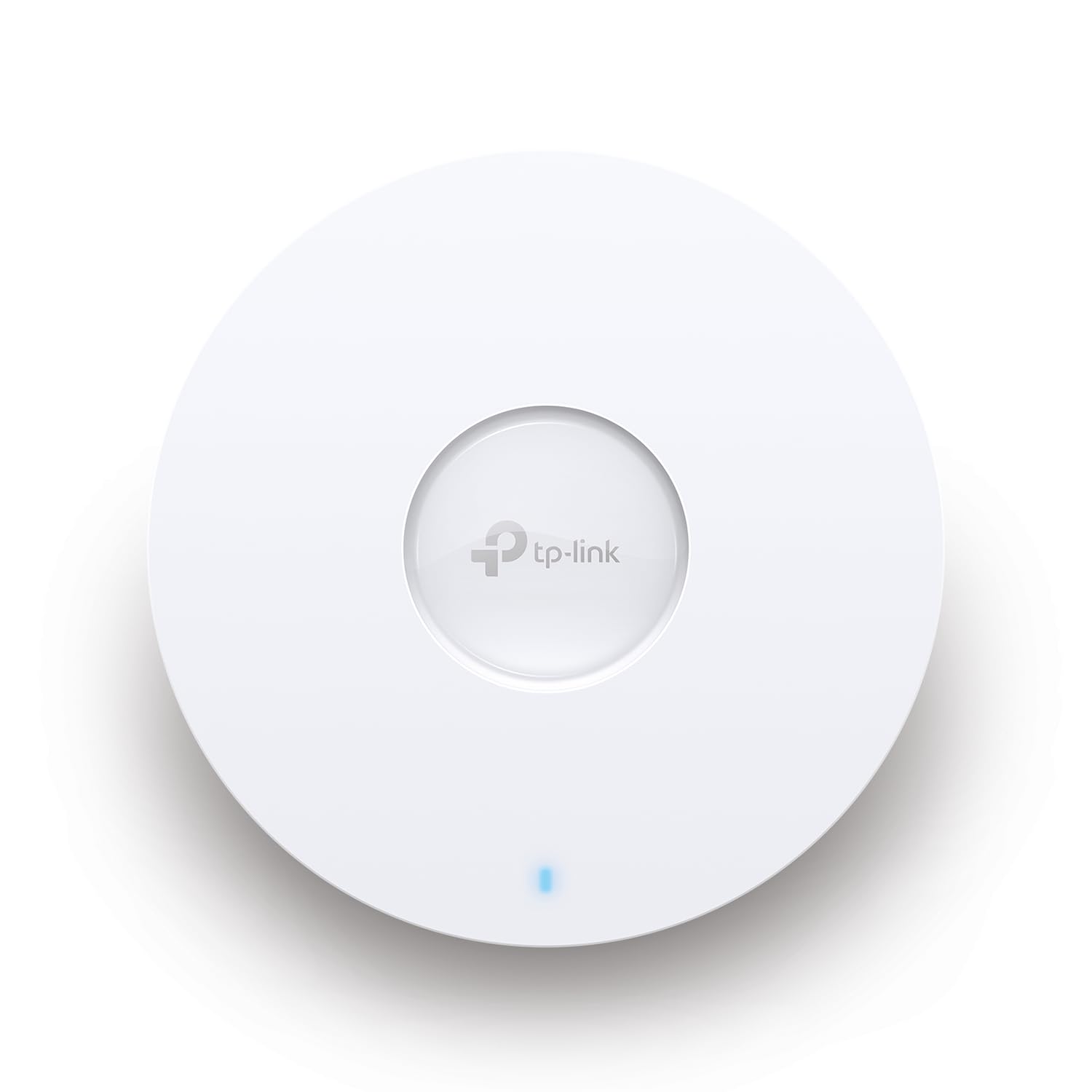
Ax5400 Ceiling Mount Dual-Band Wi-Fi 6 Access Point Port: 1 2.5 Gigabit Rj45 Port Speed:574Mbps At 2.4 Ghz + 4804 Mbps At 5 Ghz Feature: 802.3At Poe And 12V Dc, 6 Internal Antennas, Mu-Mimo, 160Mhz Supported, Seamless Roaming, Band Steering, Beamforming, Load Balance, Airtime Fairness, Centralized Management By Omada Sdn Controller, Omada App
⚠️ WARNING (California Proposition 65): This product may contain chemicals known to the State of California to cause cancer, birth defects, or other reproductive harm. For more information, please visit www.P65Warnings.ca.gov.
Frequently Asked Questions
Q: What are the dimensions of the TP-Link EAP670 V2?A: The TP-Link EAP670 V2 measures eight point six six inches in length, eight point six six inches in width, and one point two eight inches in height.
Q: What is the wireless speed of the EAP670 V2?A: The EAP670 V2 supports dual-band Wi-Fi speeds up to five thousand four hundred megabits per second, thanks to its Wi-Fi six technology.
Q: What type of Ethernet port does the EAP670 V2 have?A: It features a two point five gigabit Ethernet port, which supports Power over Ethernet plus, ensuring flexible installation options.
Q: How do I install the TP-Link EAP670 V2?A: To install the EAP670 V2, mount it on the ceiling, connect it to a power source, and follow the setup instructions via the Omada app.
Q: Can I use the EAP670 V2 for mesh networking?A: Yes, the EAP670 V2 supports mesh Wi-Fi, allowing for seamless roaming and better coverage across larger areas.
Q: Is the EAP670 V2 suitable for small offices?A: Yes, its compact design and high-speed capabilities make the EAP670 V2 ideal for small offices, hotels, and cafes.
Q: How do I manage the EAP670 V2 remotely?A: You can manage the EAP670 V2 remotely through the Omada app or via cloud access, enabling centralized control from anywhere.
Q: What should I do if the EAP670 V2 isn't connecting?A: If it's not connecting, check your network settings, ensure proper power supply, and reset the device if necessary.
Q: Does the EAP670 V2 come with a warranty?A: Yes, the EAP670 V2 is backed by a five-year warranty, providing peace of mind and reliable support.
Q: How can I ensure the EAP670 V2 stays in good condition?A: Keep the EAP670 V2 clean and dry, avoid extreme temperatures, and regularly check for firmware updates to ensure optimal performance.
Q: What is the maximum number of devices the EAP670 V2 can support?A: The EAP670 V2 can support a significant number of devices, though the exact capacity may vary based on network conditions and usage.
Q: Is the EAP670 V2 easy to set up?A: Yes, the setup process is user-friendly, allowing you to configure settings quickly via the Omada app by scanning the S/N code.
Q: What features enhance the wireless performance of the EAP670 V2?A: It includes advanced wireless technologies like MU-MIMO, Band Steering, and Airtime Fairness, which optimize network efficiency.
Q: Can I use the EAP670 V2 outdoors?A: No, the EAP670 V2 is designed for indoor use only and may not withstand outdoor environmental conditions.
Q: How does the EAP670 V2 compare to other access points?A: The EAP670 V2 offers superior performance with Wi-Fi six technology, higher speeds, and advanced management features compared to older models.