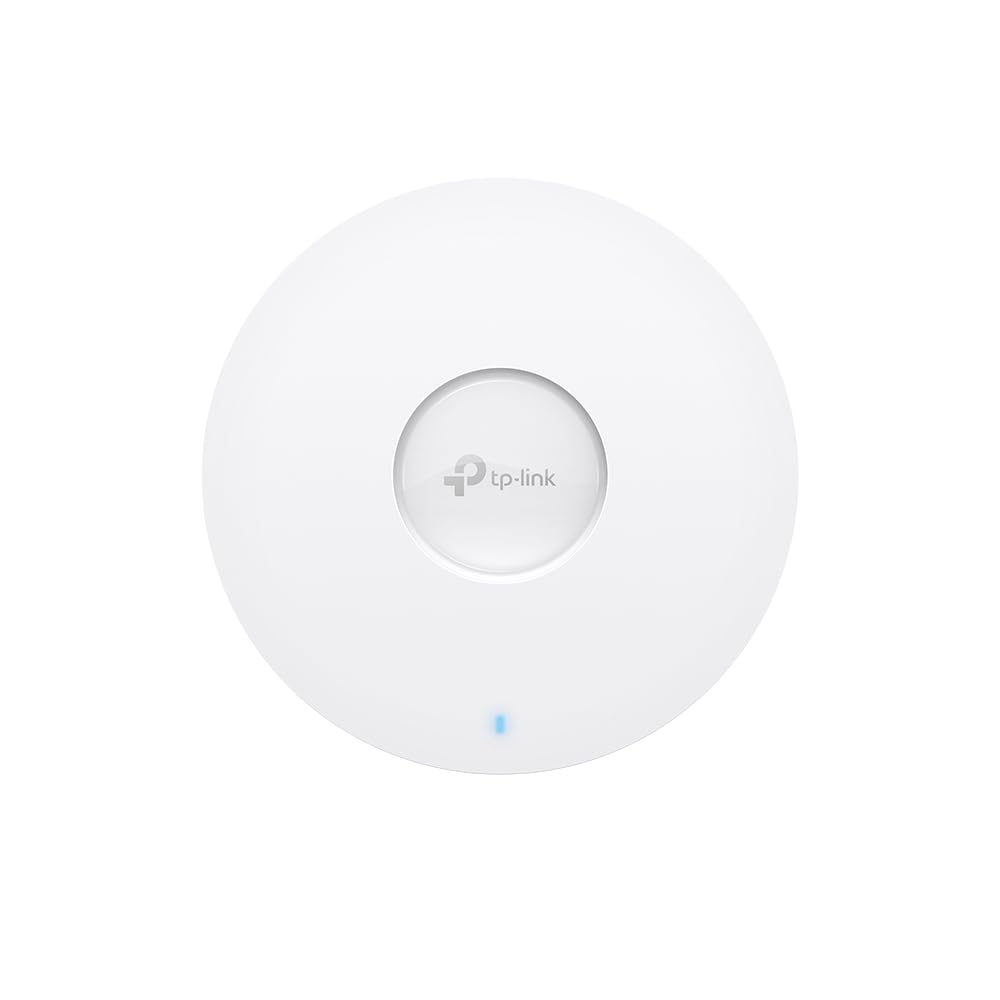
Omada Ax5400 Ceiling Mount Dualband Wifi 6 Access Point Port: 1 2.5 Gigabit Rj45 Portspeed:574Mbps At 2.4 Ghz + 4804 Mbps At 5 Ghzfeature: 802.3At Poe And 12V Dc Power Adapter Is Not Included, 6 Internal Antennas, Mumimo, 160Mhz Supported, Seamless Roaming, Band Steering, Beamforming, Load Balance, Airtime Fairness, Centralized Management By Omada Sdn Controller, Omada App
⚠️ WARNING (California Proposition 65): This product may contain chemicals known to the State of California to cause cancer, birth defects, or other reproductive harm. For more information, please visit www.P65Warnings.ca.gov.
Frequently Asked Questions
Q: What is the maximum Wi-Fi speed of the TP-Link Omada EAP673?A: The maximum Wi-Fi speed is five thousand four hundred megabits per second. This speed is achieved through the latest Wi-Fi six technology, which includes features like 1024-QAM and HE60.
Q: What type of Ethernet port does the EAP673 have?A: The EAP673 is equipped with a two point five Gigabit Ethernet port. This port supports Power over Ethernet plus, enabling easy installation and enhanced performance.
Q: What warranty does the TP-Link EAP673 come with?A: The EAP673 comes with a five-year warranty. This warranty includes free technical support from six A.M. to six P.M. Pacific Standard Time, Monday through Friday.
Q: How do I install the TP-Link Omada EAP673?A: You can install the EAP673 by using the included mounting hardware and connecting it to a power source via the two point five Gigabit Ethernet port. Ensure you have a compatible Power over Ethernet setup for seamless deployment.
Q: Is the EAP673 suitable for outdoor use?A: No, the EAP673 is designed for indoor use only. It is a ceiling mount access point, optimized for providing strong Wi-Fi coverage within buildings.
Q: How do I manage the EAP673 remotely?A: You can manage the EAP673 remotely through the Omada app or via cloud access. This allows you to control the entire network from any location using a single interface.
Q: What features enhance the wireless performance of the EAP673?A: The EAP673 supports advanced wireless technologies such as Mesh Wi-Fi, Seamless Roaming, and MU-MIMO. These features work together to provide reliable connectivity across multiple devices.
Q: Can the EAP673 function in standalone mode?A: Yes, the EAP673 can operate in standalone mode. This feature allows basic functionality without the need for an Omada SDN controller.
Q: What types of environments are ideal for the EAP673?A: The EAP673 is best suited for medium to large indoor environments like offices, schools, and retail spaces. Its features are designed to enhance connectivity in high-density areas.
Q: How can I ensure my EAP673 remains updated?A: You can keep your EAP673 updated by regularly checking for firmware updates through the Omada app or the TP-Link website. Staying updated ensures optimal performance and security.
Q: What should I do if my EAP673 is not connecting?A: If your EAP673 is not connecting, check the power source and Ethernet connections. Ensure that your network settings are correct and consult the troubleshooting guide for further assistance.
Q: Is the EAP673 compatible with other TP-Link devices?A: Yes, the EAP673 is compatible with other TP-Link devices that support the Omada SDN platform. This compatibility allows for seamless integration and network management.
Q: Does the EAP673 support guest networks?A: Yes, the EAP673 supports guest networks. This feature allows you to create a separate Wi-Fi network for guests, enhancing security for your primary network.
Q: What is the power consumption of the EAP673?A: The EAP673 consumes approximately nineteen point eight watts of power. This efficiency helps in reducing operational costs while maintaining performance.
Q: Can I use the EAP673 without a DC adapter?A: Yes, the EAP673 does not require a DC adapter as it supports Power over Ethernet. This feature simplifies installation and reduces cable clutter.