

Cart
0


Avacon 4K Displayport To Hdmi 6 Feet Gold Plated Cable, Uni Directional Dp 1.2 Computer To Hdmi 1.4 Screen Displayport To Hdmi A
Vendor: Avacon
Type: HDMI & Display Cables
Sku: WBEEAB01FX3K7T2
Availability: In Stock
Couldn't load pickup availability
Guarantee safe checkout

Sold by Electroeshop, an authorized reseller.
Returns accepted within 30 days | support@electroeshop.com
Shipping Information
- Free Standard Shipping — United States only
- Processing Time: 1–3 business days
- Estimated Delivery: 3–5 business days after dispatch
- Double-boxed, fully insured & discreetly packaged
- Tracking number sent via email once dispatched
- Orders over $250 require signature upon delivery. Taxes calculated at checkout.
Returns & Refund
Returns accepted within 30 days of delivery.
Damaged or Defective Item
Free return shipping + replacement or full refund
Wrong Item Received
Free return shipping + replacement or full refund
Change of Mind
Return shipping at customer's expense · 25% restocking fee applies
All returns require a Return Authorization (RA) number before sending.
View Full Return & Refund Policy
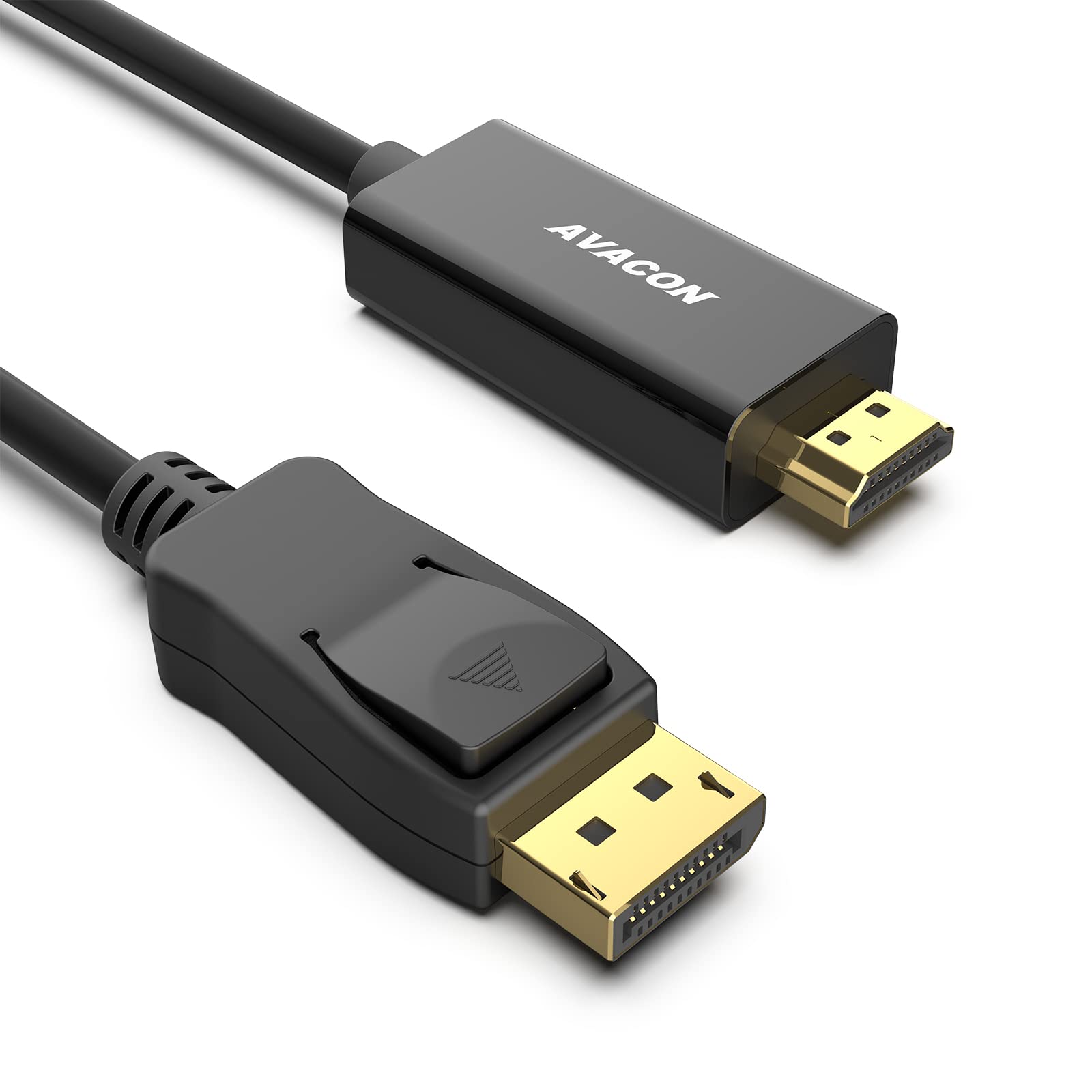
Avacon 4K Displayport To Hdmi 6 Feet Gold Plated Cable, Uni Directional Dp 1.2 Computer To Hdmi 1.4 Screen Displayport To Hdmi A
$12.33

Frequently Asked Questions
- Q: What is the length of the cable? A: The cable is six feet long. This length provides ample reach between your computer and display.
- Q: What materials are used in this cable? A: The cable is made of gold-plated connectors and bare copper conductors. These materials enhance conductivity and durability.
- Q: What video resolutions does this cable support? A: The cable supports video resolutions up to three thousand eight hundred forty by two thousand one hundred sixty at thirty hertz. It also supports one thousand nine hundred twenty by one thousand eighty at sixty hertz.
- Q: How do I connect the cable to my devices? A: Connect the DisplayPort end to your computer and the HDMI end to your monitor or projector. Ensure that the devices are powered on for proper detection.
- Q: Is the cable suitable for gaming? A: Yes, the cable is suitable for gaming. It transmits high-definition audio and video, making it ideal for video streaming and gaming.
- Q: Can I use this cable for dual monitors? A: Yes, you can use this cable for dual monitors. It allows you to configure your monitors for an extended desktop or mirrored displays.
- Q: How do I clean the cable if it gets dirty? A: To clean the cable, gently wipe it with a soft, dry cloth. Avoid using any liquids or harsh chemicals that could damage the cable.
- Q: Is the cable safe to use with all HDMI devices? A: Yes, the cable is safe to use with all HDMI devices. However, it is not bi-directional, so it only connects DisplayPort to HDMI.
- Q: What if the cable doesn't work after I connect it? A: If the cable doesn't work, check the connections on both ends to ensure they are secure. Restart your devices if necessary.
- Q: Does this cable support audio transmission? A: Yes, the cable supports audio transmission. It provides flawless audio pass-through for uncompressed digital formats.
- Q: What is the warranty period for this cable? A: The warranty period for this cable is typically one year. Please refer to the manufacturer's policy for details.
- Q: Is this cable suitable for high-definition video? A: Yes, this cable is suitable for high-definition video. It supports resolutions up to four thousand by two thousand at thirty hertz.
- Q: Can I use this cable with a laptop? A: Yes, you can use this cable with laptops that have a DisplayPort output. It connects easily to HDMI displays or projectors.
- Q: Does this cable require any special drivers? A: No, this cable does not require any special drivers. It is plug-and-play for immediate use.
- Q: How should I store the cable when not in use? A: Store the cable in a cool, dry place. Avoid bending or twisting it excessively to maintain its performance.