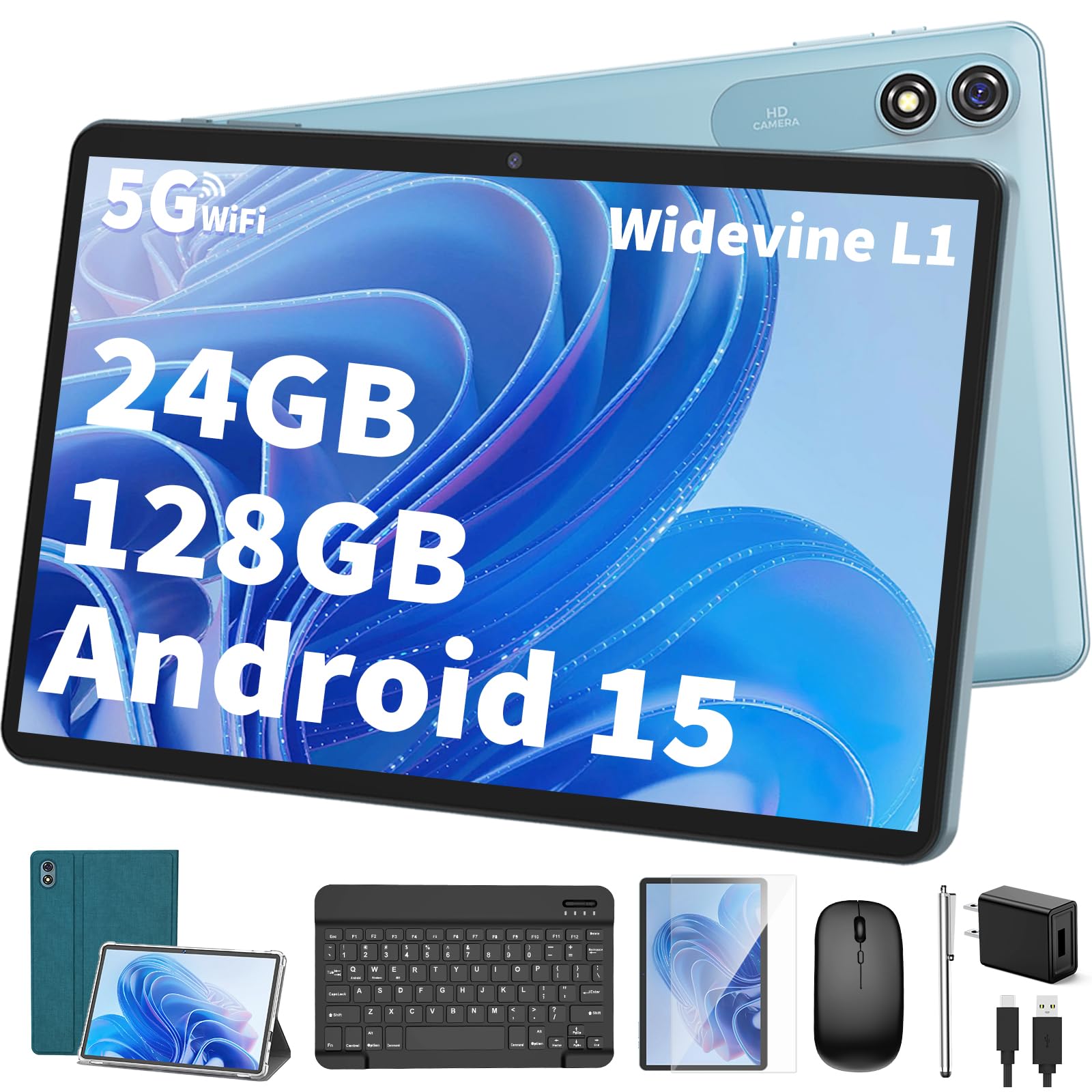
Tablet ''Yleebg'' Brand Was Established In 2011, We Focus On The Research Of Andorid Tablet, The Android 15.0 Tablet Adopts Advanced Chip, Powerful Performance, You Will Love This Tablet! Specifications: Battery: 8000Mah/Li-Ion Battery Working Time: 16.5 Hours Screen: 10 Inch Ips 1280*800 Hd Ram: 24Gb(4Gb+20Gb) Rom: 128Gb Maximum Expansion: 1Tb Os: Android 15.0 Wi-Fi &Amp; Bt: 5G/2.4G Wifi + Bluetooth 5.0 Dual Camera: Front 5Mp + Rear 13Mp G-Sensor: Support Gps: Support Glonass: Support Headphone Jack: ?3.5Mm Power Adapter : Usb 5V/2A Speaker: Built-In Stereo Speakers 8R/1.0W*2 Input/Output Ports: Tablet*1, 5V2A Charger*1, Usb-C Cable*1. Protective Case*1, Wireless Keyboard&Mouse*1, Screen Protector*1, Flexible Stylus*1,User'S Manual*1
⚠️ WARNING (California Proposition 65): This product may contain chemicals known to the State of California to cause cancer, birth defects, or other reproductive harm. For more information, please visit www.P65Warnings.ca.gov.
Frequently Asked Questions
Q: What size is the Android tablet?A: The Android tablet measures ten point seven one inches in length, seven point five two inches in width, and two point five two inches in height.
Q: What is the RAM and storage capacity of the tablet?A: The tablet has twenty four gigabytes of RAM and one hundred twenty eight gigabytes of internal storage, expandable up to one terabyte.
Q: What type of battery does the tablet use?A: The tablet is equipped with an eight thousand milliampere-hour lithium-ion battery, providing long usage time.
Q: How do I charge the tablet?A: You can charge the tablet using the included five volt two amp USB power adapter.
Q: How do I connect to Wi-Fi on the tablet?A: To connect, go to the settings menu, select Wi-Fi, and choose either five gigahertz or two point four gigahertz networks.
Q: How do I install apps on the tablet?A: You can install apps from the Google Play Store, as the tablet is GMS certified, allowing access to a wide range of applications.
Q: Can I use the tablet for multitasking?A: Yes, the tablet supports split-screen functionality, making it easy to use multiple apps simultaneously.
Q: How do I take care of the tablet's battery?A: To maintain battery health, avoid letting the battery fully discharge frequently and charge it regularly using the provided charger.
Q: Is the tablet safe for children?A: Yes, the tablet is suitable for children, but adult supervision is recommended while using online features.
Q: What is the warranty on the tablet?A: The tablet typically comes with a standard manufacturer's warranty, covering defects in materials and workmanship.
Q: What should I do if the tablet arrives damaged?A: If the tablet arrives damaged, contact customer support immediately for assistance with a return or replacement.
Q: How do I clean the tablet screen?A: You can clean the tablet screen using a soft, lint-free cloth slightly dampened with water or a screen-safe cleaner.
Q: Can I use the tablet outdoors?A: Yes, the tablet can be used outdoors, thanks to its durable build and long-lasting battery life.
Q: What type of ports does the tablet have?A: The tablet features a USB-C port for charging and data transfer, as well as a headphone jack for audio.
Q: How can I reset the tablet to factory settings?A: To reset the tablet, go to settings, then select 'System', followed by 'Reset options', and choose 'Erase all data'.
Q: Does the tablet support Bluetooth devices?A: Yes, the tablet supports Bluetooth five point zero, allowing you to connect wireless accessories easily.