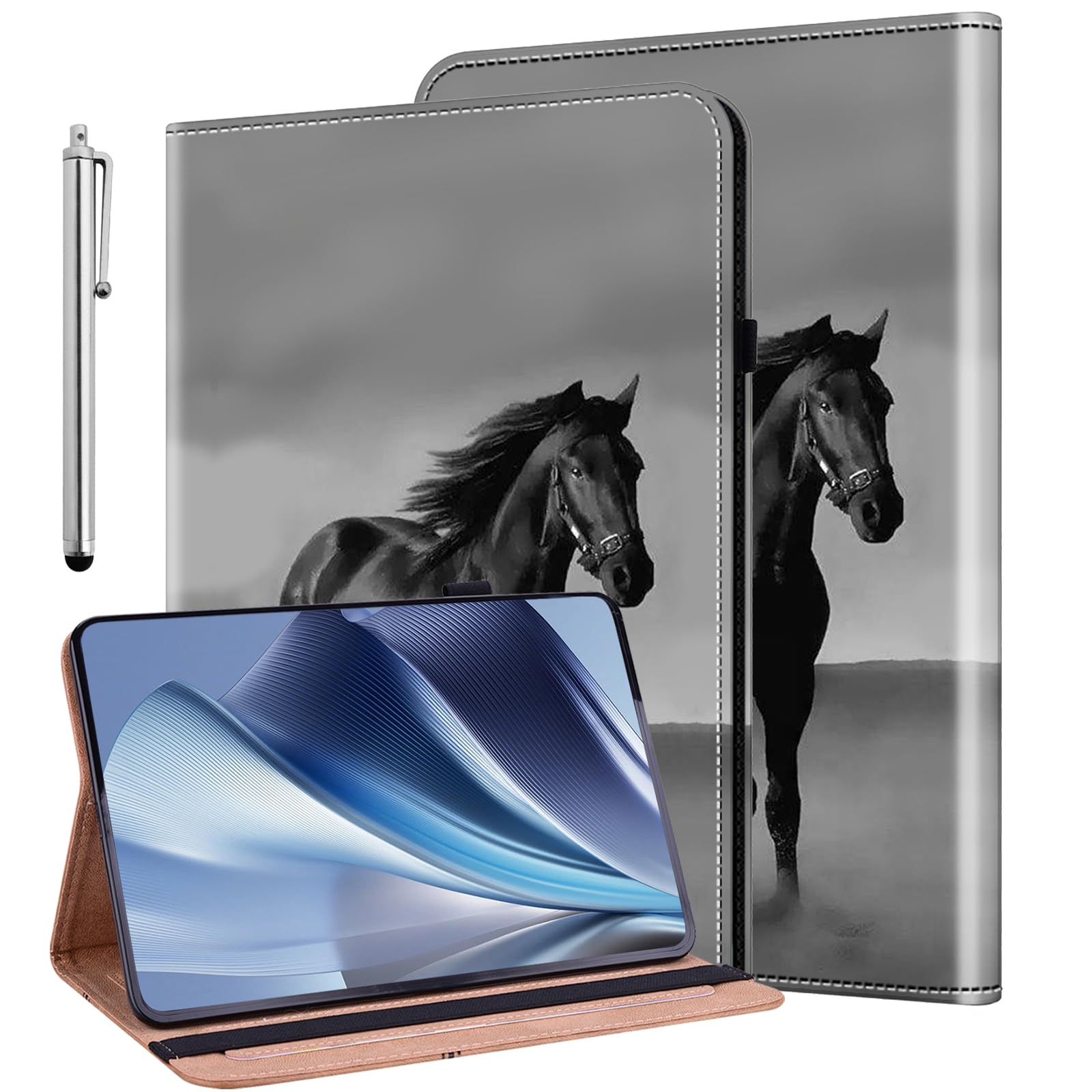
???Compatibility?This Case Is Compatible With Lenovo Tab M10 Plus 10.6 Inch [3Rd Gen] 2022 (Tb-125F/Tb-128F) Tablet. It Will Not Work For Any Other Model Device. | ???Adjustable Angles?Adjustable Angle Design, Provide You Comfortable Viewing And Typing Experiences. Humanized Design, Convenient For Viewing And Working. | ???Elastic Band?Wrap Around The Front Cover To Ensure Closure Without Accidental Opening When Not In Use. Securely Fix And Protect Your Tablet. | ???Precise Cutouts? Easy Access To All The Controls And Features, Perfect Cutouts For Speakers, Camera And Other Ports. | ???Unique Design?This Case Has Multiple Stylish Designs, Makes Your Tablet Look More Vivid And Aesthetics, It Is Also A Good Gift For Family And Friends.
⚠️ WARNING (California Proposition 65): This product may contain chemicals known to the State of California to cause cancer, birth defects, or other reproductive harm. For more information, please visit www.P65Warnings.ca.gov.
Frequently Asked Questions
Q: What is the size of the ALILANG case for Lenovo Tab M10 Plus?A: The case measures approximately ten point twelve inches in length, six point sixty-one inches in width, and zero point sixty-seven inches in height.
Q: What material is the ALILANG case made of?A: The case is made from polyurethane, providing durability and a lightweight design for your tablet.
Q: Is the ALILANG case compatible with other tablet models?A: No, this case is specifically designed for the Lenovo Tab M10 Plus ten point six inch [3rd Gen] 2022 model and will not fit other devices.
Q: How do I use the ALILANG case?A: To use the case, simply place your Lenovo Tab M10 Plus into the cover, ensuring it fits snugly and securely.
Q: Can I adjust the viewing angle with this case?A: Yes, the case features an adjustable angle design that allows for comfortable viewing and typing experiences.
Q: Does the ALILANG case provide protection for my tablet?A: Yes, it provides shockproof protection and features an elastic band to keep the case securely closed when not in use.
Q: How do I clean the ALILANG case?A: To clean the case, wipe it down with a damp cloth and mild soap, avoiding harsh chemicals that could damage the material.
Q: Is this case safe for my Lenovo tablet?A: Yes, the ALILANG case is designed to protect your tablet from scratches and impacts, ensuring its safety during use.
Q: What are the best practices for storing the ALILANG case?A: Store the case in a cool, dry place when not in use, ensuring it is kept away from direct sunlight to maintain its quality.
Q: Is the ALILANG case suitable for kids?A: Yes, the shockproof design makes it a great option for kids, providing added protection against drops and spills.
Q: Can I access all features of my tablet with the case on?A: Yes, the case has precise cutouts for all controls, speakers, camera, and other ports, allowing full access to your tablet's features.
Q: What makes the ALILANG case unique?A: The case features multiple stylish designs that enhance the aesthetics of your tablet, making it a great gift option.
Q: Does the case come with a stylus?A: Yes, the ALILANG case includes a stylus, enhancing your tablet usage experience for drawing or note-taking.
Q: What if the case arrives damaged?A: If the case arrives damaged, contact the seller for return or exchange options according to their policy.
Q: Is there a warranty for the ALILANG case?A: Yes, the manufacturer offers a warranty that covers defects in materials and workmanship; check the product details for specific terms.
Q: How can I ensure my tablet fits properly in the case?A: Gently insert the tablet into the case, ensuring it aligns with the corners and fits snugly without forcing it.