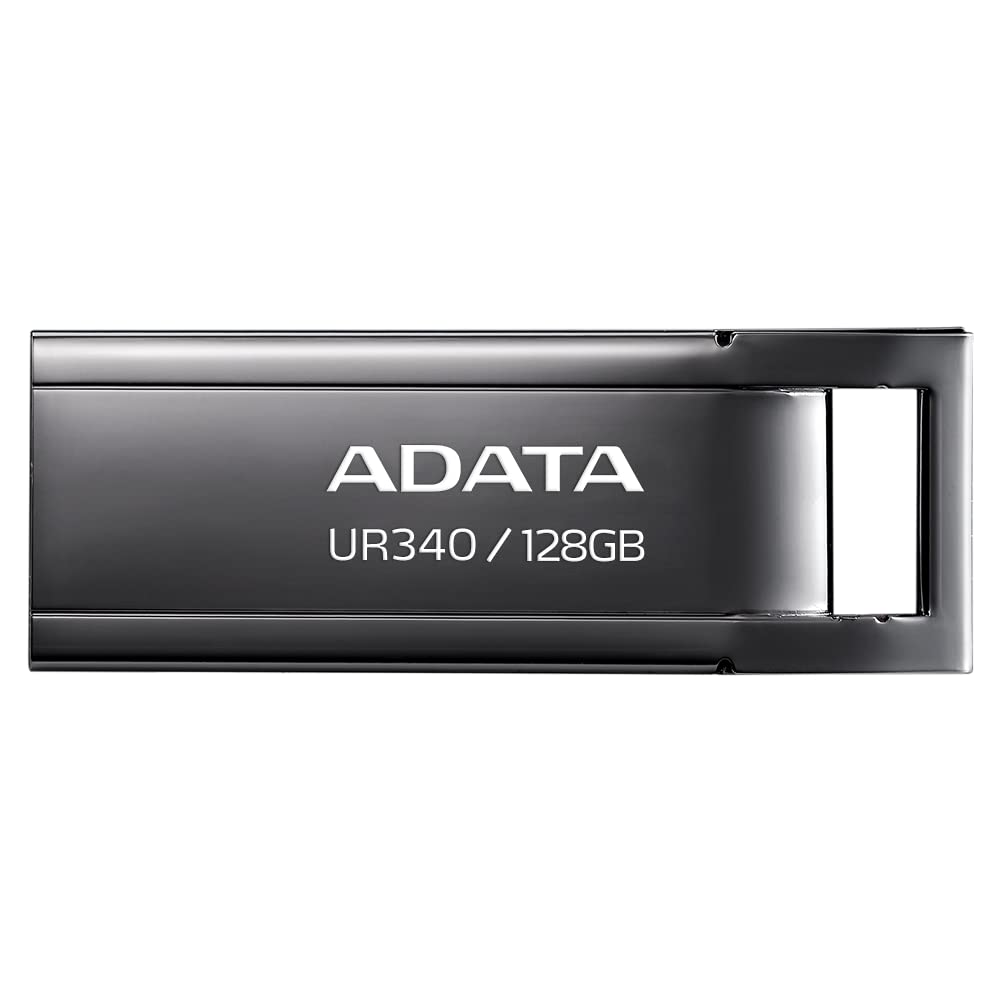
The Adata Lapiz Usb Ur340 128Gb Usb 3.2 Metal Black Is A Product From The External Storage - New Condition Usb Flash Drive Section.. The Adata Usb Pen Ur340 128Gb Usb 3.2 Metal Black Is A New Product With Two-Year Factory Warranty. It Belongs To The Category Of Accessories > Memory Cards And The Ean Number Assigned By The Manufacturer Adata Is 4711085935472.
⚠️ WARNING (California Proposition 65): This product may contain chemicals known to the State of California to cause cancer, birth defects, or other reproductive harm. For more information, please visit www.P65Warnings.ca.gov.
Frequently Asked Questions
Q: What is the storage capacity of the ADATA USB drive?A: The storage capacity is one hundred twenty-eight gigabytes. This allows ample space for files, photos, videos, and documents.
Q: What type of interface does the ADATA USB drive use?A: The drive uses a USB three point zero interface. It is also compatible with USB three point two generation one, offering high-speed data transfer.
Q: What are the dimensions of the ADATA USB drive?A: The dimensions are three point nine four inches in length, three point nine four inches in width, and zero point zero four inches in height. This compact size enhances portability.
Q: What color is the ADATA USB drive?A: The color of the drive is black. This sleek design is both modern and professional.
Q: How do I use the ADATA USB drive?A: To use it, simply plug the drive into a USB port on your computer or device. It is plug-and-play, meaning no additional software is required.
Q: Is the ADATA USB drive compatible with my computer?A: Yes, it is compatible with any computer that has a USB port. It works with both Windows and Mac operating systems.
Q: Can I store videos on the ADATA USB drive?A: Yes, you can store videos on this USB drive. Its one hundred twenty-eight gigabyte capacity accommodates large video files.
Q: Is the ADATA USB drive suitable for transferring large files?A: Yes, it is suitable for transferring large files. The USB three point zero interface ensures fast data transfer speeds.
Q: How do I keep my ADATA USB drive safe and in good condition?A: To keep it safe, store it in a protective case when not in use. Avoid exposing it to extreme temperatures or moisture.
Q: What should I do if my ADATA USB drive gets damaged?A: If damaged, try to recover your data by connecting it to a different computer. If issues persist, consult a data recovery specialist.
Q: Does the ADATA USB drive require any special maintenance?A: No, it does not require special maintenance. However, regularly ejecting it from your computer safely can help prevent data loss.
Q: Can I use the ADATA USB drive for gaming?A: Yes, it can be used for gaming. You can store game files and save data for easy transfer between devices.
Q: How long does the ADATA USB drive last?A: The lifespan varies, but generally, it can last for many years with proper care. Flash drives are durable but can wear out with extensive use.
Q: Is there a warranty for the ADATA USB drive?A: Yes, the ADATA USB drive typically comes with a limited warranty. Check the packaging for specific warranty details.
Q: What if I need to return my ADATA USB drive?A: If you need to return it, follow the return policy of the retailer you purchased it from. Keep the original packaging and receipt for a smooth return process.