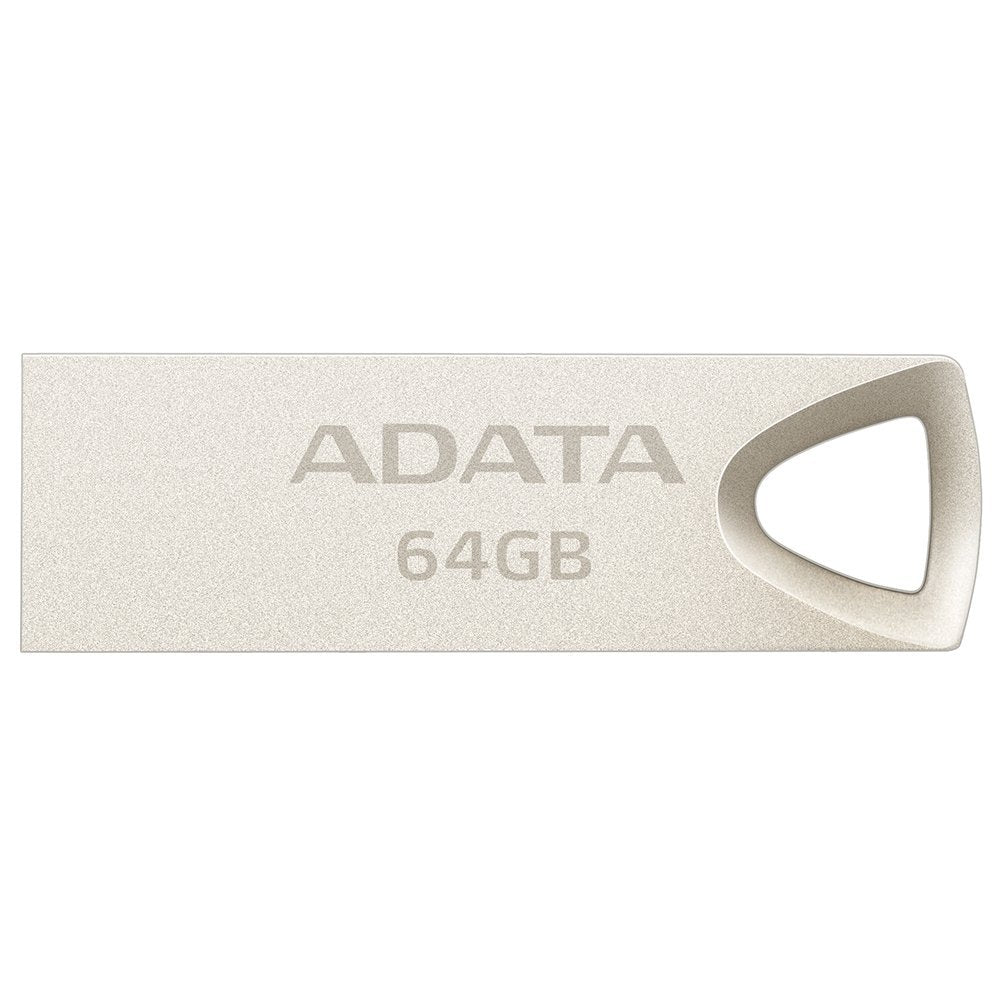
The Seamlessly Manufactured Uv210 Usb Flash Drive With A Metallic Coating That Covers The Robust Alloy Zinc Housing, Gives A Chic Impression Of Simplicity And Durability. Thanks To The Integrated Precision Technology, The No-Cap Design And The Large Loop Eyelet, The Uv210 Offers A Combination Of Professional Presentation And Ease Of Use. With Its Aesthetic And High Mobility, It Is Much More Than Just A Usb Flash Drive - It Is A Fashion Accessory For Your Everyday Life
⚠️ WARNING (California Proposition 65): This product may contain chemicals known to the State of California to cause cancer, birth defects, or other reproductive harm. For more information, please visit www.P65Warnings.ca.gov.
Frequently Asked Questions
Q: What is the storage capacity of the ADATA AUV210 USB memory stick?A: The storage capacity is sixty-four gigabytes. This allows for ample space to store documents, photos, and videos.
Q: What materials are used in the ADATA AUV210 USB flash drive?A: The drive features a robust alloy zinc housing. It is also coated with a sandblasted metallic finish for added durability.
Q: What are the dimensions of the ADATA AUV210 USB memory stick?A: The dimensions are one point five four inches in length, zero point four eight inches in width, and zero point one eight inches in height. This compact size makes it portable and easy to carry.
Q: How do I use the ADATA AUV210 USB memory stick?A: To use the USB memory stick, plug it into a USB port on your computer or device. It is compatible with USB two point zero connections.
Q: Is the ADATA AUV210 suitable for everyday use?A: Yes, the ADATA AUV210 is perfect for everyday use. Its no-cap design and large loop eyelet make it easy to attach to keyrings or bags.
Q: Can I use the ADATA AUV210 with my laptop?A: Yes, the ADATA AUV210 is compatible with most laptops. It connects via USB two point zero, making it widely usable.
Q: How do I clean the ADATA AUV210 USB memory stick?A: To clean the USB drive, use a soft, dry cloth to wipe the exterior. Avoid using water or cleaning solutions to prevent damage.
Q: Is the ADATA AUV210 resistant to water and dust?A: Yes, the flash drive is resistant to water, dust, and impact. This ensures that your data remains safe in various conditions.
Q: What is the best way to store the ADATA AUV210 USB memory stick?A: Store the USB stick in a cool, dry place when not in use. Keeping it in a protective case can also help prevent physical damage.
Q: How does the ADATA AUV210 compare to other USB drives?A: The ADATA AUV210 stands out due to its stylish metallic design and robust construction. It offers excellent durability compared to standard USB drives.
Q: Is the ADATA AUV210 a good option for photographers?A: Yes, it is a great option for photographers. Its sixty-four gigabyte capacity allows for storing large image files and quick access.
Q: Can I use the ADATA AUV210 for gaming?A: Yes, you can use the ADATA AUV210 for gaming. It can store game files and is compatible with various gaming consoles and PCs.
Q: What if my ADATA AUV210 USB stick arrives damaged?A: If the USB stick arrives damaged, you should contact the retailer immediately for a replacement or refund. Most retailers have a return policy for such cases.
Q: Does the ADATA AUV210 come with a warranty?A: Yes, the ADATA AUV210 typically comes with a limited warranty. Check with the manufacturer for specific warranty details.
Q: Is the ADATA AUV210 suitable for students?A: Yes, the ADATA AUV210 is ideal for students. Its portability and large storage capacity make it easy to transport assignments and projects.