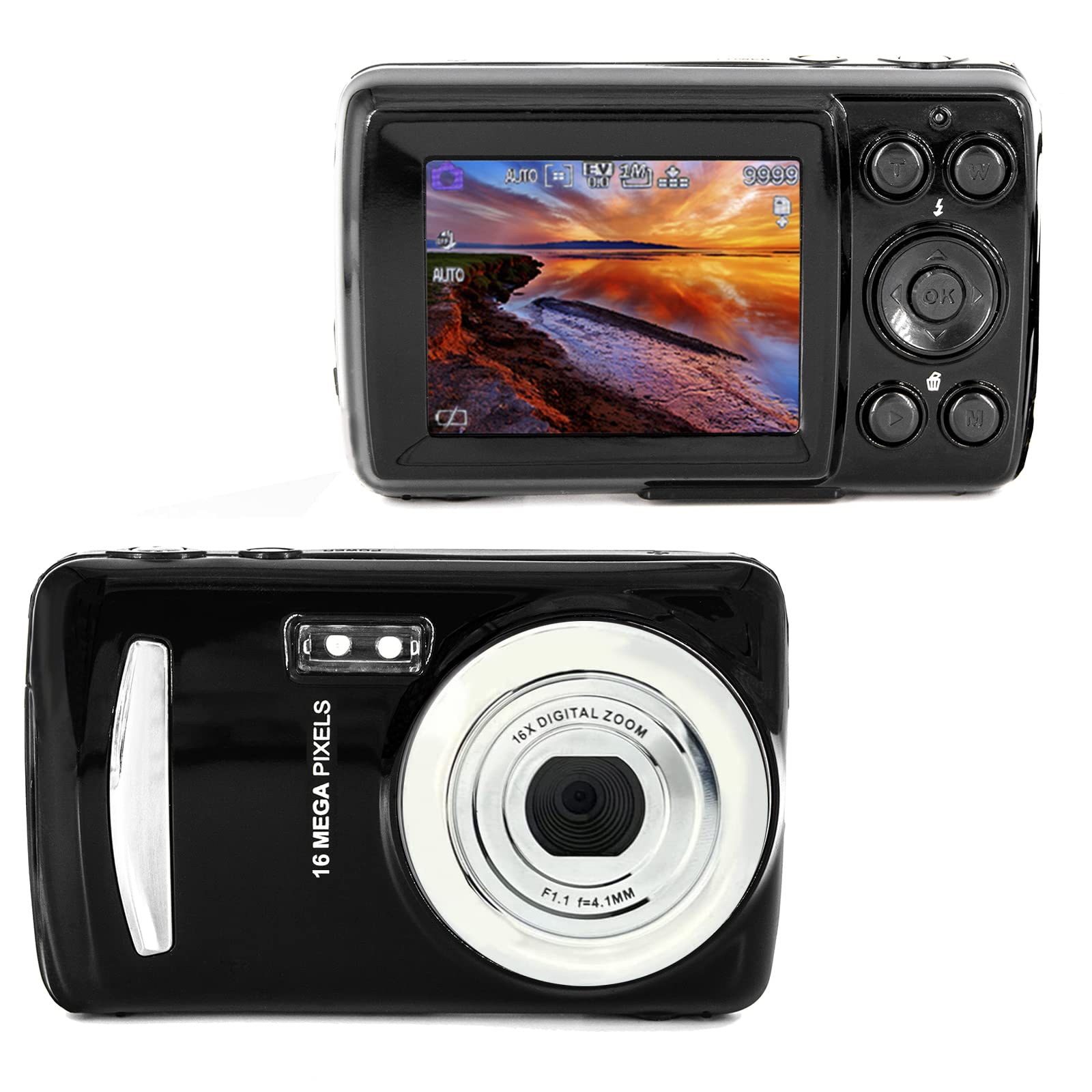
Acuvar 16Mp Megapixel Compact Digital Camera And Video With 2.4 Screen 16 Megapixel Sensor, Take Great Quality Pictures And Record Video Clips At Any Time Compact And Sleek Build And Design. Traveling Or Every Day Carrying Is No Problem.Uses Sd/Sdhc Card For Storage Of Up To 8Gb, Giving You Space For Hundreds Of Photos And Video Clipsoperates With Three Aaa Alkaline Batteries, Never Worry About Loosing Charge (Not Included)Comes With Wrist Strap And Usb Cabletech Specsdigital Zoom: 4Xlens Aperture: F1.1Megapixels: 16Format: .Jpegconnector Type: Mini Usb To Usb 2.0
⚠️ WARNING (California Proposition 65): This product may contain chemicals known to the State of California to cause cancer, birth defects, or other reproductive harm. For more information, please visit www.P65Warnings.ca.gov.
Frequently Asked Questions
Q: What are the dimensions of the Acuvar digital camera?A: The Acuvar digital camera measures two inches in length, six inches in width, and eight inches in height. This compact size makes it travel-friendly and easy to carry.
Q: What is the resolution of the Acuvar camera?A: The Acuvar camera features a high-resolution sixteen-megapixel sensor. This allows for capturing sharp and vibrant photos, making it suitable for various photography needs.
Q: What type of screen does the Acuvar camera have?A: The Acuvar camera is equipped with a two point four-inch LCD screen. This display is bright and allows easy framing and reviewing of images, even in outdoor lighting.
Q: How do I operate the Acuvar digital camera?A: To operate the Acuvar camera, simply turn it on and start taking photos. Its user-friendly design and intuitive controls make it ideal for kids, teens, and beginners.
Q: Is the Acuvar camera suitable for children?A: Yes, the Acuvar camera is designed with a user-friendly interface, making it suitable for children, teens, and photography beginners. It requires no complicated setup.
Q: What is included with the Acuvar camera?A: The Acuvar camera comes with a USB cable for easy photo transfers and charging. This inclusion enhances its usability for users on the go.
Q: How do I care for the Acuvar digital camera?A: To care for the Acuvar camera, store it in a dry place and clean the lens with a soft cloth. Avoid exposing it to extreme temperatures for prolonged periods.
Q: Is the Acuvar camera waterproof?A: No, the Acuvar camera is not waterproof. It is advisable to keep it away from water and moisture to prevent damage.
Q: How do I ensure the battery lasts longer?A: To extend the battery life of the Acuvar camera, make sure to turn it off when not in use and avoid using it in extreme temperatures.
Q: What types of photography is the Acuvar camera best for?A: The Acuvar camera is great for everyday photography, travel, school events, and family gatherings. It is versatile enough for various situations.
Q: How does the Acuvar camera compare to other beginner cameras?A: The Acuvar camera stands out among beginner cameras due to its ease of use, compact design, and affordable price without sacrificing quality.
Q: Can I use the Acuvar camera for video recording?A: Yes, the Acuvar camera can record HD videos in addition to capturing high-quality photos. It's suitable for vlogs and social media content.
Q: What should I do if the camera arrives damaged?A: If the Acuvar camera arrives damaged, contact customer support immediately to initiate a return or exchange process within the warranty period.
Q: Is there a warranty for the Acuvar digital camera?A: Yes, the Acuvar digital camera typically comes with a warranty. Be sure to check the specific warranty details provided with your purchase.
Q: How do I transfer photos from the Acuvar camera?A: To transfer photos from the Acuvar camera, connect it to a computer using the included USB cable. This allows for quick and convenient file transfers.