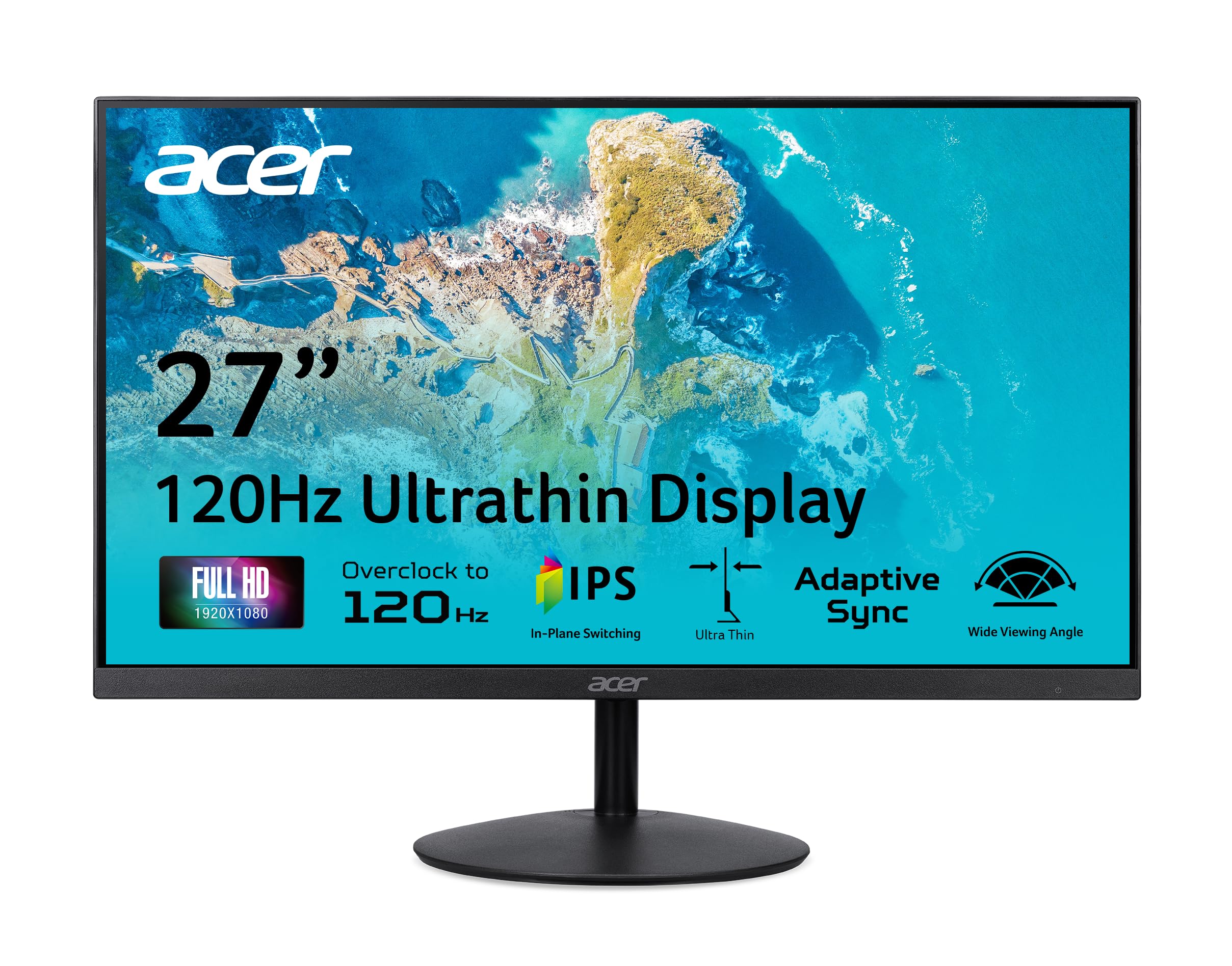
Acer Sb270 27-Inch Monitor Has An Amazing Thin Enclosure With A Frameless Bezel. Get Fast Refresh Rates Thanks To The Adaptive-Sync Support Product That Matches The Refresh Rate Of Your Monitor With Your Graphics Card. The 1920 X 1080 Full Hd Resolution With An Incredible 100,000,000:1 Contrast Ratio Lets You Enjoy High-Definition Entertainment In The Comfort Of Your Home. Enjoy The Accurate Color Performance Presented By Ips Technology, And Vivid Color In Every Viewing Angle. The Eye Protect Technology Also Gives You A Comfortable Viewing Experience While Energy Star Compliance Helps You Save Money And Energy. (Um.Hs0Aa.002)
⚠️ WARNING (California Proposition 65): This product may contain chemicals known to the State of California to cause cancer, birth defects, or other reproductive harm. For more information, please visit www.P65Warnings.ca.gov.
Frequently Asked Questions
Q: What is the screen size of the Acer SB270 G0bi monitor?A: The screen size of the Acer SB270 G0bi monitor is twenty-seven inches. This size provides a spacious viewing area suitable for gaming and office work.
Q: What is the resolution of the Acer SB270 G0bi monitor?A: The resolution is one thousand nine hundred twenty by one thousand eighty pixels. This Full HD resolution enhances clarity and detail in visuals.
Q: What is the refresh rate of the Acer SB270 G0bi monitor?A: The refresh rate can go up to one hundred twenty hertz. This high refresh rate ensures smooth motion during fast-paced gaming and video playback.
Q: What ports are available on the Acer SB270 G0bi monitor?A: The monitor includes one HDMI one point four port and one VGA port. These connectivity options allow for versatile use with various devices.
Q: What is the response time of the Acer SB270 G0bi monitor?A: The response time is one millisecond (VRB). This fast response time minimizes ghosting and blurring during rapid action scenes.
Q: Is the Acer SB270 G0bi monitor compatible with FreeSync?A: Yes, the monitor is FreeSync compatible. This feature helps eliminate screen tearing during gaming, resulting in a smoother experience.
Q: How do I set up the Acer SB270 G0bi monitor?A: To set up the monitor, connect it to your computer using the HDMI or VGA cable provided. Once connected, adjust the tilt for optimal viewing comfort.
Q: Can I tilt the Acer SB270 G0bi monitor?A: Yes, the monitor can be tilted from negative five degrees to fifteen degrees. This ergonomic feature helps you find the best viewing angle.
Q: Is the Acer SB270 G0bi monitor suitable for gaming?A: Yes, the monitor is excellent for gaming. Its fast refresh rate, low response time, and Adaptive-Sync support enhance the gaming experience.
Q: How do I clean the Acer SB270 G0bi monitor?A: To clean the monitor, use a microfiber cloth and a gentle screen cleaner. Avoid using harsh chemicals that could damage the screen.
Q: Does the Acer SB270 G0bi monitor have eye protection features?A: Yes, it includes eye protection technology. This feature helps reduce eye strain during prolonged use, improving overall comfort.
Q: What is the brightness level of the Acer SB270 G0bi monitor?A: The monitor has a brightness level of two hundred fifty nits. This brightness ensures good visibility in various lighting conditions.
Q: What is the contrast ratio of the Acer SB270 G0bi monitor?A: The contrast ratio is one hundred million to one. This high contrast ratio delivers deep blacks and vibrant colors for an immersive viewing experience.
Q: Is the Acer SB270 G0bi monitor suitable for office work?A: Yes, the monitor is suitable for office work. Its large screen size and IPS technology provide clear visuals and comfort during long hours.
Q: How do I return the Acer SB270 G0bi monitor if needed?A: To return the monitor, check the retailer’s return policy. Generally, you will need to package the monitor securely and provide a receipt.