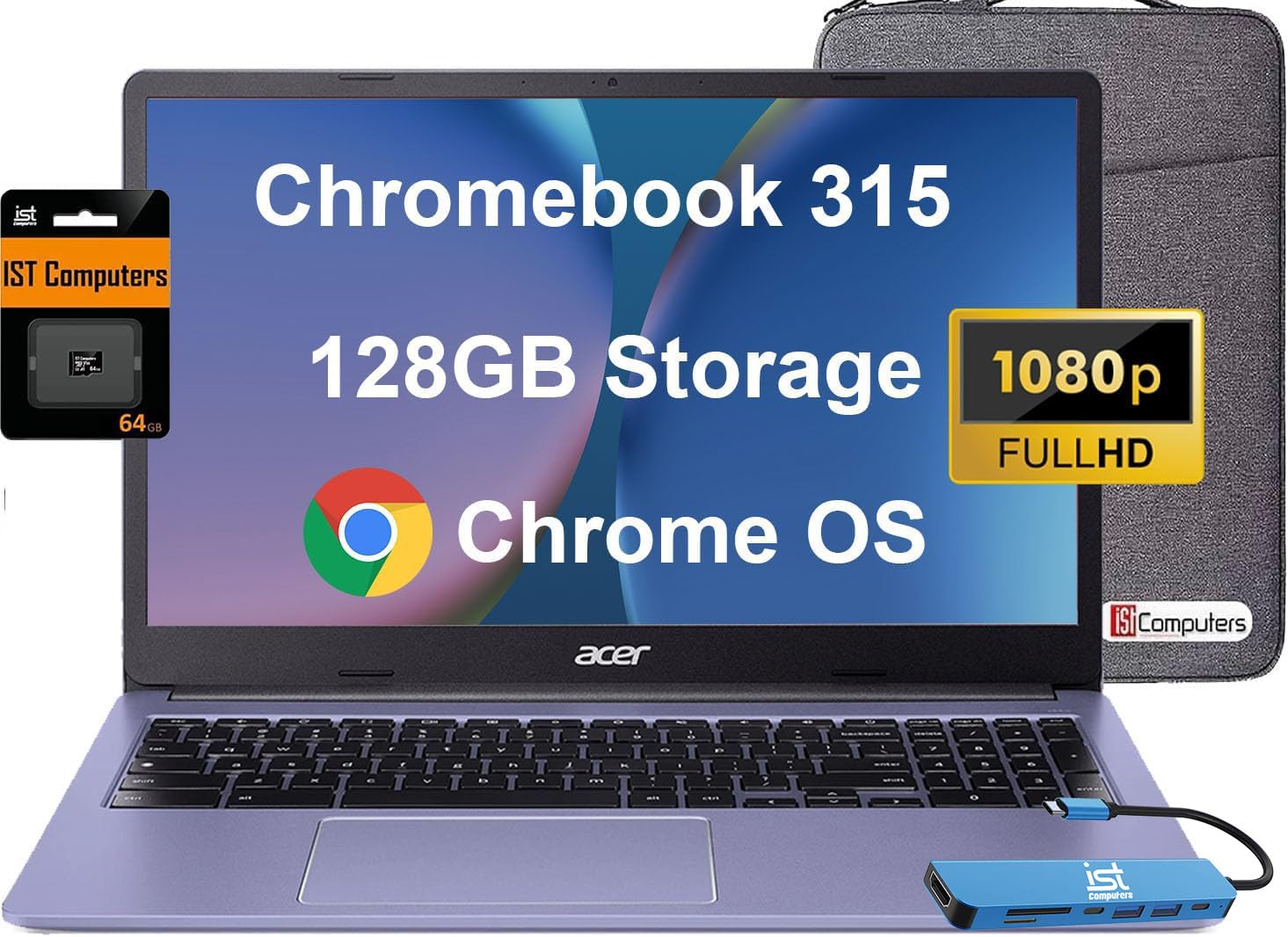
Be Dialed In-All The Time, Everywhere And Anywhere-With The Acer Chromebook 315. Recognized As The Perfect Multi-Media Companion, This Special Machine Is Super Thin, Extra Light And Delivers Unmatched Value In Todays Fast-Paced, Technology-Driven World. It Features An Impressive Hdr Camera, Fast Wireless Connectivity And A Long-Lasting Battery Life, So You Can Run Your Favorite Google Apps Or Access Your Photos, Videos, Music And Documents-All Day Longcompanion On-The-Gopowered By An Intel Celeron Processor, The Chromebook Loads Content-Rich Webpages Fast, Provide Crisp Video Playback, And Enable You To Multitask Effortlessly By Allowing Multiple Pages To Run At The Same Time.All Day Battery Life10 Hours Of Battery Life Goes A Long Way. With Just A Single Charge, Get In A Full Days Work With Time To Spare. The Powerful Long Lasting Battery Means You Dont Have To Take The Power Adapter With You. Stay Productive Fast Boot Times, Ease Of Use, Tough Security And A Long Battery Life Are Some Of The Advantages Of Chrome Os. With A Boot Time Of About 8 Seconds Youll Start Working Quickertechnical Specificationsdisplay: 15.6-Inch Diagonal, Fhd (1920 X 1080), Widescreen Displayprocessor: Intel Celeron N4500 Processor (2 Cores 2 Threads, Base Clock Speed 1.1Ghz, Max Turbo To 2.8Ghz, 4Mb Cache)Graphics: Intel Uhd Graphicsmemory: 4 Gb Lpddr4X Memorystorage: 128Gb Storage (64Gb Emmc + 64Gb Sd Card)Networking: Wi-Fi 6 + Bluetooth 5.1Operating System: Chrome Osbattery: 3-Cell, 45 Wh Lithium Polymer Batterykeyboard: Full-Size, Jet Black Keyboard With Numeric Keypadsecurity: Discrete H1 Tpm Solution For Chromebookdimensions: 14.4 X 9.9 X 0.80 Inchesweight: 3.59 Lbsi/O Portsusb 3.2 Gen 2 Type-C Usb 3.2 Gen 1 Type-C2 X Usb 3.2 Type Aheadphone/Microphone Combosd Card Readerkensington Nano Security Slot
⚠️ WARNING (California Proposition 65): This product may contain chemicals known to the State of California to cause cancer, birth defects, or other reproductive harm. For more information, please visit www.P65Warnings.ca.gov.
Frequently Asked Questions
Q: What are the dimensions of the Acer Chromebook 315?A: The dimensions are fourteen point four inches in length, nine point nine inches in width, and zero point eight inches in height.
Q: How much does the Acer Chromebook 315 weigh?A: It weighs three point five nine pounds, making it lightweight and portable.
Q: What is the screen size and resolution of the Acer Chromebook 315?A: The screen size is fifteen point six inches with a Full HD resolution of one thousand nine hundred twenty by one thousand eighty pixels.
Q: How do I use the Acer Chromebook 315 for online classes?A: Simply power it on, connect to Wi-Fi, and access your online course platform through the Chrome browser.
Q: Is the Acer Chromebook 315 suitable for gaming?A: It is not primarily designed for gaming, but it can run casual games available through Google Play.
Q: Can I use the Acer Chromebook 315 for video conferencing?A: Yes, it features an integrated webcam that is perfect for video calls and meetings.
Q: How do I maintain the battery life of my Acer Chromebook 315?A: To maintain battery life, avoid extreme temperatures and charge the battery when it drops below twenty percent.
Q: How should I clean the Acer Chromebook 315?A: Use a soft, lint-free cloth to clean the screen and keyboard, avoiding any liquid cleaners.
Q: What is the battery life of the Acer Chromebook 315?A: The Acer Chromebook 315 has a battery life of up to ten hours on a single charge.
Q: Can I expand the storage of the Acer Chromebook 315?A: Yes, it comes with one hundred twenty-eight gigabytes of storage, which can be expanded using the SD card reader.
Q: Is the Acer Chromebook 315 compatible with external monitors?A: Yes, it can support an external monitor with a maximum resolution of four thousand by three thousand eight hundred forty.
Q: How can I connect my Acer Chromebook 315 to Wi-Fi?A: Click on the Wi-Fi icon on the taskbar, select your network, and enter your password to connect.
Q: What type of USB ports does the Acer Chromebook 315 have?A: It features two USB three point two Type A ports and two USB three point two Type C ports.
Q: What operating system does the Acer Chromebook 315 use?A: It operates on Chrome OS, which is designed for speed and simplicity.
Q: What should I do if my Acer Chromebook 315 doesn't turn on?A: First, ensure it is charged; if it still doesn't turn on, try performing a hard reset by holding down the power button.