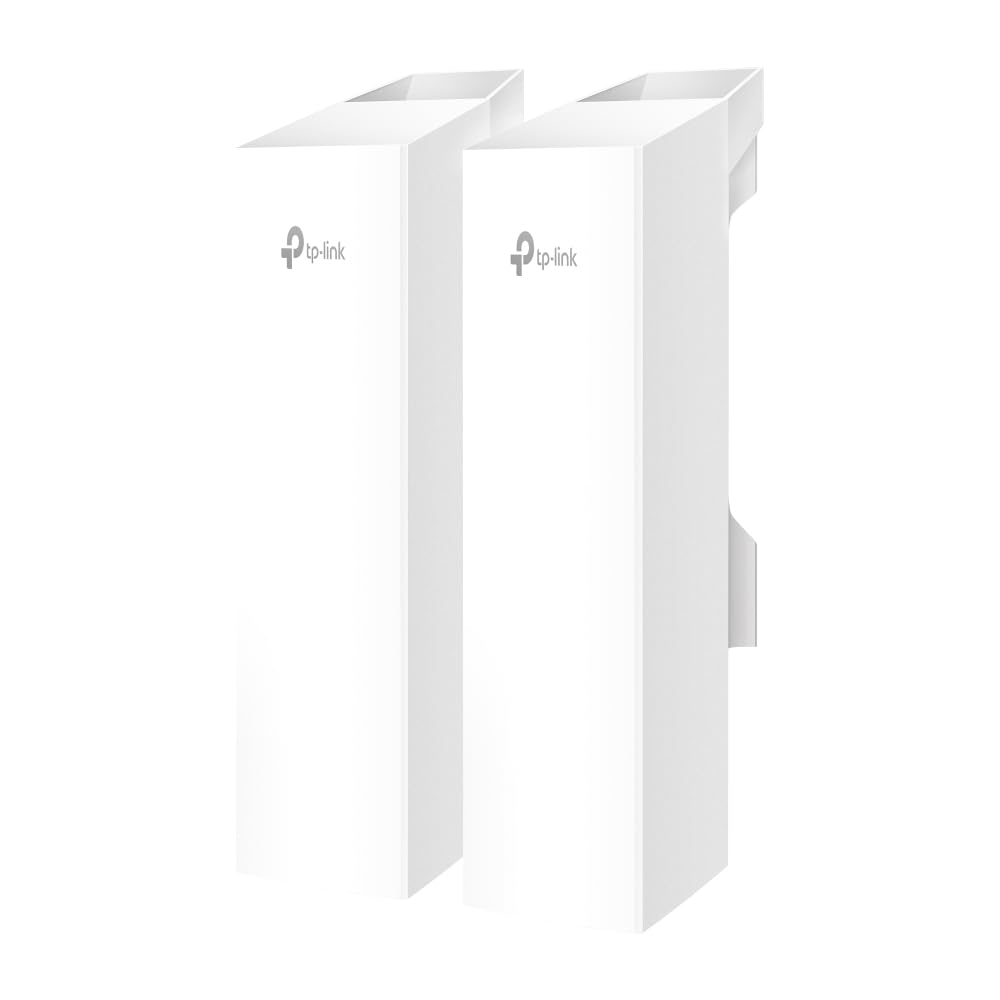
Omada 5Ghz Ac867 Indoor/Outdoor Access Pointport: 3 Gigabit Rj45 Portspeed: 867 Mbps At 5 Ghzfeature:12V Dc / 24V Passive Poe Power Adapter Is Not Included, 2 Internal Antennas, Wireless Bridge, Mesh, Mumimo, Beamforming, Airtime Fairness, Centralized Management By Omada Sdn Controller, Omada App
⚠️ WARNING (California Proposition 65): This product may contain chemicals known to the State of California to cause cancer, birth defects, or other reproductive harm. For more information, please visit www.P65Warnings.ca.gov.
Frequently Asked Questions
Q: What are the dimensions of the TP-Link Omada Point to Point Wireless Bridge?A: The dimensions are four point eight inches in length, two point five inches in width, and eight point nine inches in height.
Q: What is the maximum data transfer speed of this wireless bridge?A: The maximum data transfer speed is eight hundred sixty-seven megabits per second on the five gigahertz band.
Q: How many ports does the TP-Link Omada Wireless Bridge have?A: It has three gigabit ports, allowing for multiple connection options.
Q: What type of management system does this product use?A: The product uses the TP-Link Omada essential remote cloud management platform for easy network management.
Q: Is the TP-Link Omada Wireless Bridge weatherproof?A: Yes, it features an IP65 weatherproof enclosure, ensuring all-weather suitability.
Q: How far can this wireless bridge transmit signals?A: It can transmit signals up to one kilometer, which is approximately six hundred thirty-seven miles.
Q: How do I set up the TP-Link Omada Wireless Bridge?A: The setup is easy with pre-configured devices that auto-pair, allowing for a plug-and-play experience.
Q: What kind of power options does this bridge support?A: It can be powered by Power over Ethernet or DC adapters, providing flexible deployment options.
Q: Is this wireless bridge suitable for outdoor use?A: Yes, it is designed for outdoor use with an IP65 weatherproof rating.
Q: Can I manage this bridge remotely?A: Yes, the bridge can be managed remotely through the TP-Link Omada cloud platform.
Q: What is the installation process for this wireless bridge?A: Installation involves connecting the bridge to your network and using the pre-configured settings for easy setup.
Q: How should I clean the TP-Link Omada Wireless Bridge?A: To clean, wipe the exterior with a damp cloth, avoiding harsh chemicals that could damage the weatherproofing.
Q: What is the warranty period for this product?A: The warranty period is typically one year, covering defects in materials and workmanship.
Q: What should I do if the wireless bridge does not connect?A: First, check your power and network connections. If issues persist, refer to the troubleshooting section in the user manual.
Q: How do I return the TP-Link Omada Wireless Bridge if needed?A: To return the product, follow the return policy outlined by the retailer from which it was purchased.
Q: Can this wireless bridge be used with other brands of devices?A: Yes, it is compatible with various devices as long as they support standard networking protocols.