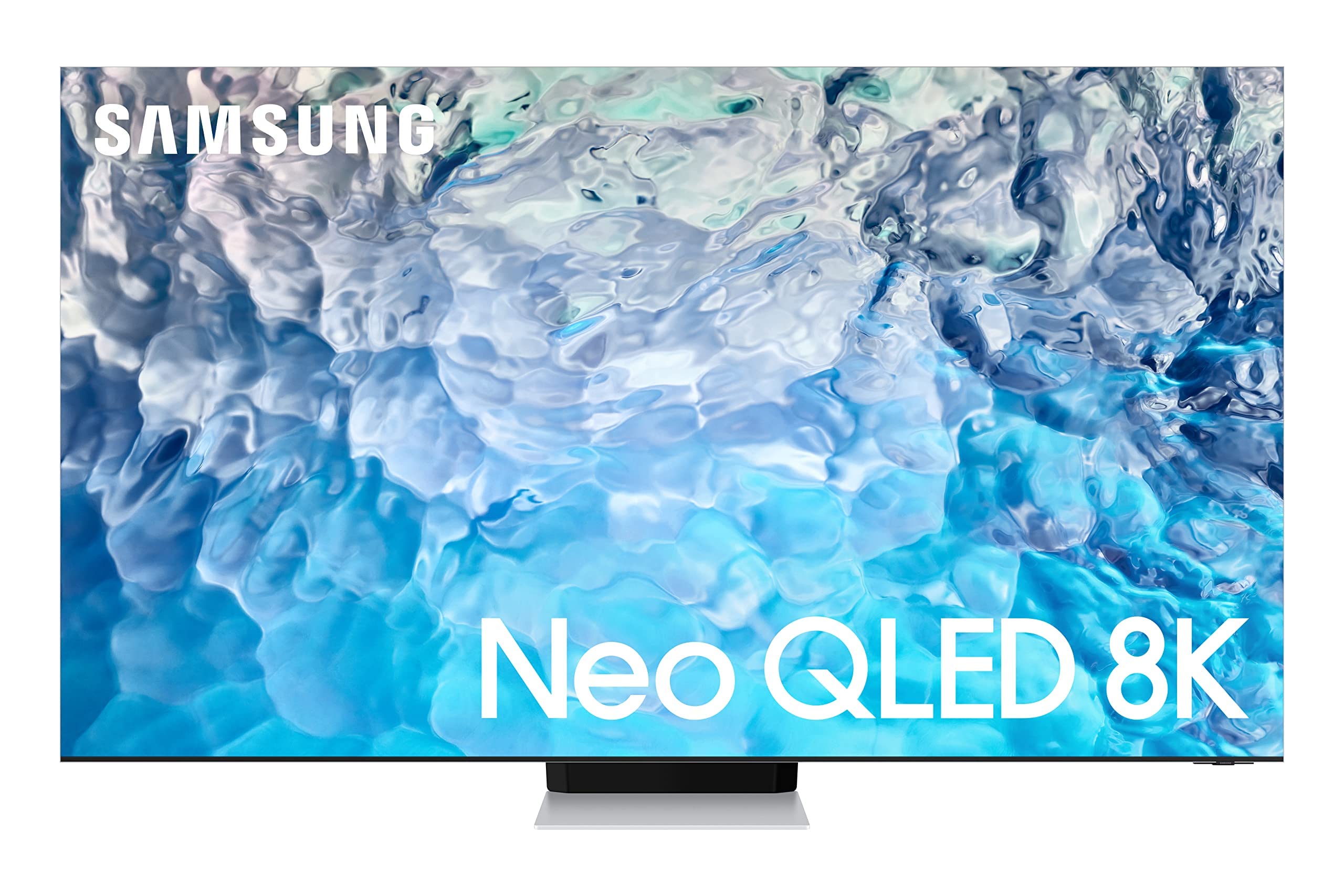
65'' Neo Qled 4320P 120Hz 8K, Quantum Matrix Pro With Mini Leds, Smart Tv, 4 Hmdi Ports, Color Volume 100% (Quantum Hdr), Neural Quantum Processor 8K With Ai Upscaling, Object Tracking Sound, Ambient Mode +, Included Accessory: Solarcell Remote, One Connect Cable|5999.99|0|Both|Short|Warning: Cancer And Reproductive Harm - Www.P65Warnings.Ca.Gov.
⚠️ WARNING (California Proposition 65): This product may contain chemicals known to the State of California to cause cancer, birth defects, or other reproductive harm. For more information, please visit www.P65Warnings.ca.gov.
Frequently Asked Questions
Q: What is the screen size of the Samsung QN900B TV?A: The screen size is sixty-five inches. This large display provides an immersive viewing experience suitable for any living room.
Q: What type of screen does this TV have?A: This TV features a Samsung Neo QLED eight K screen. It combines Mini LED technology for improved brightness and contrast.
Q: What is the resolution of the Samsung QN900B TV?A: The resolution is real eight K, which is seven thousand six hundred eighty by four thousand three hundred eighty pixels. This ensures exceptional detail in every picture.
Q: What materials are used in the construction of the QN900B TV?A: The TV has a stainless steel finish. This high-quality material adds a sleek and modern look to your entertainment setup.
Q: What is the weight of the Samsung QN900B TV?A: The weight is approximately sixty-five pounds without the stand. This makes it manageable for two people to set up.
Q: How do I set up the Samsung QN900B TV?A: To set it up, connect the power cable and HDMI devices, then follow the on-screen instructions. Make sure to place it on a stable surface or mount it on a wall.
Q: Is this TV suitable for gaming?A: Yes, it is excellent for gaming. The TV features Motion Xcelerator Turbo Pro technology for low latency and smooth motion during high-speed action.
Q: Can I use voice assistants with the Samsung QN900B TV?A: Yes, this TV supports multiple voice assistants, including Bixby, Amazon Alexa, and Google Assistant. This allows for hands-free control of your TV.
Q: How do I calibrate the picture settings on this TV?A: You can use Smart Calibration Pro to adjust the picture settings. This feature helps optimize the display based on your viewing environment.
Q: What is the best way to clean the Samsung QN900B TV screen?A: To clean the screen, use a soft, dry microfiber cloth. Avoid using any chemical cleaners, as they may damage the screen.
Q: Is there a warranty on the Samsung QN900B TV?A: Yes, it comes with a one-year limited warranty. This covers parts and labor for manufacturing defects.
Q: How do I troubleshoot if the TV won't turn on?A: If the TV won't turn on, check the power connection and ensure the outlet is working. If issues persist, try a power reset by unplugging it for a few minutes.
Q: Can I connect my smartphone to the Samsung QN900B TV?A: Yes, you can connect your smartphone via screen mirroring or through HDMI. This makes it easy to share content from your mobile device.
Q: What should I do if the TV arrives damaged?A: If the TV arrives damaged, contact customer support immediately to report the issue. You may need to provide photos and details for a return or exchange.
Q: Does the Samsung QN900B TV support HDR content?A: Yes, it supports Quantum HDR sixty-four times technology. This allows for a broader range of colors and better contrast in HDR content.