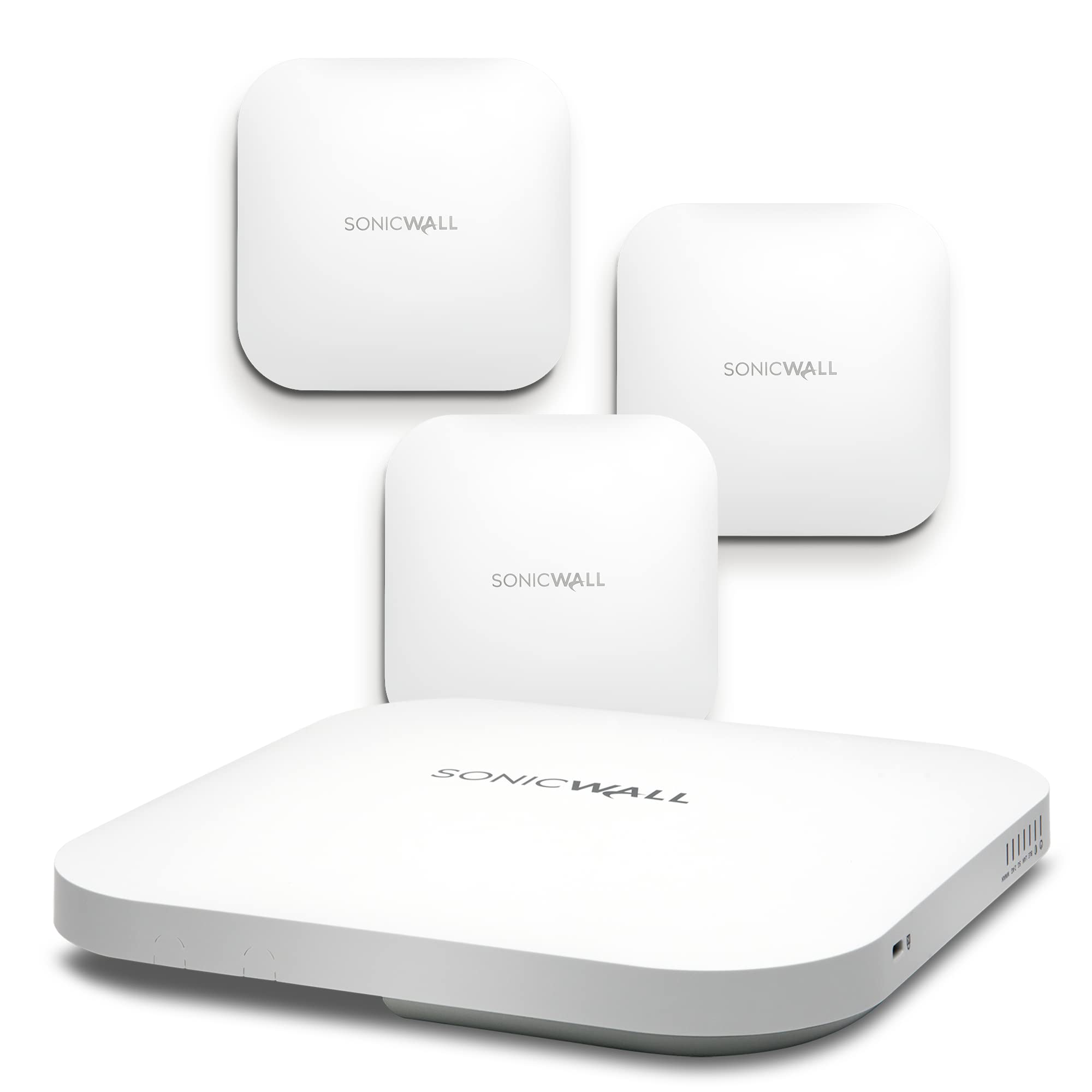
Sonicwave 641 Wireless Access Point 4-Pack With Secure Wireless Network Management And Support 3Yr (No Poe)
⚠️ WARNING (California Proposition 65): This product may contain chemicals known to the State of California to cause cancer, birth defects, or other reproductive harm. For more information, please visit www.P65Warnings.ca.gov.
Frequently Asked Questions
Q: What is the model of the Sonicwall wireless access point?A: The model of the Sonicwall wireless access point is AP641. This model is specifically designed for high-density environments.
Q: What wireless technology does the Sonicwall SONICWAVE 641 use?A: The Sonicwall SONICWAVE 641 uses 802.11ax technology. This is the latest wireless standard, offering superior performance.
Q: How many access points are included in the Sonicwall package?A: The package includes four access points. This four-pack is ideal for comprehensive wireless coverage.
Q: What is the item size of the Sonicwall wireless access point?A: The item size is categorized as secure wireless. This indicates its focus on providing secure network management.
Q: What is the warranty period for the Sonicwall SONICWAVE 641?A: The warranty period is three years. This includes support and management services for the access points.
Q: How do I manage the Sonicwall access points?A: You manage the Sonicwall access points using Wireless Network Manager. This cloud-based system simplifies network management.
Q: Can I install the Sonicwall access points myself?A: Yes, you can install the Sonicwall access points yourself. They feature Zero-Touch Deployment for easy setup.
Q: Is the Sonicwall SONICWAVE 641 suitable for my small business?A: Yes, it is suitable for small businesses. The device is scalable and designed for high-density environments.
Q: How do I clean the Sonicwall access points?A: You can clean the access points with a soft, dry cloth. Avoid using any liquids or abrasive materials.
Q: Are the Sonicwall access points safe to use?A: Yes, the Sonicwall access points are safe to use. They include best-in-class security features to protect your network.
Q: What should I do if my Sonicwall access point arrives damaged?A: If your access point arrives damaged, contact customer support for assistance. They will guide you through the return process.
Q: How do I troubleshoot connection issues with the Sonicwall access points?A: To troubleshoot connection issues, check your network settings and ensure the access points are powered on. Restart if necessary.
Q: Can I integrate the Sonicwall access points with other devices?A: Yes, they can be integrated with other devices. They work seamlessly with the SonicWall Wireless Network Manager.
Q: Is there a mobile app for managing Sonicwall access points?A: Yes, there is a mobile app called SonicExpress. It allows for convenient management of the access points.
Q: What type of alerts can I set up for the Sonicwall access points?A: You can set up alerts for network performance and security threats. This helps you maintain optimal network health.