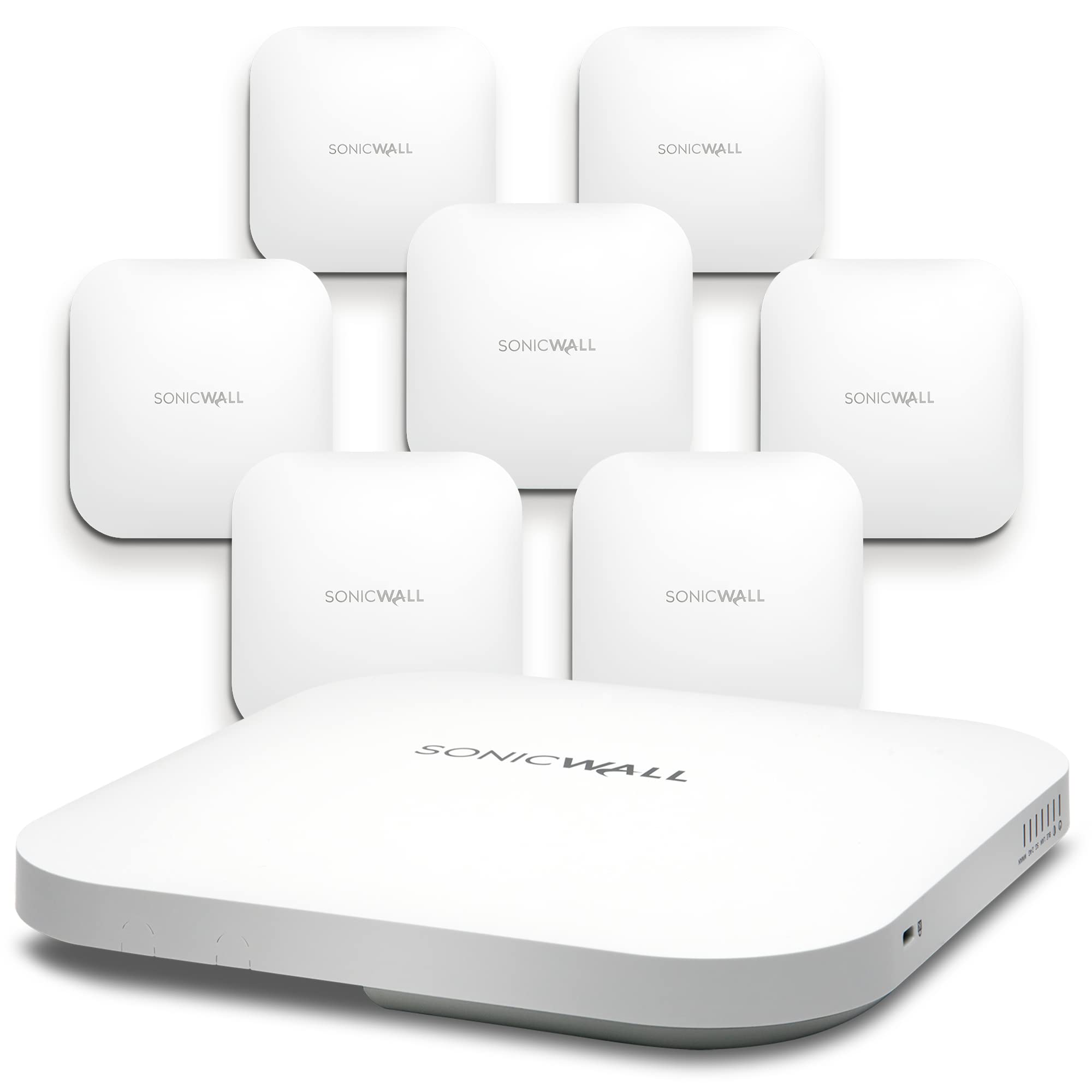
Sonicwave 641 Wireless Access Point 8-Pack Secure Upgrade Plus With Secure Cloud Wifi Management And Support 3Yr (No Poe)
⚠️ WARNING (California Proposition 65): This product may contain chemicals known to the State of California to cause cancer, birth defects, or other reproductive harm. For more information, please visit www.P65Warnings.ca.gov.
Frequently Asked Questions
Q: What is the model number of this wireless access point?A: The model number is AP641. This indicates it is part of the SonicWall SonicWave 600 series, designed for high-density environments.
Q: What technology does the SonicWave 641 utilize?A: The SonicWave 641 utilizes 802.11ax technology. This offers improved performance and efficiency, especially in environments with multiple devices.
Q: How many access points are included in this package?A: This package includes eight wireless access points. This allows for extensive coverage in various locations.
Q: Does this product come with a warranty?A: Yes, it comes with a three-year warranty. This warranty covers support and management services for the product.
Q: What is the primary function of the SonicWall WiFi Cloud Manager?A: The SonicWall WiFi Cloud Manager simplifies wireless network management. It centralizes control and troubleshooting across multiple locations.
Q: How do I install the SonicWave 641 access points?A: Installation involves connecting the access points to your network and configuring them via the SonicWall WiFi Cloud Manager. Detailed instructions are typically provided in the user manual.
Q: Is the SonicWave 641 suitable for home use?A: Yes, it is suitable for home use, especially in multi-device households. Its high performance is beneficial for streaming and gaming.
Q: Can I use this access point without Power over Ethernet?A: No, this model does not support Power over Ethernet (PoE). You will need to connect it to a power source.
Q: How do I manage the SonicWave 641 after installation?A: Management is done through the SonicWall Capture Security Center. This allows for easy monitoring and adjustments to your network settings.
Q: What should I do if my access point isn’t connecting?A: Check your network settings first. If the issue persists, you can contact SonicWall support for troubleshooting assistance.
Q: Is there a trade-in program available for older SonicWall appliances?A: Yes, the Secure Upgrade Plus program allows customers to trade in older appliances. This provides discounts on the latest SonicWall technology.
Q: What performance improvements does the SonicWave 641 offer over previous models?A: It offers up to four hundred percent overall throughput improvement. This is due to advancements in both data rates and latency reduction.
Q: How do I ensure the security of my wireless network?A: Utilize the advanced security features available in the SonicWall WiFi Cloud Manager. Regularly update your firmware and change passwords.
Q: What types of environments is the SonicWave 641 designed for?A: It is designed for high-density environments. This includes offices, schools, and public spaces with many simultaneous users.
Q: Can I manage multiple access points with this system?A: Yes, the SonicWall WiFi Cloud Manager supports managing multiple access points. This helps maintain consistent performance across large networks.
Q: Are there any special requirements for using this access point?A: You will need a compatible network infrastructure. Ensure your internet connection and router are adequate for optimal performance.