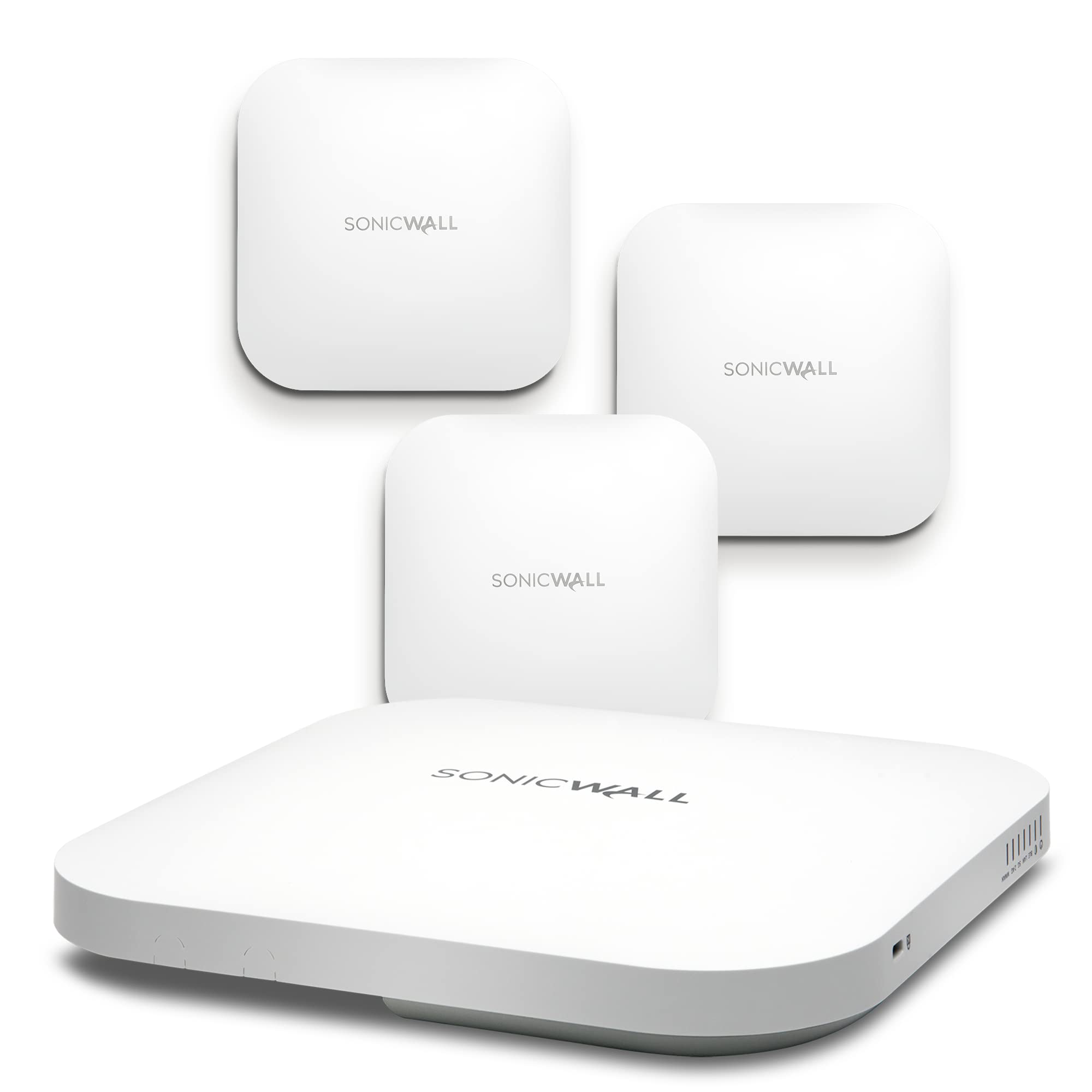
SONICWAVE 641 WIRELESS ACCESS POINT 4-PACK WITH ADVANCED SECURE WIRELESS NETWORK MANAGEMENT AND SUPPORT 3YR (NO POE) SonicWalls 600 series access points (APs) use 802.11ax - the most advanced technology available - for superior performance in high-density multi-device environments. | In addition to performance these APs offer a number of additional features that provide an enhanced experience as well as deliver best-in-class security that you expect from SonicWall. | The use of 1024 QAM allows more data to pass through and 802.11ax provides improvements in MU-MIMO with both uplink and downlink capabilities. | Scalable for any size organization SonicWall Wireless Network Manager (WNM) is an intuitive centralized wireless and switching network management system. Its cloud-based infrastructure simplifies access control and troubleshooting by unifying multiple tenants locations and zones. | SonicWall firewalls scan all wireless traffic coming into and going out of the network using deep packet inspection technology and then remove harmful threats such as malware and intrusions even over SSL/TLS encrypted connections.
⚠️ WARNING (California Proposition 65): This product may contain chemicals known to the State of California to cause cancer, birth defects, or other reproductive harm. For more information, please visit www.P65Warnings.ca.gov.
Frequently Asked Questions
Q: What is the model of the SonicWall access point?A: The model of the SonicWall access point is AP641. This model is part of SonicWall's 600 series, designed for high-density environments.
Q: What technology does the SonicWall SonicWave 641 use?A: The SonicWall SonicWave 641 uses 802.11ax technology. This advanced technology enhances wireless performance and efficiency for multiple devices.
Q: How many access points are included in the package?A: The package includes four access points. This allows for extensive coverage in various environments.
Q: What is the warranty period for the SonicWall SonicWave 641?A: The SonicWall SonicWave 641 comes with a three-year support warranty. This support ensures reliable network management and security.
Q: Is the SonicWall SonicWave 641 suitable for outdoor use?A: No, the SonicWall SonicWave 641 is intended for indoor use only. It is designed to provide secure wireless management in indoor environments.
Q: How do I manage the SonicWall SonicWave 641?A: You manage the SonicWall SonicWave 641 using the Wireless Network Manager. This tool centralizes control over multiple access points.
Q: Can I use the SonicWave 641 with any firewall?A: No, the SonicWave 641 requires specific management through Wireless Network Manager. It does not support general firewall management.
Q: What is the recommended deployment method for the SonicWall SonicWave 641?A: The recommended deployment method is Zero-Touch Deployment. This allows for fast and easy installation with auto-detection features.
Q: Does the SonicWall SonicWave 641 support Power over Ethernet (PoE)?A: No, the SonicWall SonicWave 641 does not support Power over Ethernet. It requires a separate power source for operation.
Q: What kind of wireless security features does the SonicWave 641 offer?A: The SonicWave 641 offers best-in-class wireless security features, including WIDS and WIPS for threat detection and remediation.
Q: Can the SonicWall SonicWave 641 integrate with other SonicWall products?A: Yes, it integrates seamlessly with other SonicWall products such as firewalls and the WiFi Planner tool. This ensures a unified security approach.
Q: What features enhance user experience with the SonicWall SonicWave 641?A: Key features enhancing user experience include longer battery life and Zero-Wait Dynamic Frequency Selection. These improve performance in busy environments.
Q: What is the maximum throughput of the SonicWall SonicWave 641?A: The SonicWall SonicWave 641 maximizes throughput with the use of 1024 QAM technology. This allows for efficient data transmission in high-density areas.
Q: What type of analytics does the SonicWall SonicWave 641 provide?A: It provides rich analytics and alerts through its integrated cloud management tool. This helps in monitoring network performance and security.
Q: Is it easy to set up the SonicWall SonicWave 641?A: Yes, it is easy to set up thanks to the SonicExpress mobile app compatibility. This simplifies the installation and configuration process.
Q: What is the battery management feature of the SonicWall SonicWave 641?A: The SonicWall SonicWave 641 includes features for better power management, ensuring longer battery life for connected devices in use.