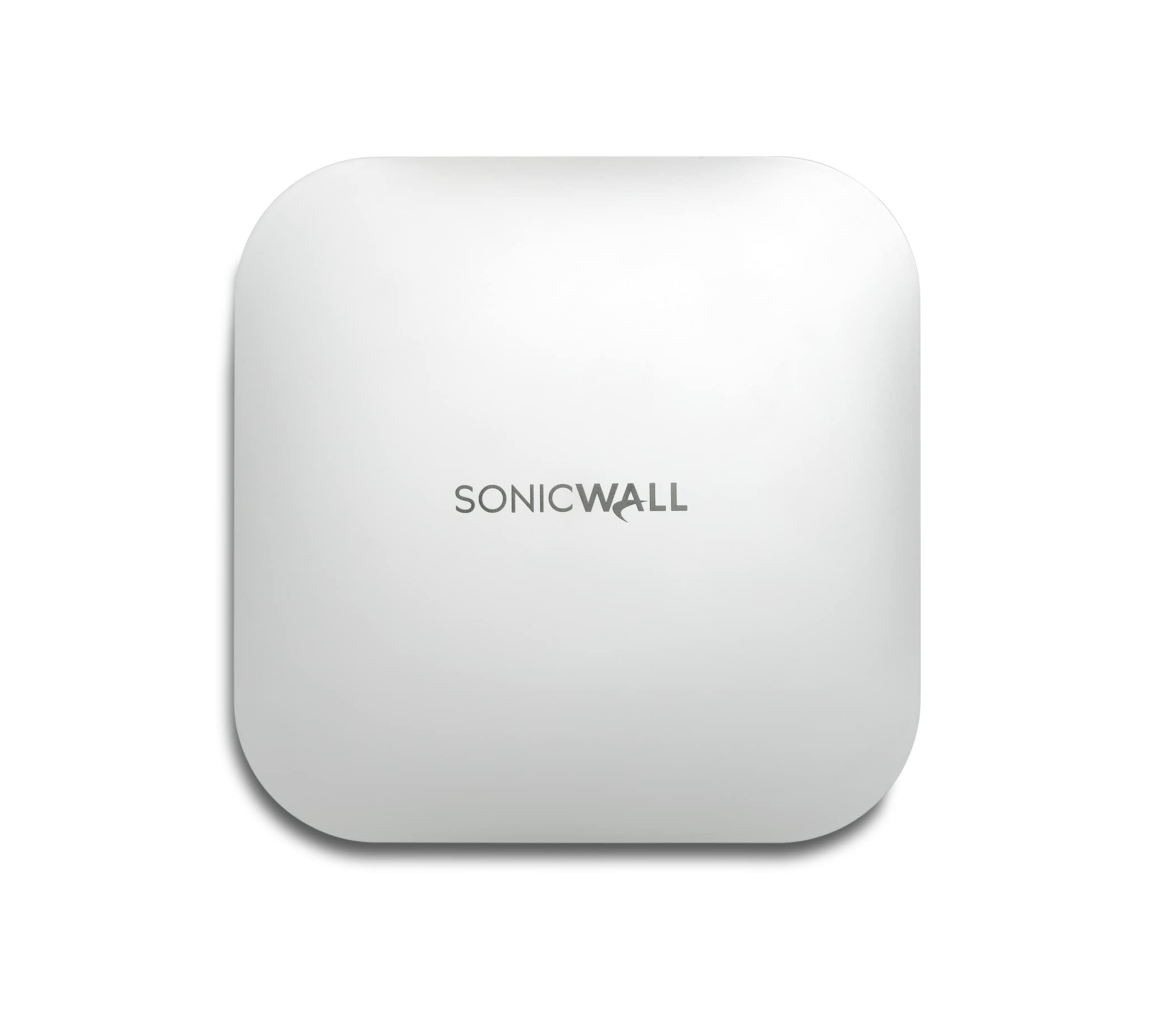
Sonicwave 621 Wireless Access Point With Advanced Secure Wireless Network Management And Support 3Yr (Multi-Gigabit 802.3At Poe+)
⚠️ WARNING (California Proposition 65): This product may contain chemicals known to the State of California to cause cancer, birth defects, or other reproductive harm. For more information, please visit www.P65Warnings.ca.gov.
Frequently Asked Questions
Q: What wireless technology does the Sonicwall SonicWave 621 use?A: The Sonicwall SonicWave 621 uses 802.11ax technology. This advanced technology enhances performance in high-density environments and improves overall throughput.
Q: What is the maximum data rate improvement of the SonicWave 621 compared to the previous model?A: The maximum data rate improvement is thirty-seven percent compared to 802.11ac Wave 2. This improvement is due to enhanced MU-MIMO capabilities and reduced latency.
Q: What is the size of the license included with the SonicWave 621?A: The SonicWave 621 includes a three-year license. This license provides advanced secure wireless network management and support.
Q: How do you install the SonicWave 621 access point?A: To install the SonicWave 621, mount it in a suitable location, connect it to your network via Ethernet, and follow the setup instructions in the SonicWall Wireless Network Manager. This ensures efficient management and troubleshooting.
Q: Is the SonicWave 621 suitable for large organizations?A: Yes, the SonicWave 621 is scalable for any size organization. It integrates with SonicWall's Wireless Network Manager, making it ideal for managing multiple locations.
Q: How do you manage the SonicWave 621's settings?A: You can manage the SonicWave 621's settings using the SonicExpress mobile app or the SonicWall Wireless Network Manager. Both options allow for streamlined control and configuration.
Q: What cleaning methods are recommended for the SonicWave 621?A: Use a soft, dry cloth to clean the SonicWave 621. Avoid using any harsh chemicals or liquids that could damage the device.
Q: What safety features does the SonicWave 621 provide?A: The SonicWave 621 includes best-in-class wireless security features. These include deep packet inspection and Capture Advanced Threat Protection to combat malware and intrusions.
Q: How should the SonicWave 621 be stored when not in use?A: Store the SonicWave 621 in a cool, dry place when not in use. Ensure it is kept away from extreme temperatures and moisture to prolong its lifespan.
Q: What should I do if the SonicWave 621 doesn't power on?A: If the SonicWave 621 does not power on, check the power source and connections first. If it still fails, contact SonicWall customer support for further assistance.
Q: What is SonicWall's warranty policy for the SonicWave 621?A: The SonicWave 621 typically comes with a limited warranty covering defects in materials and workmanship. Check with SonicWall for specific warranty details and duration.
Q: Can the SonicWave 621 be used with existing network equipment?A: Yes, the SonicWave 621 is compatible with most existing network equipment. It connects easily via Ethernet and integrates seamlessly into your current setup.
Q: Is the SonicWave 621 suitable for home use?A: Yes, the SonicWave 621 can be used in home environments. However, its features are optimized for larger, high-density areas, making it more beneficial for business settings.
Q: What is the range of the SonicWave 621 access point?A: The range of the SonicWave 621 varies based on environmental factors, but it is designed to cover large areas effectively. Ideal placement can maximize coverage.
Q: How does the SonicWave 621 handle multiple devices?A: The SonicWave 621 utilizes MU-MIMO technology to efficiently manage multiple devices. This results in improved performance and reduced latency in crowded networks.