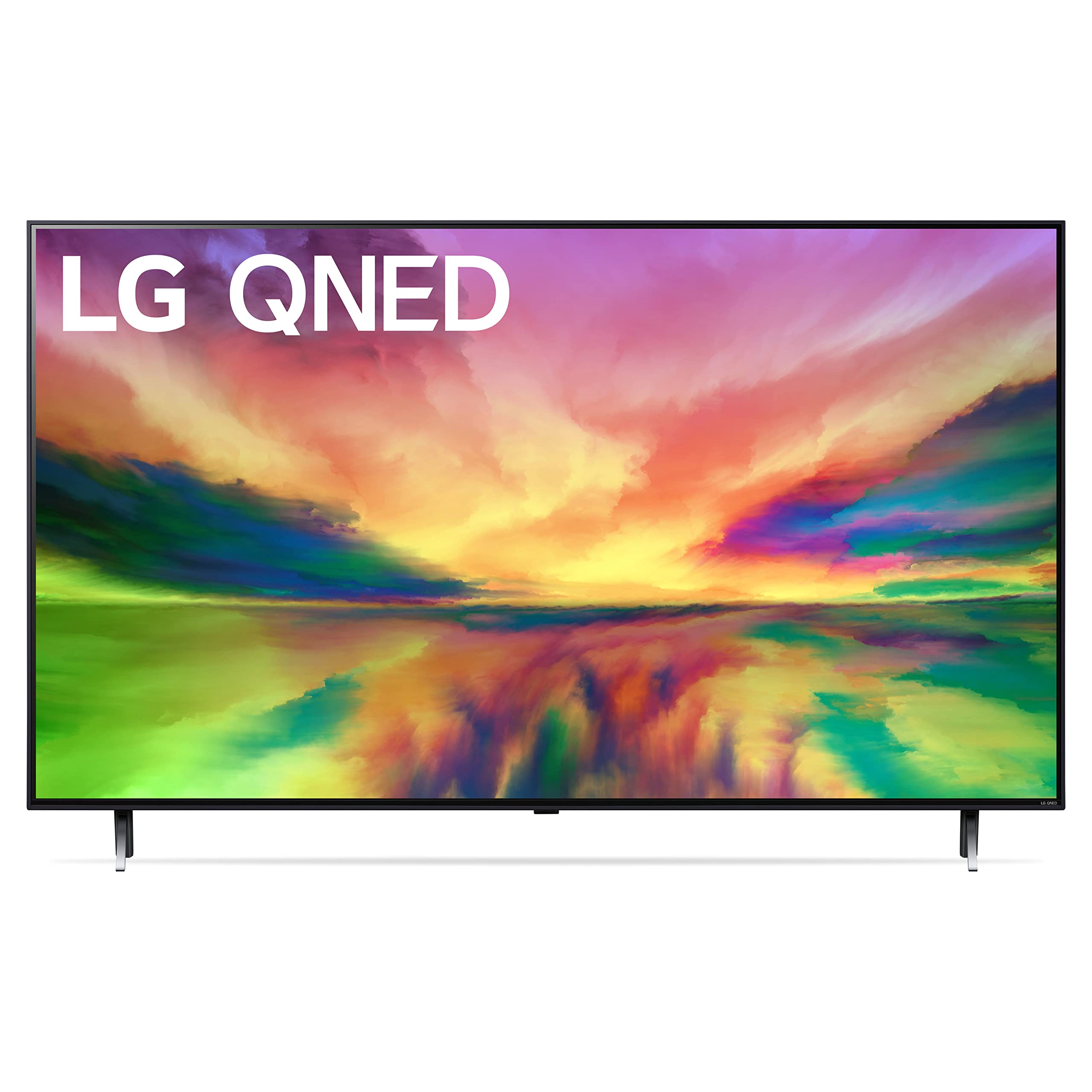
4K Uhd, Quantum Dot Nanocell+ Display, Billion Rich Colors, Mini-Led, Dimming Pro, 120Hz Native, A7 Ai Processor 4K Gen 6, Game Optimizer And Dashboard, Freesync, Vrr, Allm, Hgig, Webos 23, Magic Remote
⚠️ WARNING (California Proposition 65): This product may contain chemicals known to the State of California to cause cancer, birth defects, or other reproductive harm. For more information, please visit www.P65Warnings.ca.gov.
Frequently Asked Questions
Q: What is the screen size of the LG QNED80 Series TV?A: The screen size is fifty-five inches. This measurement provides an immersive viewing experience, ideal for gaming and movie watching.
Q: What is the resolution of the LG QNED80 TV?A: The resolution is four thousand pixels by two thousand pixels. This 4K display ensures stunning clarity and detail in every scene.
Q: What technology is used in the LG QNED80 for better picture quality?A: It uses Quantum Dots and NanoCell technology. This combination produces vibrant colors and deep black levels for an enhanced viewing experience.
Q: How do I set up the LG QNED80 Series TV?A: To set it up, place the TV on a stable surface and connect it to a power source. Follow the on-screen instructions to connect to Wi-Fi and set up your preferences.
Q: Is the LG QNED80 Series TV suitable for gaming?A: Yes, it is suitable for gaming. The TV features a native one hundred twenty hertz refresh rate and supports FreeSync for smooth gameplay.
Q: Can I control the LG QNED80 with my voice?A: Yes, it has Alexa built-in for voice control. This allows you to navigate and control the TV using voice commands.
Q: What is the power consumption of the LG QNED80 Series TV?A: The power consumption varies by usage but typically ranges from fifty to one hundred watts. This ensures energy-efficient performance.
Q: How do I maintain the LG QNED80 Series TV?A: To maintain it, regularly clean the screen with a soft, dry cloth. Avoid using harsh chemicals that could damage the screen.
Q: Is there a warranty for the LG QNED80 Series TV?A: Yes, it comes with a limited warranty. Check the manufacturer's guidelines for details on coverage and duration.
Q: What audio features does the LG QNED80 Series TV offer?A: It offers virtual five-point-one surround sound. This enhances the audio experience, making it suitable for movies and gaming.
Q: Does the LG QNED80 have built-in streaming apps?A: Yes, it has built-in access to streaming apps via webOS 23. Users can easily navigate to their favorite services like Netflix and Hulu.
Q: How many HDMI ports does the LG QNED80 Series TV have?A: It has two HDMI two-point-one ports. These ports support high-bandwidth features for the latest gaming consoles.
Q: Can I wall-mount the LG QNED80 Series TV?A: Yes, it is wall-mountable. Ensure that you use a compatible mounting bracket for safety and stability.
Q: What are the dimensions of the LG QNED80 Series TV?A: The dimensions are thirty inches high, forty-eight point seven inches wide, and ten point one inches deep. These measurements help in determining placement.
Q: Is the LG QNED80 Series TV compatible with smart home devices?A: Yes, it is compatible with various smart home devices. This integration allows for convenient control and automation within your home.
Q: How do I troubleshoot common issues with the LG QNED80 Series TV?A: If you experience issues, first check your connections and settings. Refer to the user manual for specific troubleshooting steps.