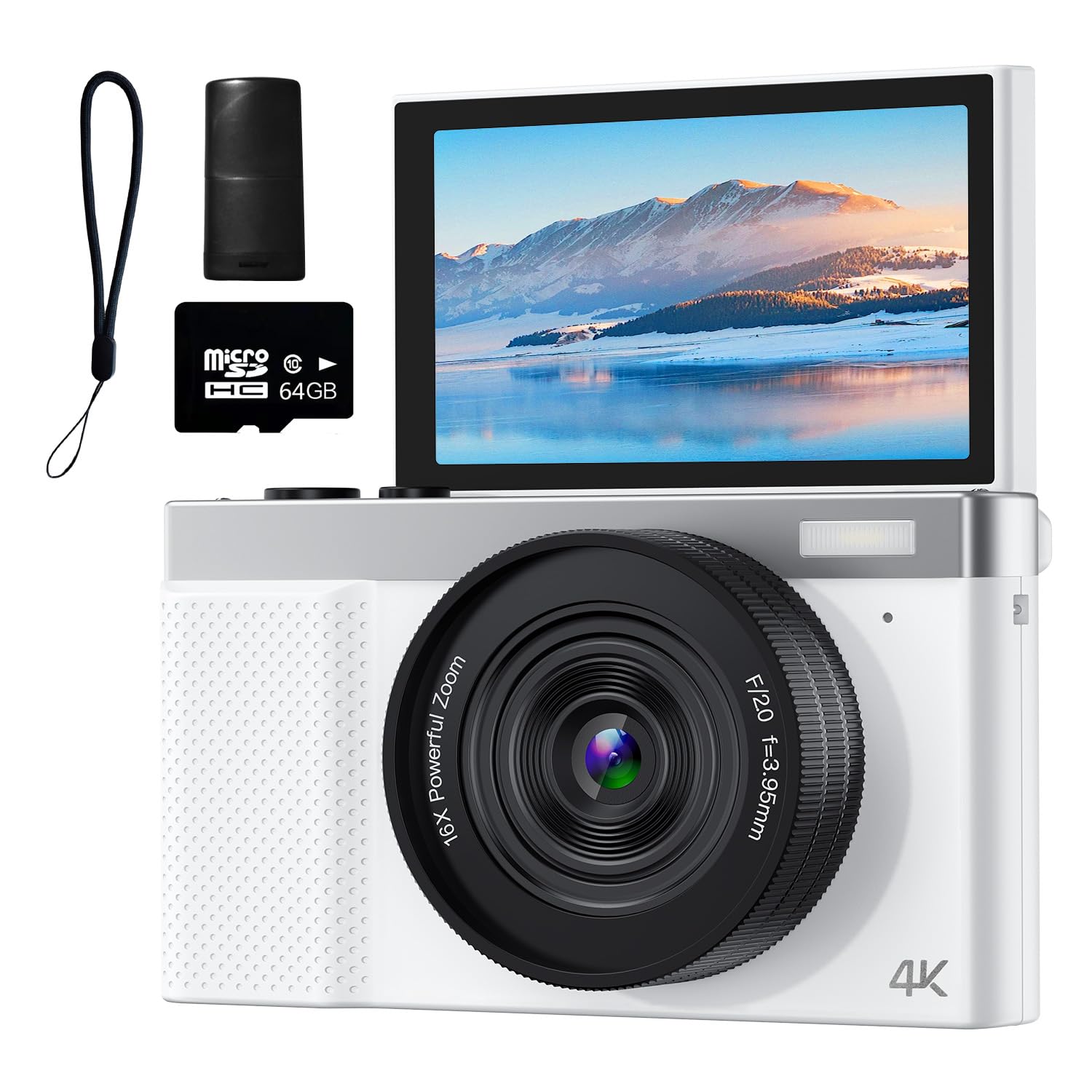
Maintenance And Upkeep1?When Not In Use, Please Store In A Cool And Dry Place And Remove The Battery.2?When In Use, Please Put On The Lanyard To Avoid Slipping.3?If You Want To Clean The Surface Of The Lens, You Should Blow Away The Sand And Dust On The Surface First, And Then Lightly Wipe The Lens With A Cloth And Paper Towel Suitable For Cleaning Optical Equipment. If Necessary, Please Use Special Lens Cleaner. Do Not Use Organic Solvents To Clean The Camera.4. Do Not Touch The Lens With Your Fingers, As A Dirty Lens Glass Will Affect The Quality Of The Image Presented.
⚠️ WARNING (California Proposition 65): This product may contain chemicals known to the State of California to cause cancer, birth defects, or other reproductive harm. For more information, please visit www.P65Warnings.ca.gov.
Frequently Asked Questions
Q: What is the resolution of this camera?A: The camera has a resolution of sixty-four megapixels, providing high-quality images for photography and vlogging.
Q: What size is the display screen?A: The display screen measures three inches diagonally, featuring a one hundred eighty-degree flip for easy selfies.
Q: What type of material is the camera made from?A: The camera is constructed from Acrylonitrile Butadiene Styrene, commonly known as ABS, which provides durability.
Q: Does it come with a memory card?A: Yes, the camera includes a sixty-four gigabyte micro SD card for ample storage of photos and videos.
Q: What is the battery capacity of this camera?A: The camera is powered by a two thousand milliampere-hour rechargeable battery, allowing for extended use.
Q: How do I use this camera for vlogging?A: To use the camera for vlogging, simply flip the screen for selfies, and record videos by pressing the shutter button.
Q: Is this camera suitable for beginners?A: Yes, this camera is designed to be user-friendly, making it perfect for beginners and teens who want to explore photography.
Q: How do I connect it to a computer?A: You can connect the camera to a computer using a USB cable and select 'Camera Mode' for webcam functionality.
Q: What settings can I customize on this camera?A: You can customize ISO, exposure compensation, self-timer, and delayed shooting for personalized photography.
Q: Can I use this camera in low-light conditions?A: Yes, the camera features a built-in flash that enhances low-light scenes, improving clarity in dim environments.
Q: What is the best way to clean the camera lens?A: To clean the lens, blow away dust and sand first, then gently wipe it with a cloth or paper towel designed for optical equipment.
Q: How should I store the camera when not in use?A: When not in use, store the camera in a cool and dry place, and remember to remove the battery for safety.
Q: Are there any hazardous materials in this camera?A: Yes, the camera contains lithium-ion batteries, which should be handled and stored properly for safety.
Q: What if the camera arrives damaged?A: If the camera arrives damaged, contact customer support to initiate a return or exchange under warranty.
Q: How long does the battery last during use?A: The battery life can vary, but with a two thousand milliampere-hour capacity, it is designed for extended shooting sessions.