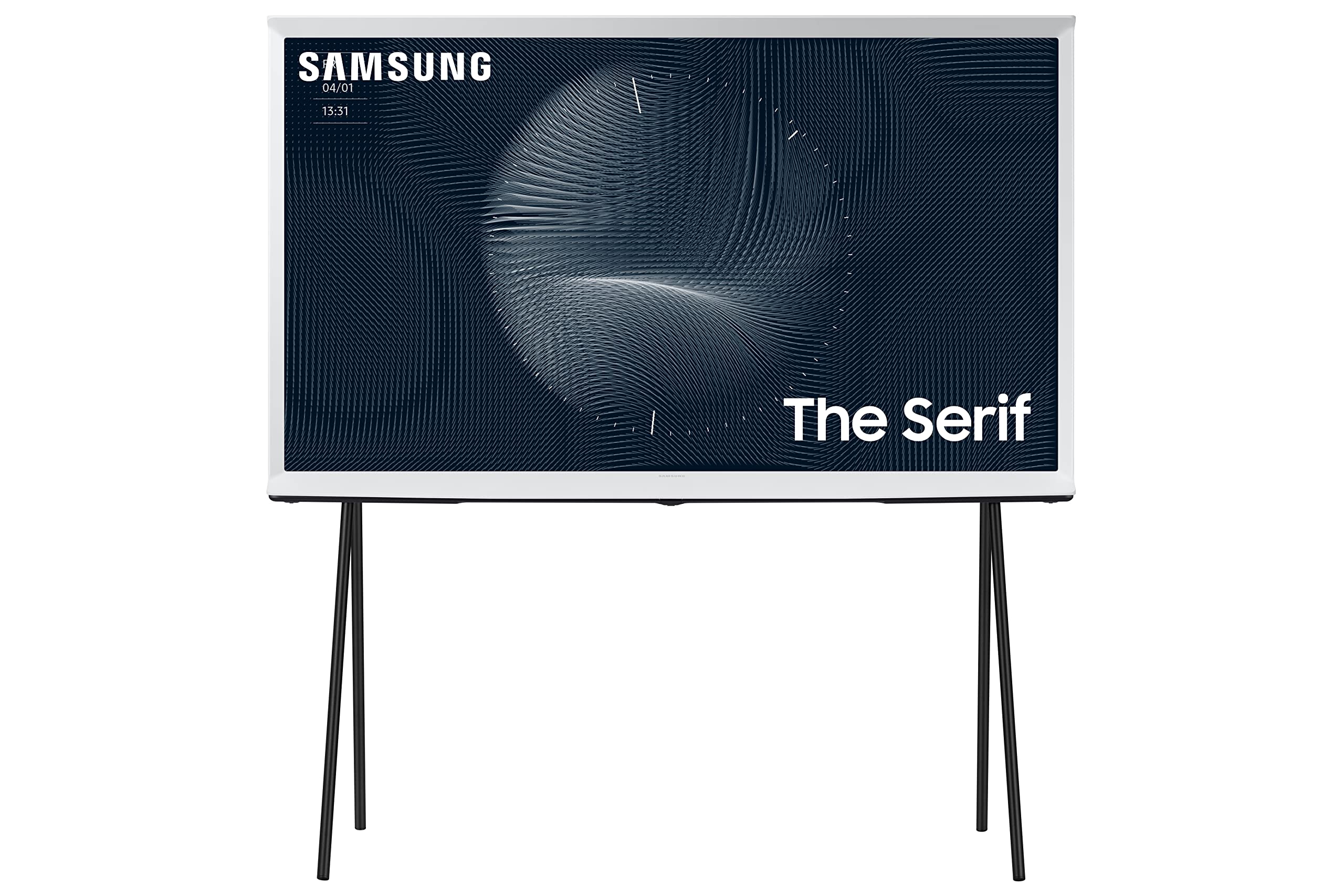
43'' Qled 2160P 120Hz 4K, The Serif Smart Tv, 4 Hmdi Ports, Color Volume 100% (Quantum Dot), Quantum 4K Processor With Upscaling, Nfc On Tv, Ambient Mode+, Adaptive Sound+ Included Accessory: Solarcell Remote And Detachable Easel Stand|999.99|0|Both|Short|Warning: Cancer And Reproductive Harm - Www.P65Warnings.Ca.Gov.
⚠️ WARNING (California Proposition 65): This product may contain chemicals known to the State of California to cause cancer, birth defects, or other reproductive harm. For more information, please visit www.P65Warnings.ca.gov.
Frequently Asked Questions
Q: What are the dimensions of the SAMSUNG Serif TV?A: The dimensions of the SAMSUNG Serif TV are sixteen point four inches in depth, thirty-eight point eight inches in width, and forty point five inches in height.
Q: What type of display does the SAMSUNG Serif TV use?A: The SAMSUNG Serif TV uses a QLED 4K display, providing vibrant colors and exceptional brightness.
Q: What color is the SAMSUNG Serif TV?A: The SAMSUNG Serif TV comes in a Cloud White color, making it a stylish addition to any room.
Q: How do I set up the SAMSUNG Serif TV?A: To set up the SAMSUNG Serif TV, connect it to a power source, use the detachable easel stand, and follow the on-screen instructions to connect to Wi-Fi.
Q: Can I use the SAMSUNG Serif TV for gaming?A: Yes, the SAMSUNG Serif TV is suitable for gaming, offering low input lag and high-resolution graphics with its QLED display.
Q: Does the SAMSUNG Serif TV support mobile mirroring?A: Yes, the SAMSUNG Serif TV supports mobile mirroring, allowing you to display content from your mobile device wirelessly.
Q: How do I care for my SAMSUNG Serif TV?A: To care for your SAMSUNG Serif TV, use a soft, dry cloth to clean the screen and avoid using strong cleaning agents that may damage the surface.
Q: What should I do if my SAMSUNG Serif TV won’t turn on?A: If your SAMSUNG Serif TV won't turn on, check the power connection and ensure the remote has fresh batteries.
Q: Is the SAMSUNG Serif TV safe for children?A: Yes, the SAMSUNG Serif TV is designed with safety in mind, but adult supervision is recommended when children are using the TV.
Q: How do I update the software on my SAMSUNG Serif TV?A: To update the software on your SAMSUNG Serif TV, navigate to the settings menu, select 'Support', and then choose 'Software Update'.
Q: Does the SAMSUNG Serif TV have built-in voice assistants?A: Yes, the SAMSUNG Serif TV has Alexa built-in, allowing you to control the TV with voice commands.
Q: What is the warranty on the SAMSUNG Serif TV?A: The SAMSUNG Serif TV typically comes with a one-year limited warranty covering parts and labor.
Q: How can I return my SAMSUNG Serif TV if I’m not satisfied?A: To return your SAMSUNG Serif TV, check the retailer's return policy, which usually allows returns within thirty days of purchase.
Q: Can I mount the SAMSUNG Serif TV on a wall?A: Yes, the SAMSUNG Serif TV can be wall-mounted, but you will need a compatible wall mount bracket.
Q: What makes the SAMSUNG Serif TV unique?A: The SAMSUNG Serif TV features an iconic I-shaped design that serves as both a TV and a decorative piece for your home.