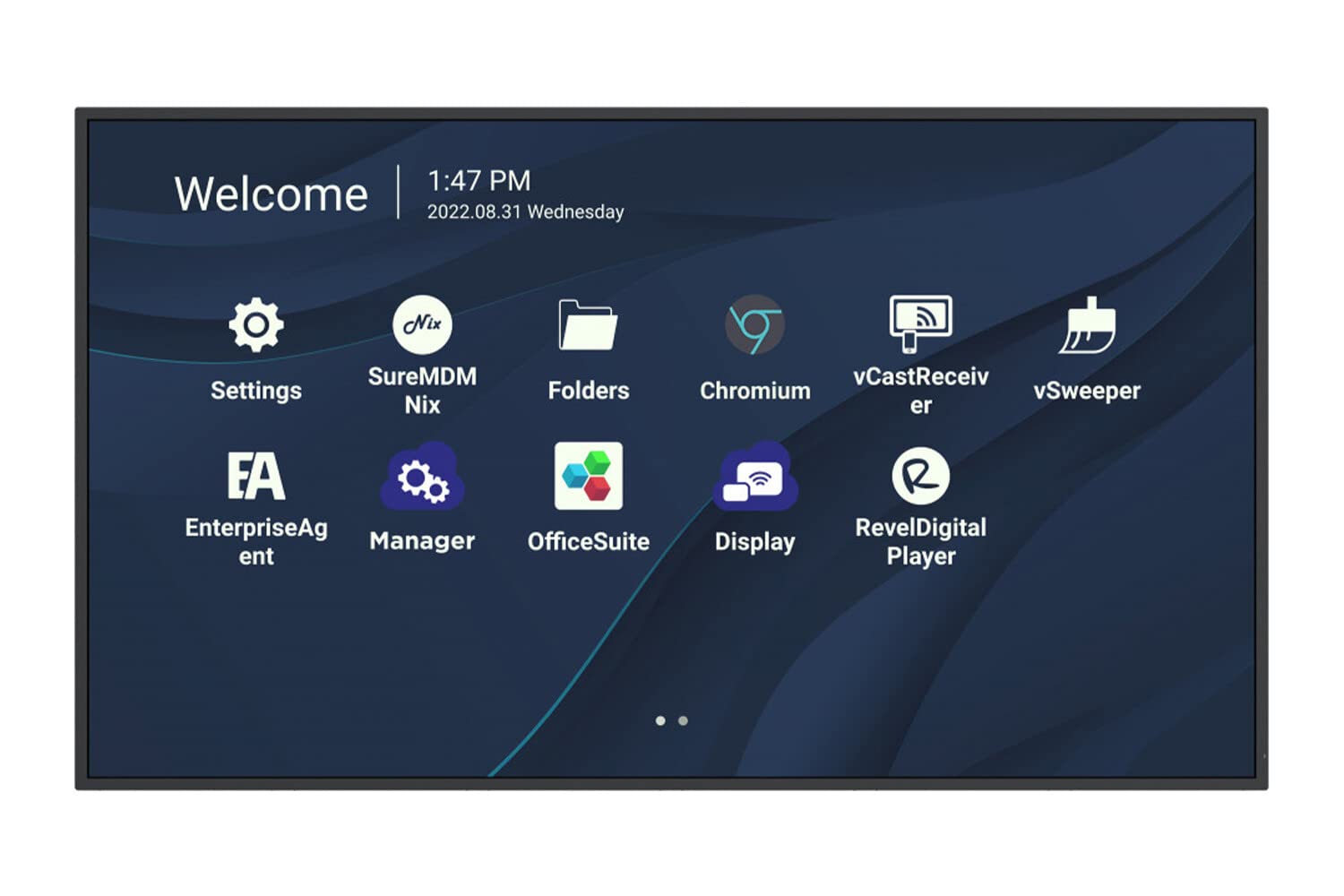
43'' 4K Uhd Wireless Presentation Display, 24/7 Operation, 3840X2160, 450 Nits, 1200:1, Hdmi 2.1 In X 3, Usb-C X 1, Hdmi Out X 1, Landscape/Portrait Mode, Rs232 Inx 1, Usb 2.0 X 1, Usb 3.0 X 1, Spdif X 1, Wifi/Bt Slot, Speaker 10W X 2, Rj45 X 1, Black|969|629|None|None|
⚠️ WARNING (California Proposition 65): This product may contain chemicals known to the State of California to cause cancer, birth defects, or other reproductive harm. For more information, please visit www.P65Warnings.ca.gov.
Frequently Asked Questions
Q: What is the screen size of the ViewSonic CDE4330?A: The screen size is forty-three inches. This makes it ideal for presentations and collaborative work in various environments.
Q: What resolution does the ViewSonic CDE4330 support?A: It supports four thousand ultra-high-definition resolution. This ensures clear and vibrant visuals for any content displayed.
Q: What type of connectivity options does the ViewSonic CDE4330 have?A: It features wireless presentation capabilities. This allows users to connect and share content easily without physical cables.
Q: How do I set up the ViewSonic CDE4330 for presentations?A: Simply connect your device to the wireless network. You can then use screen mirroring or compatible apps to project your content.
Q: Is the ViewSonic CDE4330 suitable for large rooms?A: Yes, it's ideal for large rooms. The forty-three-inch screen size ensures visibility from various distances.
Q: Can I use the ViewSonic CDE4330 for gaming?A: Yes, it can be used for gaming. The high resolution and screen size provide an immersive gaming experience.
Q: How do I maintain the ViewSonic CDE4330's display?A: To maintain it, use a soft, dry cloth for cleaning. Avoid using harsh chemicals to prevent damage to the screen.
Q: What is the warranty period for the ViewSonic CDE4330?A: The warranty period typically lasts for one year. This covers any manufacturing defects or issues during normal use.
Q: Is there a specific way to store the ViewSonic CDE4330?A: Yes, store it in a cool, dry place when not in use. Ensure it's covered to protect it from dust and scratches.
Q: Can the ViewSonic CDE4330 be mounted on a wall?A: Yes, it is wall-mountable. Ensure you use the appropriate mount and follow the installation guidelines provided.
Q: What should I do if the ViewSonic CDE4330 does not power on?A: Check the power connection first. Ensure the power outlet is functional and the power cable is securely connected.
Q: What if I experience connectivity issues with the ViewSonic CDE4330?A: If you face connectivity issues, try restarting both the display and your device. Ensure they are on the same wireless network.
Q: Are there any specific safety instructions for using the ViewSonic CDE4330?A: Yes, avoid exposing it to moisture and extreme temperatures. Always ensure proper ventilation during operation.
Q: How do I return the ViewSonic CDE4330 if I am not satisfied?A: Follow the retailer’s return policy. Generally, you need to keep the original packaging and receipt for a smooth return process.
Q: Does the ViewSonic CDE4330 come with any included accessories?A: Yes, it typically comes with a remote control and power cable. Check the product listing for a complete list of included items.
Q: Is the ViewSonic CDE4330 compatible with smart devices?A: Yes, it is compatible with various smart devices. You can easily connect smartphones and tablets for presentations.