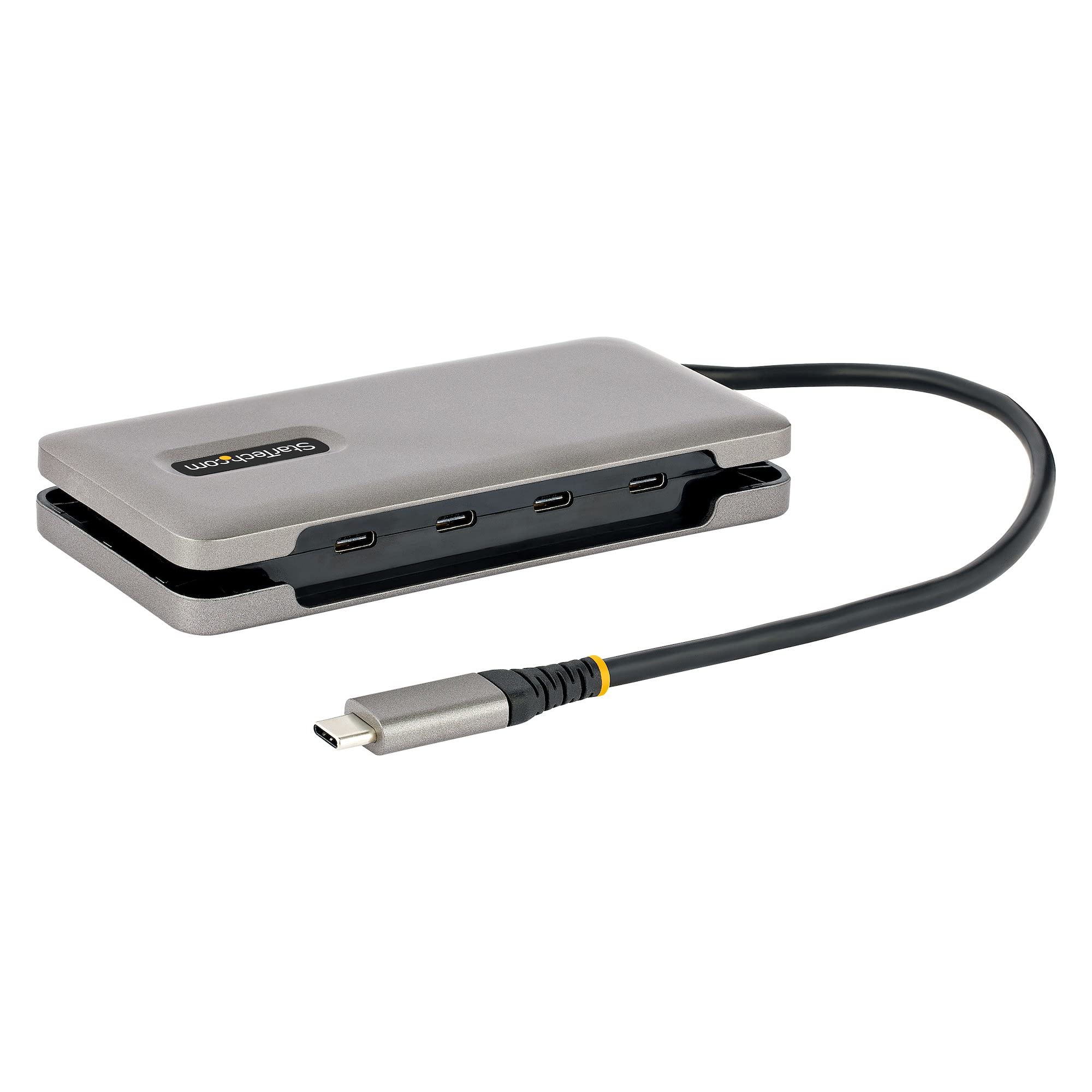
Portable 4 Port Usb-C Hub With Usb 3.2/3.1 10Gbps (Usb 3.1 Gen 2) Supports 100W Power Delivery Pass-Through Usb Type-C To 4X Downstream Usb-C Ports - Usb Bus Powered Or With Usb-C Power Adapter (Not Incl.) - Up To 100W Usb Power Delivery Pass-Through 15W Reserved For Hub Up To 85W Available To Power/Charge Host Laptop And Usb Devices (Up To 7.5W Per Port) - Compact Durable Usb-C Hub/Splitter Built-In 9.8'' Long Cable W/Wrap Around Cable Management - Driverless Setup Os Independent
⚠️ WARNING (California Proposition 65): This product may contain chemicals known to the State of California to cause cancer, birth defects, or other reproductive harm. For more information, please visit www.P65Warnings.ca.gov.
Frequently Asked Questions
Q: What are the dimensions of the StarTech.com 4-Port USB-C Hub?A: The hub measures five point three inches in length, two point four inches in width, and zero point eight inches in height.
Q: What materials is the USB-C Hub made of?A: The hub is made of durable plastic, ensuring both lightweight portability and sturdy construction.
Q: What USB specifications does this hub support?A: The hub supports USB three point two Gen two, enabling data transfer speeds of up to ten gigabits per second.
Q: How do I connect devices using the USB-C Hub?A: Simply plug the hub into a USB-C port on your laptop, then connect your USB-C devices to the available ports.
Q: Is this hub compatible with all operating systems?A: Yes, the hub is OS independent and supports Windows, macOS, Linux, iPadOS, Chrome OS, and Android.
Q: Can I charge my laptop while using the hub?A: Yes, the hub features USB Power Delivery pass-through, allowing you to charge your laptop while using connected devices.
Q: How do I clean the USB-C Hub?A: To clean the hub, use a soft, dry cloth to wipe the exterior, avoiding any harsh chemicals that could damage the plastic.
Q: Is the hub safe to use with my devices?A: Yes, the hub is designed with safety in mind and includes features like Fast Role Swap to prevent data disruption.
Q: How should I store the USB-C Hub?A: Store the hub in a cool, dry place, preferably in a carrying case to protect it from physical damage while traveling.
Q: What devices can I connect to the hub?A: You can connect various USB-C devices including laptops, tablets, and peripherals like mice and external drives.
Q: Does the hub require any software to work?A: No, the USB-C Hub is plug-and-play, meaning it requires no additional software or drivers for installation.
Q: What should I do if the hub doesn't work?A: If the hub is not functioning, try reconnecting it to the laptop, ensuring all connections are secure and devices are compatible.
Q: Is there a warranty for the USB-C Hub?A: Yes, the StarTech.com USB-C Hub typically comes with a limited warranty; check the manufacturer’s details for specific terms.
Q: Can I use the hub with older USB devices?A: Yes, while the hub is designed for USB-C devices, you can use adapters to connect older USB devices as well.
Q: What is the maximum power delivery of this hub?A: The hub supports a maximum power delivery of one hundred watts, allowing for efficient charging of connected devices.
Q: Is this USB-C Hub portable for travel?A: Yes, the hub is compact and features a built-in twelve point six-inch wrap-around cable for easy portability when traveling.