⚠️ WARNING (California Proposition 65): This product may contain chemicals known to the State of California to cause cancer, birth defects, or other reproductive harm. For more information, please visit www.P65Warnings.ca.gov.
Frequently Asked Questions
Q: What are the dimensions of the Omada SG3428XPP-M2 switch?A: The dimensions are seventeen point thirty-two inches in length, twelve point ninety-nine inches in width, and one point seventy-three inches in height.
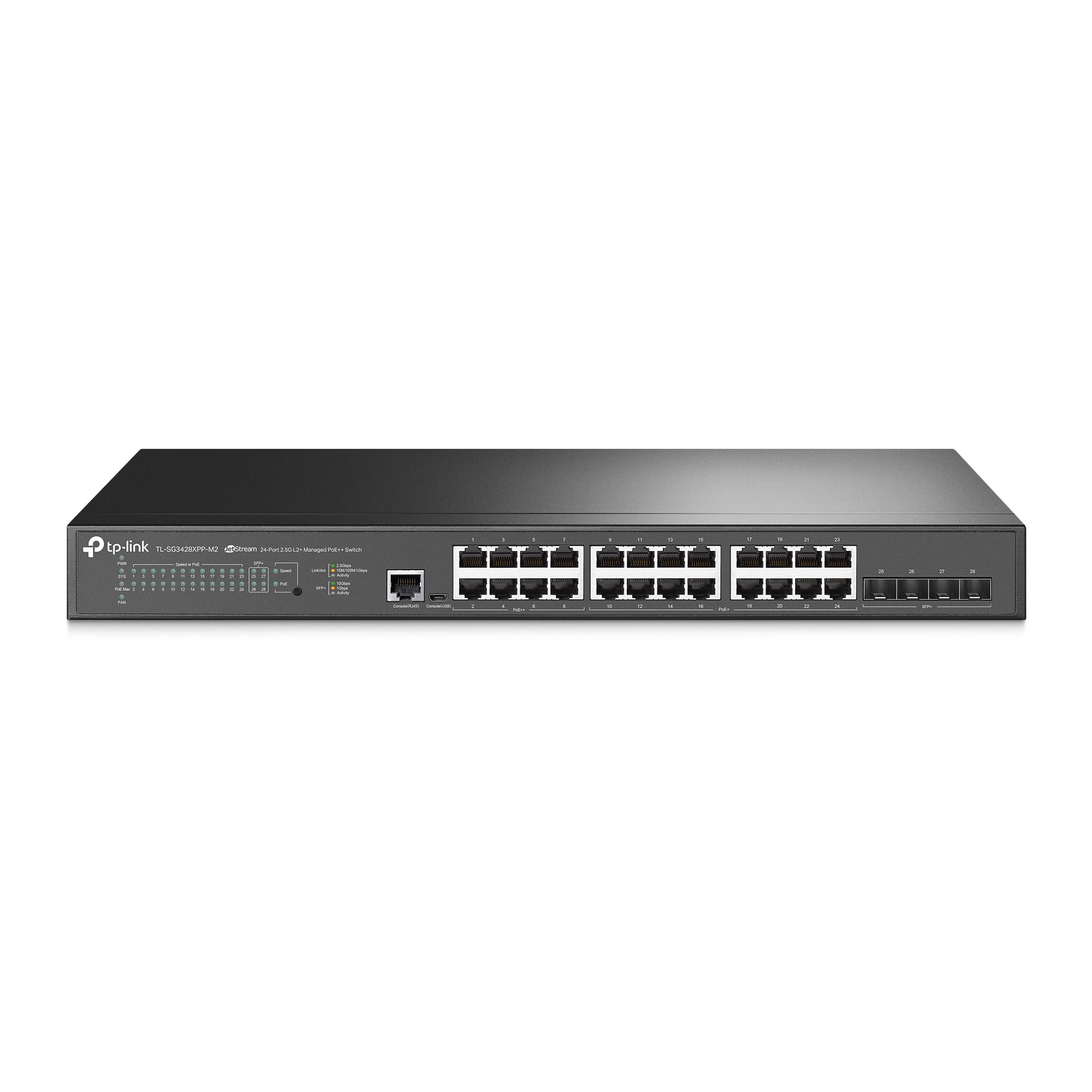
Q: How much power does the Omada SG3428XPP-M2 provide?A: The switch supports a total PoE budget of five hundred watts, with sixteen PoE+ ports providing thirty watts each and eight PoE++ ports providing sixty watts each.
Q: What type of ports does the Omada SG3428XPP-M2 have?A: This switch features twenty-four two point five gigabit Base-T ports and four ten gigabit SFP+ ports for high-speed connectivity.
Q: Is the Omada SG3428XPP-M2 compatible with IPv6?A: Yes, it supports IPv6, allowing for modern network configurations and future-proofing.
Q: How do I install the Omada SG3428XPP-M2 switch?A: To install, mount it in a rack or place it on a flat surface, connect power, and link your devices via the ports.
Q: Can I manage the Omada SG3428XPP-M2 remotely?A: Yes, it offers remote cloud access and management via the Omada app from anywhere at any time.
Q: What features enhance the network security of the Omada SG3428XPP-M2?A: It includes advanced security features like VLAN support, ACL, IP-MAC-Port binding, and DoS defense.
Q: Is this switch suitable for small businesses?A: Yes, the Omada SG3428XPP-M2 is ideal for small to medium-sized businesses needing reliable network management.
Q: How do I keep the Omada SG3428XPP-M2 in good condition?A: Ensure proper ventilation, avoid exposure to moisture, and clean the exterior periodically to maintain optimal performance.
Q: Does the switch have a warranty?A: Yes, it is backed by a five-year warranty, providing assurance on its quality and durability.
Q: What should I do if the switch arrives damaged?A: Contact customer support immediately for assistance with returns or replacements as per the warranty policy.
Q: How can I reset the Omada SG3428XPP-M2?A: To reset, locate the reset button on the switch, press and hold it for ten seconds until the device restarts.
Q: Does the switch support Omada SDN?A: Yes, it integrates with the Omada SDN platform for centralized management of network devices.
Q: What is the maximum number of devices I can connect?A: You can connect up to twenty-four devices using the two point five gigabit ports and additional devices through the SFP+ ports.
Q: Can I use this switch for high-bandwidth applications?A: Yes, the four ten gigabit SFP+ ports provide high-bandwidth connectivity, suitable for demanding applications.