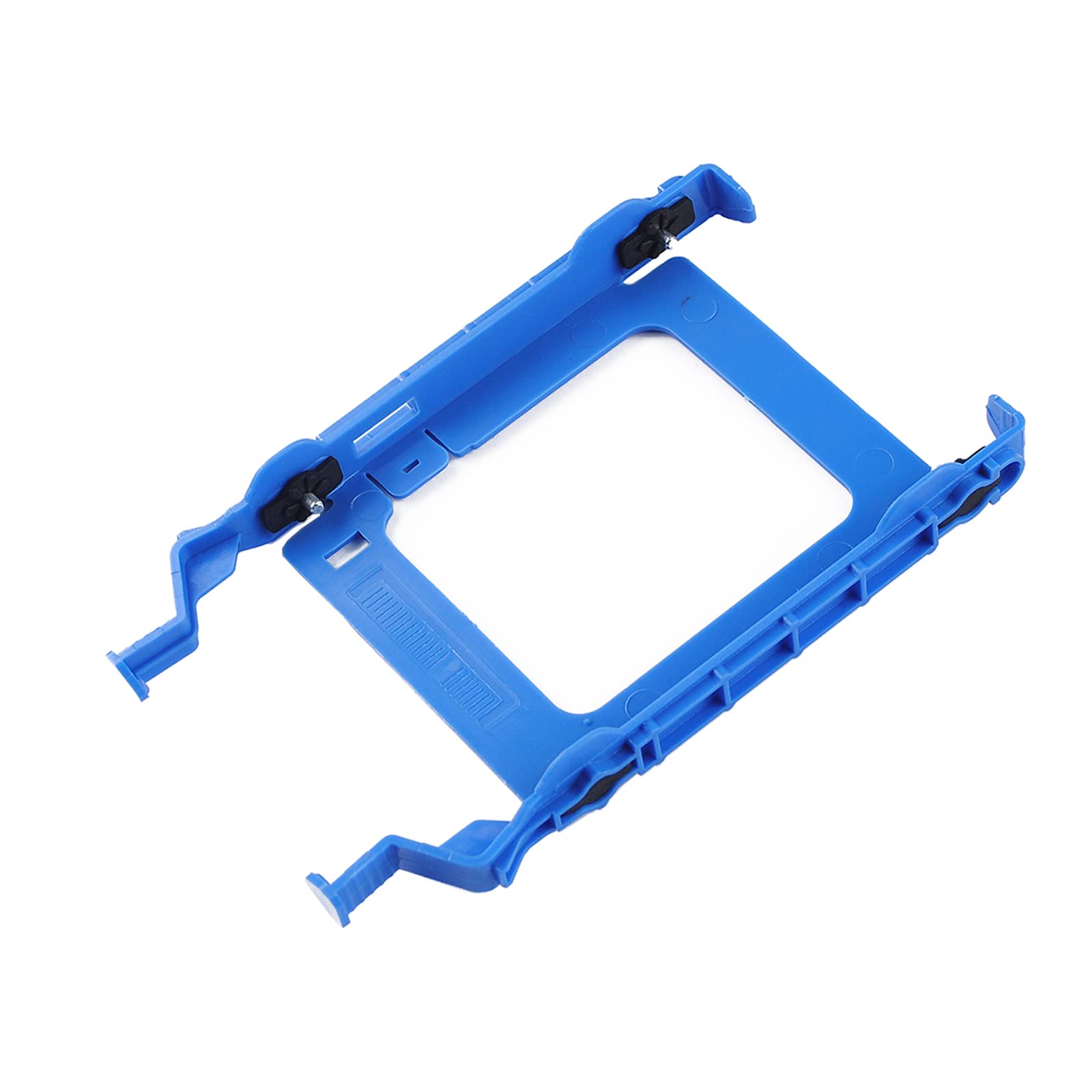
Part #: Yhnfx, 0Yhnfx | Full Compatible For Dell Optiplex 7000 7071 7080 8940 5880 5090 G5 | The Ssd Mount Is Made Of Abs Plastic And Would Not Easily Get Out Of Shape. Sturdy And Durable That Allows For Protecting Your Hard Drive. | No Warry To Purchase: We Provide A 12-Month Warranty And Great Customer Service, If You Have Any Questions, Please Contact Us And We Will Reply You Within 12 Hours.
⚠️ WARNING (California Proposition 65): This product may contain chemicals known to the State of California to cause cancer, birth defects, or other reproductive harm. For more information, please visit www.P65Warnings.ca.gov.
Frequently Asked Questions
Q: What are the dimensions of the 2.5" YHNFX HDD Drive Tray Caddy?A: The dimensions are six point six nine inches in length, three point nine four inches in width, and zero point nine eight inches in height.
Q: What material is the drive tray caddy made of?A: The drive tray caddy is made of Acrylonitrile Butadiene Styrene, commonly known as ABS plastic, which is known for its durability.
Q: Is this product compatible with all Dell OptiPlex models?A: No, this drive tray caddy is specifically compatible with Dell OptiPlex models seven thousand, seven zero one, seven zero eight, eight nine four zero, five eight eight zero, and five zero nine zero.
Q: How do I install the YHNFX HDD Drive Tray Caddy?A: To install, simply align the tray with the hard drive slot in your Dell OptiPlex, slide it in until it clicks into place, ensuring a secure fit.
Q: Can I use this caddy for SSDs as well?A: Yes, this caddy is suitable for both SSDs and HDDs, allowing you to securely mount either type of drive.
Q: Will this caddy fit in my Dell G5 model?A: Yes, this caddy is compatible with the Dell G5, specifically models five eight eight zero.
Q: How should I clean the HDD drive tray?A: To clean the drive tray, use a soft, damp cloth to wipe the surface, avoiding any harsh chemicals that may damage the ABS plastic.
Q: Is there a warranty for this product?A: Yes, the YHNFX HDD Drive Tray Caddy comes with a twelve-month warranty, providing peace of mind with your purchase.
Q: Can I return the drive tray if it does not fit?A: Yes, you can return the drive tray if it does not fit, but please check the compatibility with your Dell model before purchasing.
Q: What should I do if the caddy arrives damaged?A: If the caddy arrives damaged, please contact customer service within twelve hours for assistance with a replacement or refund.
Q: Is the drive tray durable enough to protect my hard drive?A: Yes, the durable ABS plastic construction ensures that the drive tray will protect your hard drive from damage.
Q: Does this caddy come with installation instructions?A: Yes, the caddy typically includes basic installation instructions to help guide you through the setup process.
Q: What color is the YHNFX HDD Drive Tray Caddy?A: The caddy is available in a blue color, adding a slight aesthetic touch to your internal components.
Q: Is this caddy safe to use for long-term storage?A: Yes, the sturdy design of the caddy makes it safe for long-term storage of your hard drives.
Q: How can I contact customer service for support?A: You can contact customer service via email or phone, and they will respond to your inquiries within twelve hours.