

Cart
0


13in MacBook Privacy Screen
Free Standard Shipping Across USA
Vendor: Startech.Com
Type: Monitors & Displays
Sku: WBEEAB0CSGCJ2WF
Availability: In Stock
Couldn't load pickup availability
Guarantee safe checkout

Sold by Electroeshop, an authorized reseller.
Returns accepted within 30 days | support@electroeshop.com
Shipping Information
- Free Standard Shipping — United States only
- Estimated Delivery Time: Dec 1 – Dec 7
- Double-boxed, fully insured & discreetly packaged
- Tracking number sent via email once dispatched
Returns & Refund
Returns accepted within 30 days of delivery.
Damaged or Defective Item
Free return shipping + replacement or full refund
Wrong Item Received
Free return shipping + replacement or full refund
Change of Mind
Return shipping at customer's expense · 25% restocking fee applies
All returns require a Return Authorization (RA) number before sending.
View Full Return & Refund Policy
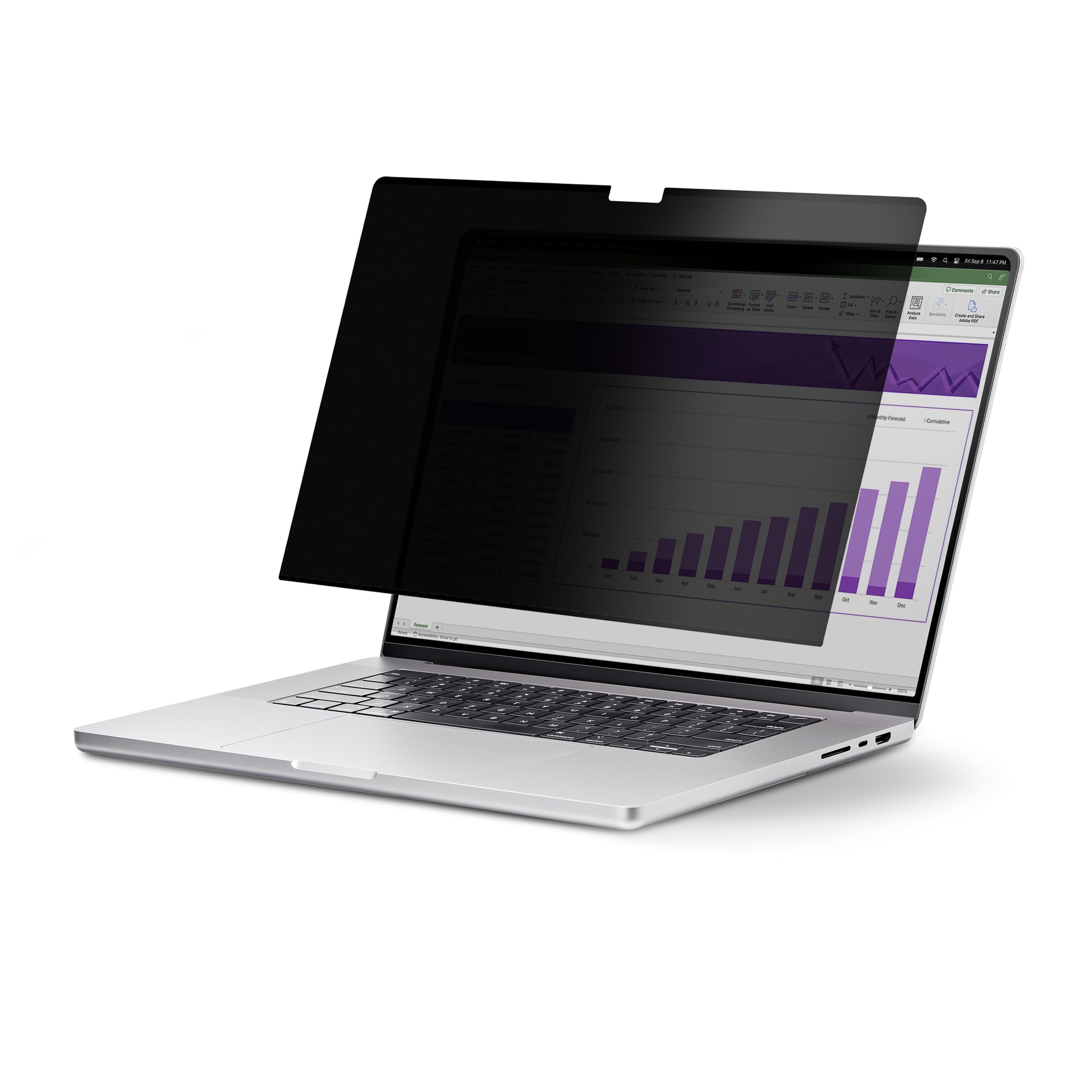
13in MacBook Privacy Screen
$80.81

Frequently Asked Questions
- Q: What are the dimensions of the StarTech.com privacy screen? A: The dimensions are zero point zero two inches in height, four point six five inches in width, and seven point eight inches in length.
- Q: What is the color of the privacy screen? A: The privacy screen is black.
- Q: What material is the privacy screen made of? A: The privacy screen does not specify a particular material.
- Q: How does the privacy screen filter blue light? A: The privacy screen blocks up to fifty-one percent of blue light emitted from the display.
- Q: What is the light transmittance rate of the privacy screen? A: The light transmittance rate is sixty percent, which enhances screen brightness.
- Q: How do I install the privacy screen on my MacBook Air? A: Simply attach the privacy screen using the slim built-in magnetic strips.
- Q: Is the privacy screen suitable for the M2 and M3 MacBook Air models? A: Yes, it is designed specifically for the thirteen-inch M2 and M3 MacBook Air models.
- Q: Can I use both sides of the privacy screen? A: Yes, the privacy screen is reversible, featuring a matte anti-glare side and a high-gloss side.
- Q: How do I clean the privacy screen? A: To clean the privacy screen, gently wipe it with a soft, dry cloth to avoid scratching.
- Q: How do I store the privacy screen when not in use? A: It comes with a protective sleeve to stow away and protect the privacy screen from damage.
- Q: Is the privacy screen safe for prolonged use? A: Yes, it reduces digital eye strain by blocking blue light, improving visual comfort.
- Q: What is the warranty on the privacy screen? A: The product typically comes with a manufacturer's warranty, but details should be confirmed at purchase.
- Q: What if my privacy screen arrives damaged? A: If it arrives damaged, you should contact the seller for a return or replacement.
- Q: Does the privacy screen interfere with the webcam? A: No, it is designed to not interfere with top-mounted webcams or sensors.
- Q: Is the installation process complicated? A: No, the installation is hassle-free and can be done quickly using magnetic strips.