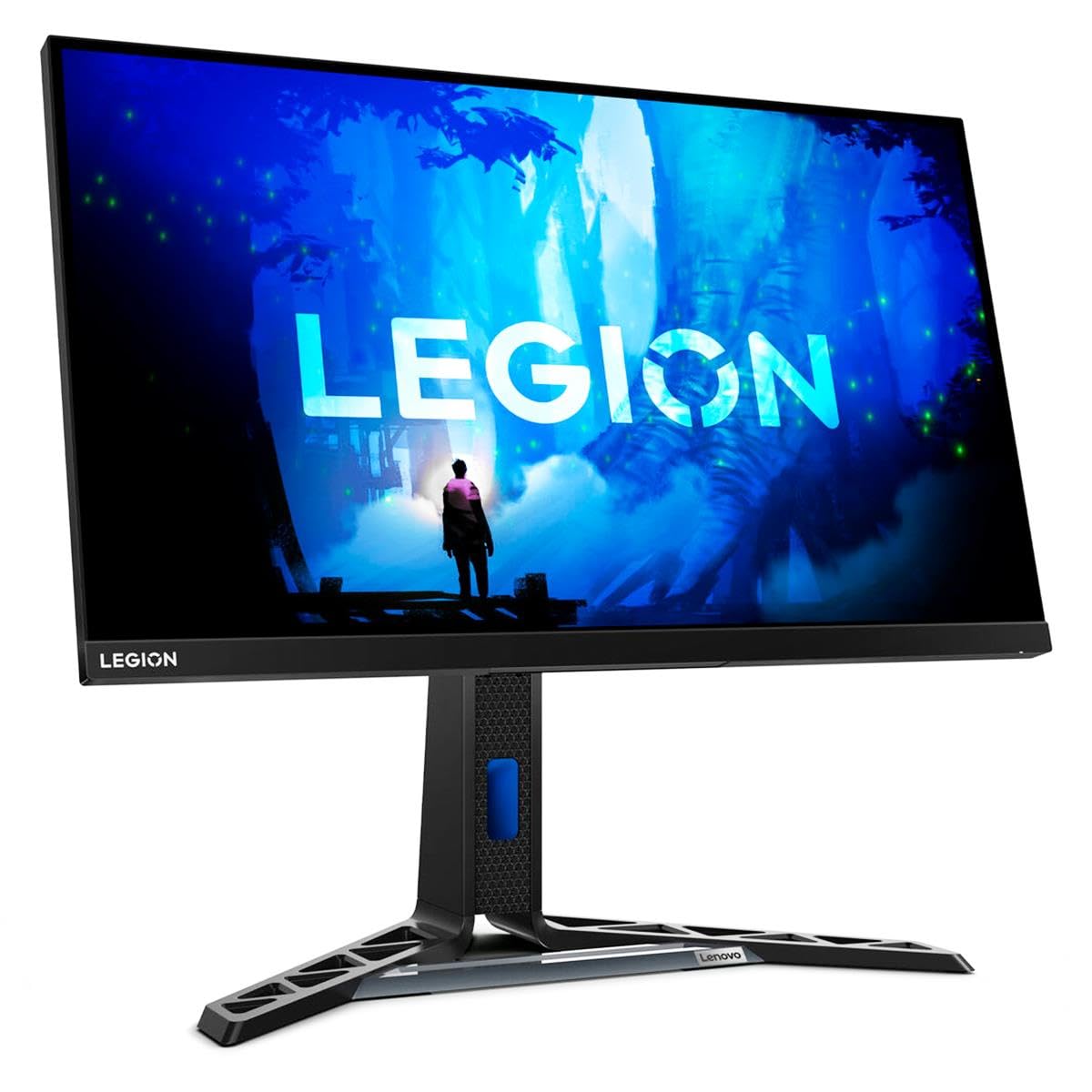
27'' Ips Qhd (2560X1140), Flat, 3 Side Borderless, 2X Hdmi 2.0, Dp 1.4, Audio Combo, 165Hz, 1Ms, 99% Srgb, 400Nits, Hdr400, Hdr10, 100Mm|389.99|0|Both|Long|Warning: Cancer And Reproductive Harm - Www.P65Warnings.Ca.Gov.
⚠️ WARNING (California Proposition 65): This product may contain chemicals known to the State of California to cause cancer, birth defects, or other reproductive harm. For more information, please visit www.P65Warnings.ca.gov.
Frequently Asked Questions
Q: What is the screen size of the Lenovo Legion Y27q-30 monitor?A: The screen size is twenty-seven inches. This size offers an immersive viewing experience, ideal for gaming and multimedia.
Q: What is the maximum resolution of this monitor?A: The maximum resolution is twenty-five hundred sixty by fourteen hundred forty pixels. This WQHD resolution provides a crystal-clear display for various applications.
Q: What type of display technology does this monitor use?A: The monitor utilizes In-plane Switching (IPS) technology. This technology enhances color accuracy and viewing angles, ensuring vibrant visuals.
Q: What is the refresh rate of the Lenovo Legion Y27q-30?A: The refresh rate is one hundred twenty hertz. This high refresh rate reduces motion blur, providing a smooth gaming experience.
Q: What ports are available on this monitor?A: It includes HDMI, DisplayPort, and a USB Hub. These ports allow connectivity to various devices like gaming consoles and computers.
Q: How do I adjust the settings on the Lenovo Legion Y27q-30?A: You can adjust the settings using the on-screen display menu. Access it through the buttons located on the monitor's front or underside.
Q: Is the Lenovo Legion Y27q-30 suitable for gaming?A: Yes, it is suitable for gaming. The monitor's high refresh rate and Adaptive Sync/FreeSync Premium technology provide an optimized gaming experience.
Q: Can I use this monitor for professional work?A: Yes, this monitor is excellent for professional work. Its high resolution and color accuracy make it suitable for graphic design and video editing.
Q: How do I clean the monitor screen?A: Use a microfiber cloth and a mild screen cleaning solution. Gently wipe the screen to avoid damage and maintain clarity.
Q: What is the brightness level of the Lenovo Legion Y27q-30?A: The brightness level is four hundred nits. This brightness ensures visibility in various lighting conditions.
Q: Does this monitor have built-in speakers?A: No, the monitor does not have built-in speakers. You will need external speakers or headphones for audio.
Q: How can I mount the Lenovo Legion Y27q-30?A: It is VESA compatible for easy mounting. You can use a compatible VESA mount to secure the monitor to a wall or stand.
Q: What is the warranty period for this monitor?A: The typical warranty period is one year. This warranty covers manufacturing defects and ensures customer satisfaction.
Q: What is the response time of the Lenovo Legion Y27q-30?A: The response time is five hundred microseconds. This fast response time minimizes ghosting and blurring during fast-paced scenes.
Q: Is the Lenovo Legion Y27q-30 energy efficient?A: Yes, it is power-efficient. The monitor is designed to produce minimal heat, contributing to a longer lifespan and lower energy costs.