

Cart
0


Ts Slim 7 Ult7 32G 1T 11P
Free Standard Shipping Across USA
Vendor: Lenovo
Type: 2-in-1 Convertibles
Sku: WBCOMB0D2DRSL7B
Availability: Sold Out
Couldn't load pickup availability
Guarantee safe checkout

Sold by Electroeshop, an authorized reseller.
Returns accepted within 30 days | support@electroeshop.com
Shipping Information
- Free Standard Shipping — United States only
- Processing Time: 3–5 business days
- Estimated Delivery: 6–10 business days after dispatch
- Double-boxed, fully insured & discreetly packaged
- Tracking number sent via email once dispatched
Returns & Refund
Returns accepted within 30 days of delivery.
Damaged or Defective Item
Free return shipping + replacement or full refund
Wrong Item Received
Free return shipping + replacement or full refund
Change of Mind
Return shipping at customer's expense · 25% restocking fee applies
All returns require a Return Authorization (RA) number before sending.
View Full Return & Refund Policy
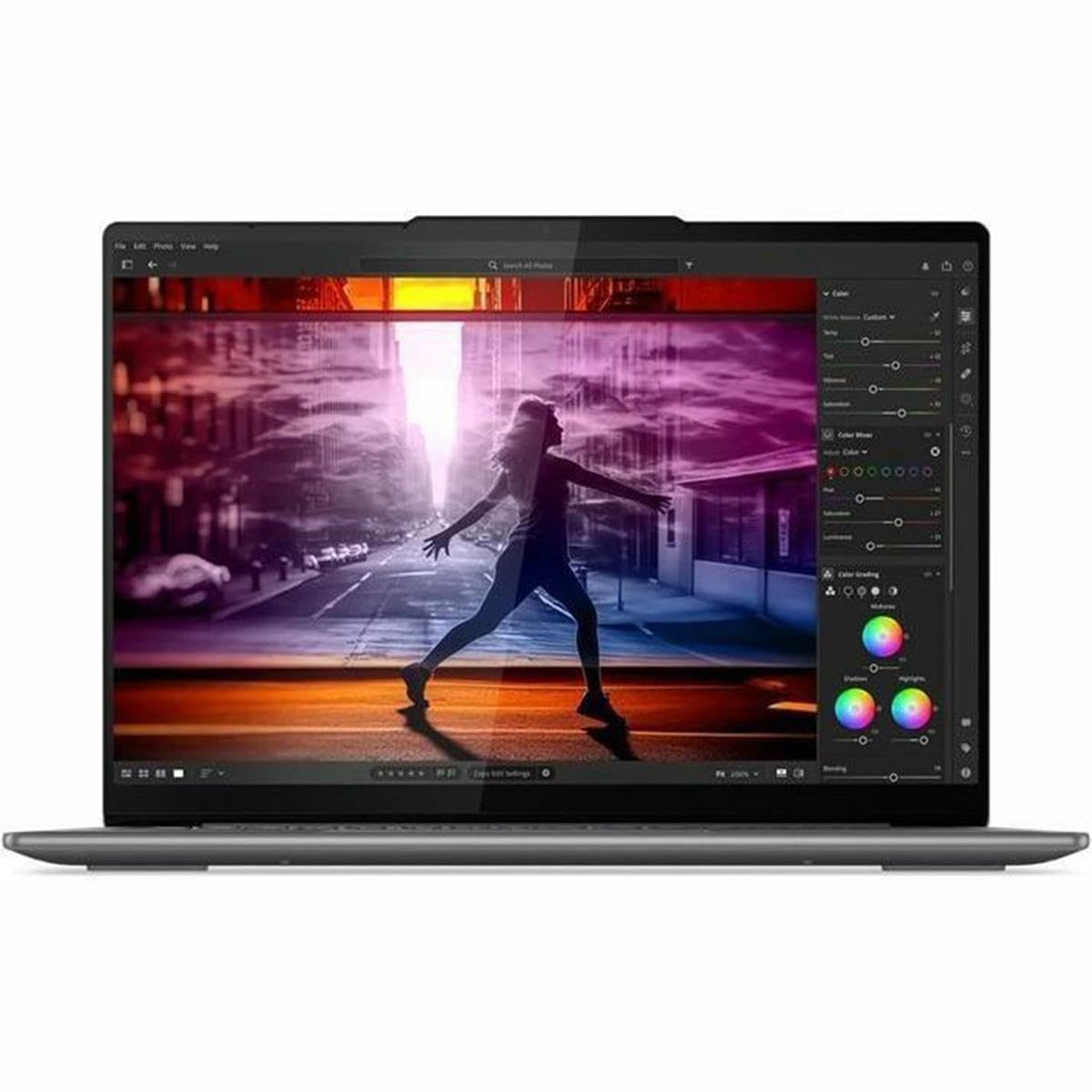
Ts Slim 7 Ult7 32G 1T 11P
$1,315.79

Frequently Asked Questions
- Q: What are the dimensions of the Lenovo IdeaPad Slim 7? A: The dimensions are eight point seven inches in height, twelve point three inches in width, and zero point fifty-nine inches in thickness.
- Q: What type of processor does this laptop have? A: It has an Intel Core Ultra seven dash one hundred fifty-five H processor with a speed of one point four gigahertz.
- Q: How much RAM does the Lenovo IdeaPad Slim 7 come with? A: This laptop comes with thirty-two gigabytes of RAM, providing ample memory for multitasking.
- Q: What storage capacity does this laptop offer? A: It offers one terabyte of solid-state drive storage, allowing for fast data access and ample space.
- Q: What operating system is pre-installed on this laptop? A: The Lenovo IdeaPad Slim 7 comes with Windows eleven Pro pre-installed.
- Q: What display technology is used in this laptop? A: It features a fourteen inch WUXGA OLED touchscreen display for vibrant visuals and responsive touch.
- Q: Does this laptop have a privacy camera switch? A: Yes, it includes a mechanical camera switch to protect your privacy by disabling the camera.
- Q: How do I use the Copilot key on this laptop? A: Pressing the Copilot key opens Copilot in Windows if enabled, or it opens Windows Search otherwise.
- Q: Can I easily access Lenovo apps with this laptop? A: Yes, the Smart Key provides a quick shortcut to access Lenovo apps and services.
- Q: How do I maintain the battery health of the laptop? A: To maintain battery health, avoid extreme temperatures and charge the battery regularly without letting it completely drain.
- Q: What safety features does this laptop have? A: It includes a privacy camera switch and Human Presence Detection for automatically locking the computer.
- Q: How should I clean the Lenovo IdeaPad Slim 7? A: Use a soft, lint-free cloth to wipe the screen and keyboard, avoiding any liquid cleaners directly on the device.
- Q: Is this laptop suitable for gaming? A: While it has powerful specs, it is primarily designed for productivity and may not support all high-end gaming needs.
- Q: What should I do if the laptop won't turn on? A: Check the power connection and ensure the battery is charged. If it still doesn't power on, consult the warranty for support.
- Q: What is the warranty period for this laptop? A: The warranty period typically lasts for one year from the date of purchase, covering manufacturing defects.