⚠️ WARNING (California Proposition 65): This product may contain chemicals known to the State of California to cause cancer, birth defects, or other reproductive harm. For more information, please visit www.P65Warnings.ca.gov.
Frequently Asked Questions
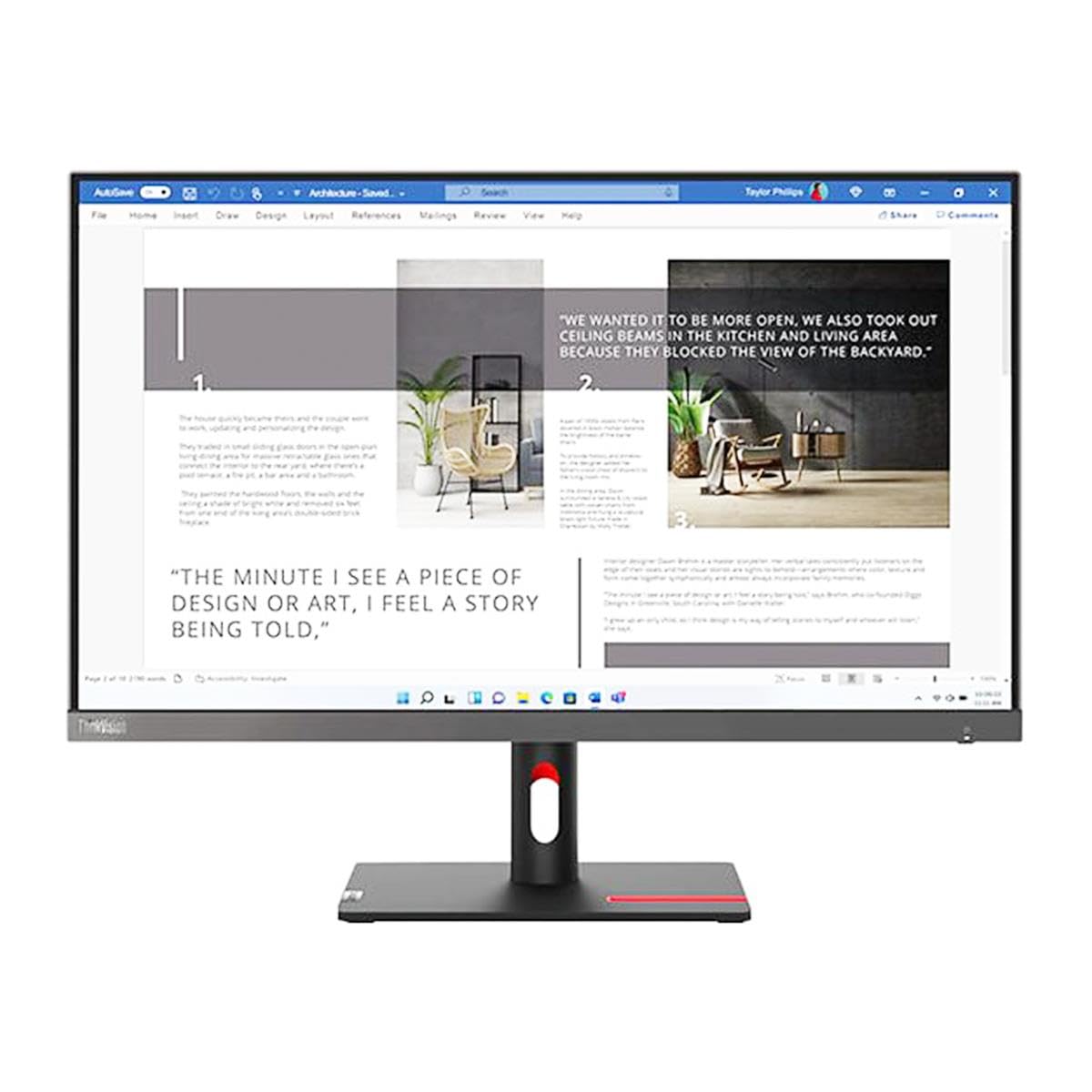
Q: What is the screen size of the Lenovo ThinkVision S27i-30?A: The screen size is twenty-seven inches. This monitor features a viewable screen size of twenty-seven inches, providing ample display area for various tasks.
Q: What is the resolution of the Lenovo ThinkVision S27i-30 monitor?A: The resolution is Full HD, which is one thousand nine hundred twenty by one thousand eighty pixels. This resolution ensures clear and detailed images, ideal for both work and entertainment.
Q: What panel technology does the Lenovo ThinkVision S27i-30 use?A: It uses In-plane Switching, or IPS technology. IPS panels are known for their excellent color accuracy and wide viewing angles.
Q: What is the color of the Lenovo ThinkVision S27i-30?A: The color is Storm Gray. This modern color gives the monitor a sleek and professional appearance, suitable for any workspace.
Q: What are the dimensions of the Lenovo ThinkVision S27i-30 monitor?A: The dimensions are seven point twenty-eight inches in length, twenty-four point eleven inches in width, and eighteen point seven inches in height. These measurements make it easy to fit on most desks.
Q: How do I set up the Lenovo ThinkVision S27i-30 monitor?A: To set it up, connect the monitor to your computer using the HDMI cable provided. Then, adjust the monitor stand to your preferred height and angle for optimal viewing.
Q: Is the Lenovo ThinkVision S27i-30 suitable for gaming?A: Yes, it is suitable for gaming. The Full HD resolution and IPS technology provide smooth visuals and good color reproduction, making it a great choice for gaming.
Q: Can I use the Lenovo ThinkVision S27i-30 for graphic design?A: Yes, it is excellent for graphic design. The IPS panel offers accurate color representation and wide viewing angles, which are crucial for design work.
Q: How should I clean the Lenovo ThinkVision S27i-30 monitor?A: To clean it, use a soft, lint-free cloth and a mild screen cleaner. Avoid using harsh chemicals that could damage the screen's surface.
Q: Is there a warranty for the Lenovo ThinkVision S27i-30?A: Yes, it comes with a standard warranty from Lenovo. This typically covers defects in materials and workmanship for a specified period.
Q: What if the Lenovo ThinkVision S27i-30 arrives damaged?A: If it arrives damaged, contact Lenovo customer support immediately. They will guide you through the return or replacement process.
Q: Can I mount the Lenovo ThinkVision S27i-30 on a wall?A: Yes, it is VESA compatible for wall mounting. Ensure that you use a compatible mount that supports the monitor's weight and dimensions.
Q: What type of connectivity options does the Lenovo ThinkVision S27i-30 have?A: It includes HDMI and DisplayPort connections. These options allow for easy compatibility with most computers and devices.
Q: Is the Lenovo ThinkVision S27i-30 adjustable for height?A: Yes, it has an adjustable stand. You can change the height and tilt to find the most comfortable viewing position.
Q: What is the brand of the Lenovo ThinkVision S27i-30 monitor?A: The brand is Lenovo. Known for their high-quality electronics, Lenovo provides reliable monitors suitable for various uses.