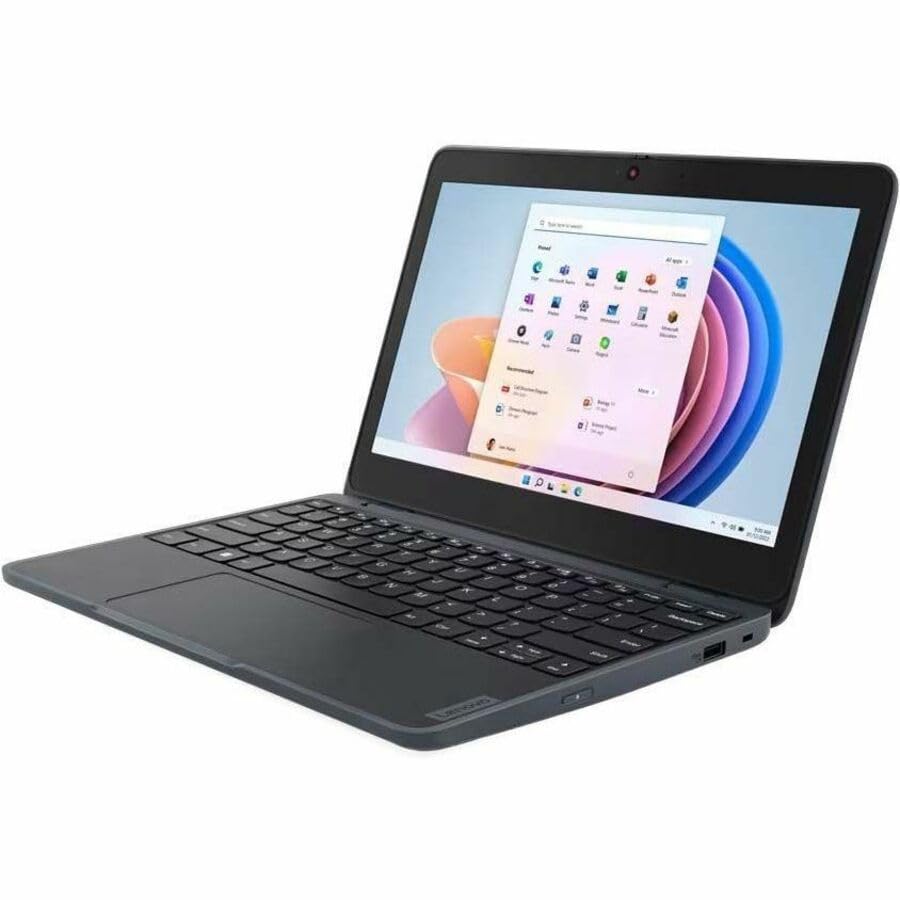
Lenovo 100W Intel Alderlake N Gen 4, Intel Alderlake N (1.20Ghz, 1Mb), 11.6 1366 X 768 Non-Touch, Windows 11 Pro Stf Entry, 4.0Gb, 1X128Gb Ssd, Intel Integrated Graphics, Bluetooth 5.0, Intel Ax201 2X2Ax, 720P Hd Camera, 3 Cell Li-Pol 47Wh, 1 Year Mail-In
⚠️ WARNING (California Proposition 65): This product may contain chemicals known to the State of California to cause cancer, birth defects, or other reproductive harm. For more information, please visit www.P65Warnings.ca.gov.
Frequently Asked Questions
Q: What are the dimensions of the Lenovo 100 82VK0005US notebook?A: The dimensions are zero point seventy-eight inches in height, eleven point three inches in width, and seven point nine inches in length.
Q: What is the screen resolution of this notebook?A: The screen resolution is one thousand three hundred sixty-six by seven hundred sixty-eight pixels, providing a high-definition viewing experience.
Q: How much RAM does the Lenovo 100 have?A: The notebook comes with four gigabytes of total RAM, which allows for multitasking and running several applications simultaneously.
Q: What type of processor does this laptop use?A: It uses an Intel N100 quad-core processor, running at eight hundred megahertz, ensuring smooth performance for everyday tasks.
Q: What storage capacity does the Lenovo 100 offer?A: The laptop features a one hundred twenty-eight gigabyte solid-state drive, providing ample storage for applications and files.
Q: What operating system is pre-installed on this notebook?A: The Lenovo 100 comes with Windows eleven Pro, offering the latest features and security updates from Microsoft.
Q: How do I connect to Wi-Fi with this laptop?A: You can connect to Wi-Fi using the built-in IEEE eight zero two point eleven ax wireless LAN standard for fast internet access.
Q: Is the Lenovo 100 suitable for gaming?A: While it can handle casual games, it is not optimized for high-performance gaming due to its Intel UHD graphics.
Q: How do I charge the Lenovo 100 notebook?A: You can charge the notebook using the included power adapter, which connects to the charging port located on the side.
Q: Is there a front camera on this laptop?A: Yes, the Lenovo 100 is equipped with a front camera, allowing for video calls and online meetings.
Q: What is the best way to clean the Lenovo 100 notebook?A: To clean it, use a soft, lint-free cloth dampened with water or a mild cleaning solution, avoiding harsh chemicals.
Q: How should I store the Lenovo 100 when not in use?A: Store the laptop in a cool, dry place, preferably in a protective case to prevent dust accumulation and physical damage.
Q: How do I maintain the battery health of this notebook?A: To maintain battery health, avoid letting it discharge completely and charge it regularly while keeping it away from extreme temperatures.
Q: Can I upgrade the RAM on the Lenovo 100?A: No, the RAM is on-board and not upgradable; it comes fixed at four gigabytes.
Q: What is the warranty for the Lenovo 100 notebook?A: The Lenovo 100 typically comes with a one-year limited warranty, covering defects in materials and workmanship.