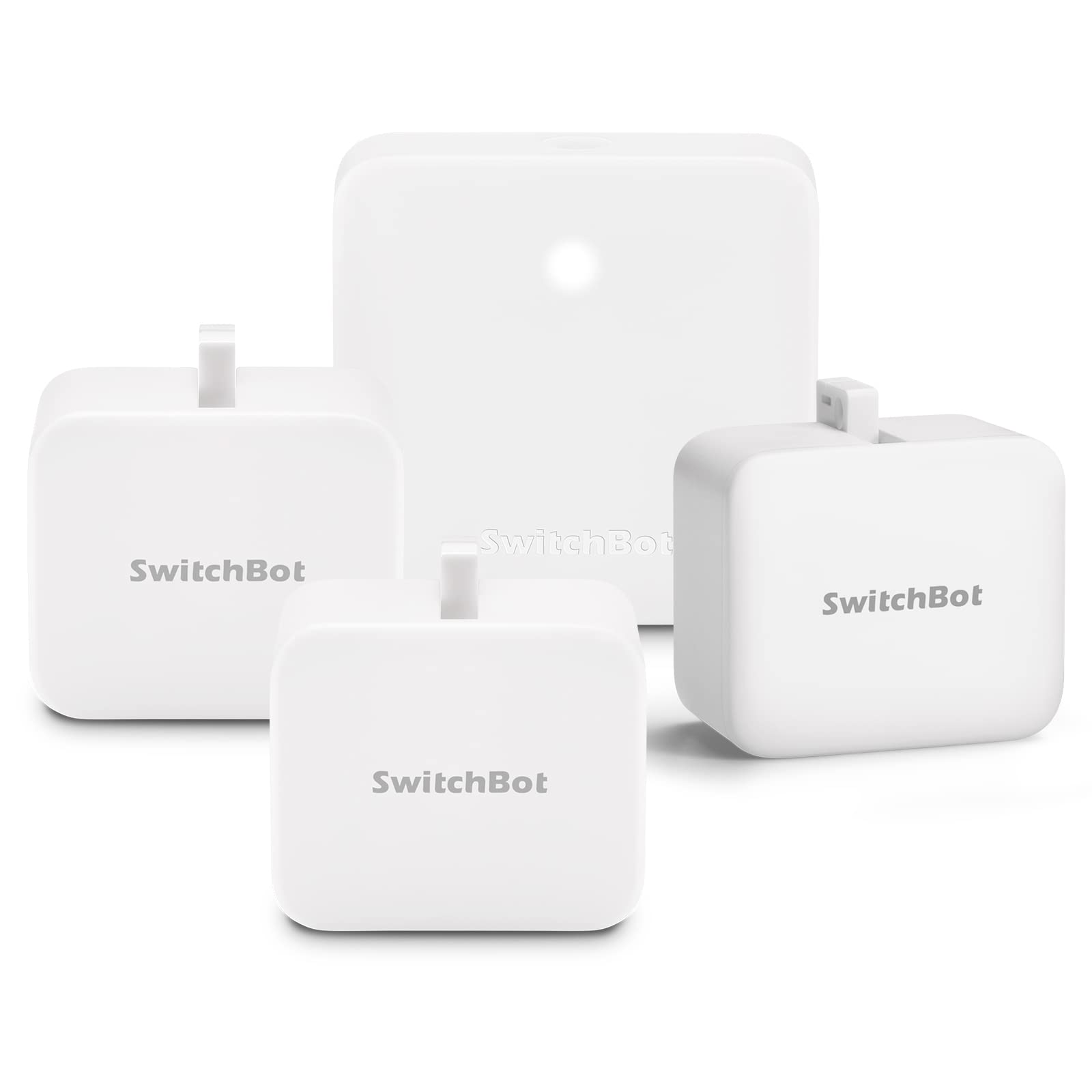
Switchbot Smart Curtain Rod2.0 Version & Switch Button Pusher 2 Pack, Wireless App Automate Timer Control, Add Switchbot Hub Mini To Make Them Compatible With Alexa, Google Home, Ifttt
⚠️ WARNING (California Proposition 65): This product may contain chemicals known to the State of California to cause cancer, birth defects, or other reproductive harm. For more information, please visit www.P65Warnings.ca.gov.
Frequently Asked Questions
Q: What are the dimensions of the SwitchBot Smart Switch Button Pusher?A: The SwitchBot Smart Switch Button Pusher measures approximately three point six inches in width, three point two inches in height, and three point six inches in length.
Q: What materials are used in the SwitchBot Smart Switch Button Pusher?A: The device is primarily made from plastic, ensuring durability and lightweight construction.
Q: Does the SwitchBot Smart Switch Button Pusher contain hazardous materials?A: Yes, it contains lithium metal batteries, which are included in the equipment.
Q: How do I install the SwitchBot Smart Switch Button Pusher?A: Simply use the attached three M sticker to mount the Button Pusher onto your device or light switch.
Q: Is the SwitchBot Smart Switch Button Pusher compatible with voice control?A: Yes, it is compatible with Alexa and Google Home, allowing control through voice commands.
Q: Can I use the SwitchBot Smart Switch Button Pusher with a smartphone app?A: Yes, you can control it remotely using the dedicated SwitchBot app on your smartphone.
Q: How do I maintain the SwitchBot Smart Switch Button Pusher?A: To keep it in good condition, avoid exposing it to moisture or extreme temperatures.
Q: What is the battery life of the SwitchBot Smart Switch Button Pusher?A: Battery life can vary, but it's designed for extended use; replace batteries as needed for optimal performance.
Q: Is the SwitchBot Smart Switch Button Pusher suitable for outdoor use?A: No, it is designed for indoor use only to ensure durability and functionality.
Q: What if my SwitchBot Smart Switch Button Pusher arrives damaged?A: You should contact customer support immediately to initiate a return or exchange process.
Q: How many SwitchBot devices are included in the package?A: The package includes three SwitchBot devices, offering a comprehensive smart home solution.
Q: Can I control multiple SwitchBot devices with one Hub Mini?A: Yes, the Hub Mini allows you to manage multiple SwitchBot devices seamlessly within one app.
Q: What if my SwitchBot Smart Switch Button Pusher does not connect to Wi-Fi?A: Make sure your Wi-Fi network is functioning; if problems persist, try resetting the device and reconnecting.
Q: Can I customize the modes on the SwitchBot Smart Switch Button Pusher?A: Yes, it offers different modes such as Switch Mode and Press Mode for personalized use.
Q: Is the SwitchBot Smart Switch Button Pusher easy to use for seniors?A: Yes, it is designed for simplicity, making it user-friendly for individuals of all ages, including seniors.