

Cart
0


Startech.Com 2 Port Usb A Female Low Profile Slot Plate Adapter 2 Port Usb Bracket Usb 2.0 A Female (Usbplatelp)
Free Standard Shipping Across USA
Vendor: Startech.Com
Type: Network Cables
Sku: WBECCB0025X4K92
Availability: Sold Out
Couldn't load pickup availability
Guarantee safe checkout

Sold by Electroeshop, an authorized reseller.
Returns accepted within 30 days | support@electroeshop.com
Shipping Information
- Free Standard Shipping — United States only
- Processing Time: 3–5 business days
- Estimated Delivery: 6–10 business days after dispatch
- Double-boxed, fully insured & discreetly packaged
- Tracking number sent via email once dispatched
Returns & Refund
Returns accepted within 30 days of delivery.
Damaged or Defective Item
Free return shipping + replacement or full refund
Wrong Item Received
Free return shipping + replacement or full refund
Change of Mind
Return shipping at customer's expense · 25% restocking fee applies
All returns require a Return Authorization (RA) number before sending.
View Full Return & Refund Policy
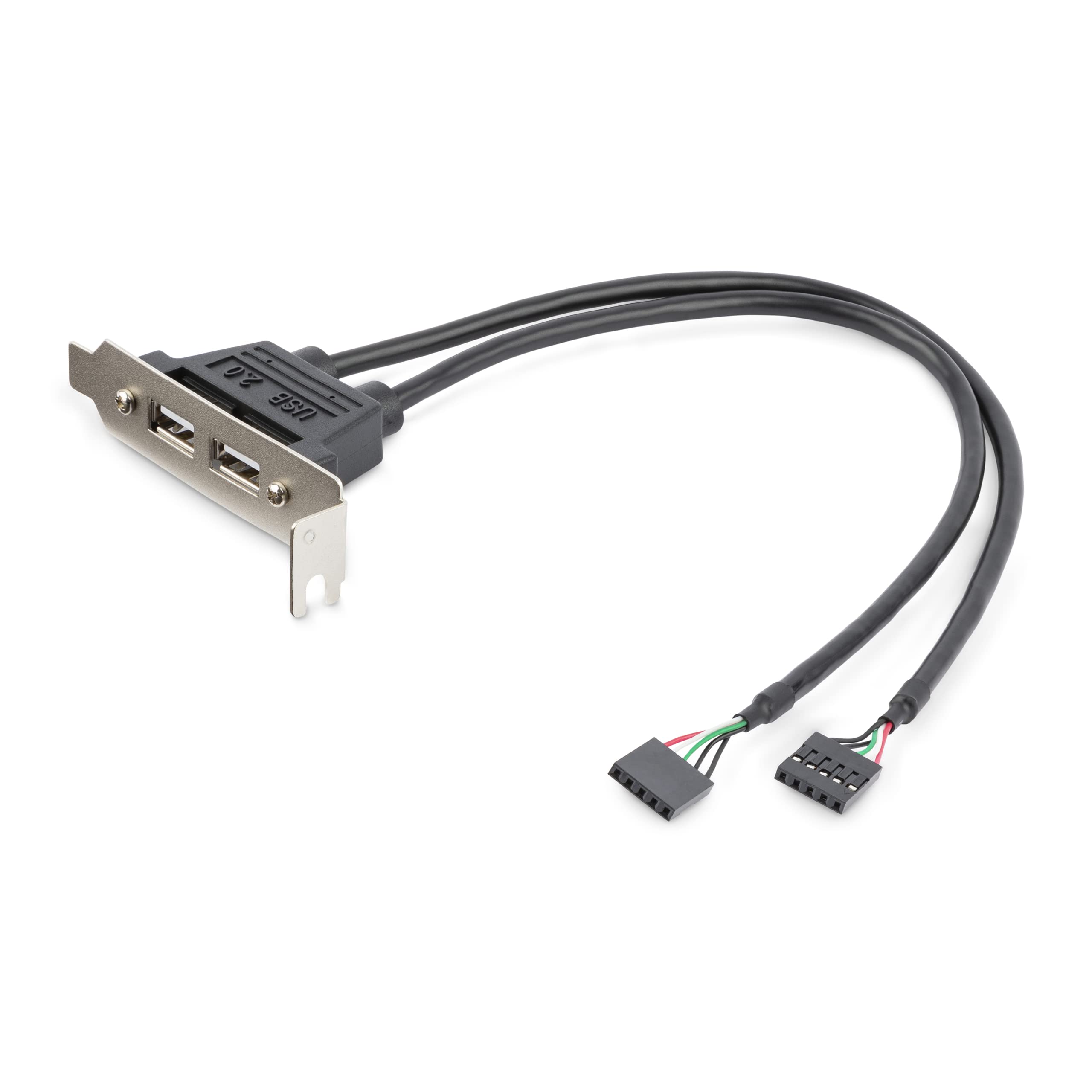
Startech.Com 2 Port Usb A Female Low Profile Slot Plate Adapter 2 Port Usb Bracket Usb 2.0 A Female (Usbplatelp)
$24.07

Frequently Asked Questions
- Q: What are the dimensions of the StarTech.com USB A Female Low Profile Slot Plate Adapter? A: The dimensions are four point nine two inches in length, zero point three nine inches in width, and eight point two seven inches in height.
- Q: What type of ports does this adapter provide? A: This adapter provides two standard USB A female ports.
- Q: What motherboard connections does the adapter support? A: The adapter supports four or five pin motherboard connections.
- Q: Is the StarTech.com USB adapter easy to install? A: Yes, it is designed for simple installation on the rear panel of a computer case.
- Q: Can I use this adapter for my older computer? A: Yes, it converts USB pins from most AT style Pentium motherboards and newer.
- Q: How do I connect devices to this USB adapter? A: You can connect devices to the two USB A female ports provided by the adapter.
- Q: What is the color of the StarTech.com USB adapter? A: The adapter is black in color.
- Q: How can I ensure proper connection with the motherboard? A: Use separate cables that support a single row of eight or ten pins or two rows of four or five pins.
- Q: Is this adapter compatible with USB 2.0 devices? A: Yes, the adapter supports USB 2.0 devices.
- Q: What type of material is used for this USB adapter? A: The material details are not specified.
- Q: How do I clean the USB adapter? A: You can clean the adapter using a dry, soft cloth to remove dust and debris.
- Q: Is the StarTech.com USB adapter safe to use? A: Yes, it is safe to use as it follows standard electrical specifications.
- Q: What should I do if the adapter doesn't work after installation? A: Check the connections and ensure that the motherboard supports this type of adapter.
- Q: Can I return the USB adapter if it’s damaged upon arrival? A: Yes, you can return it according to the store's return policy.
- Q: Does this adapter come with a warranty? A: Yes, it typically comes with a manufacturer's warranty.