

Cart
0


Startech.Com 15Cm 6In Short Slim Usb 3.0 A To Micro B Cable M/M Mobile Charge Sync Usb 3.0 Micro B Cable For Smartphones And T
Free Standard Shipping Across USA
Vendor: StarTech.com
Type: USB & Lightning Cables
Sku: WBECCB00NTR1D8E
Availability: Sold Out
Couldn't load pickup availability
Guarantee safe checkout

Sold by Electroeshop, an authorized reseller.
Returns accepted within 30 days | support@electroeshop.com
Shipping Information
- Free Standard Shipping — United States only
- Processing Time: 3–5 business days
- Estimated Delivery: 6–10 business days after dispatch
- Double-boxed, fully insured & discreetly packaged
- Tracking number sent via email once dispatched
Returns & Refund
Returns accepted within 30 days of delivery.
Damaged or Defective Item
Free return shipping + replacement or full refund
Wrong Item Received
Free return shipping + replacement or full refund
Change of Mind
Return shipping at customer's expense · 25% restocking fee applies
All returns require a Return Authorization (RA) number before sending.
View Full Return & Refund Policy
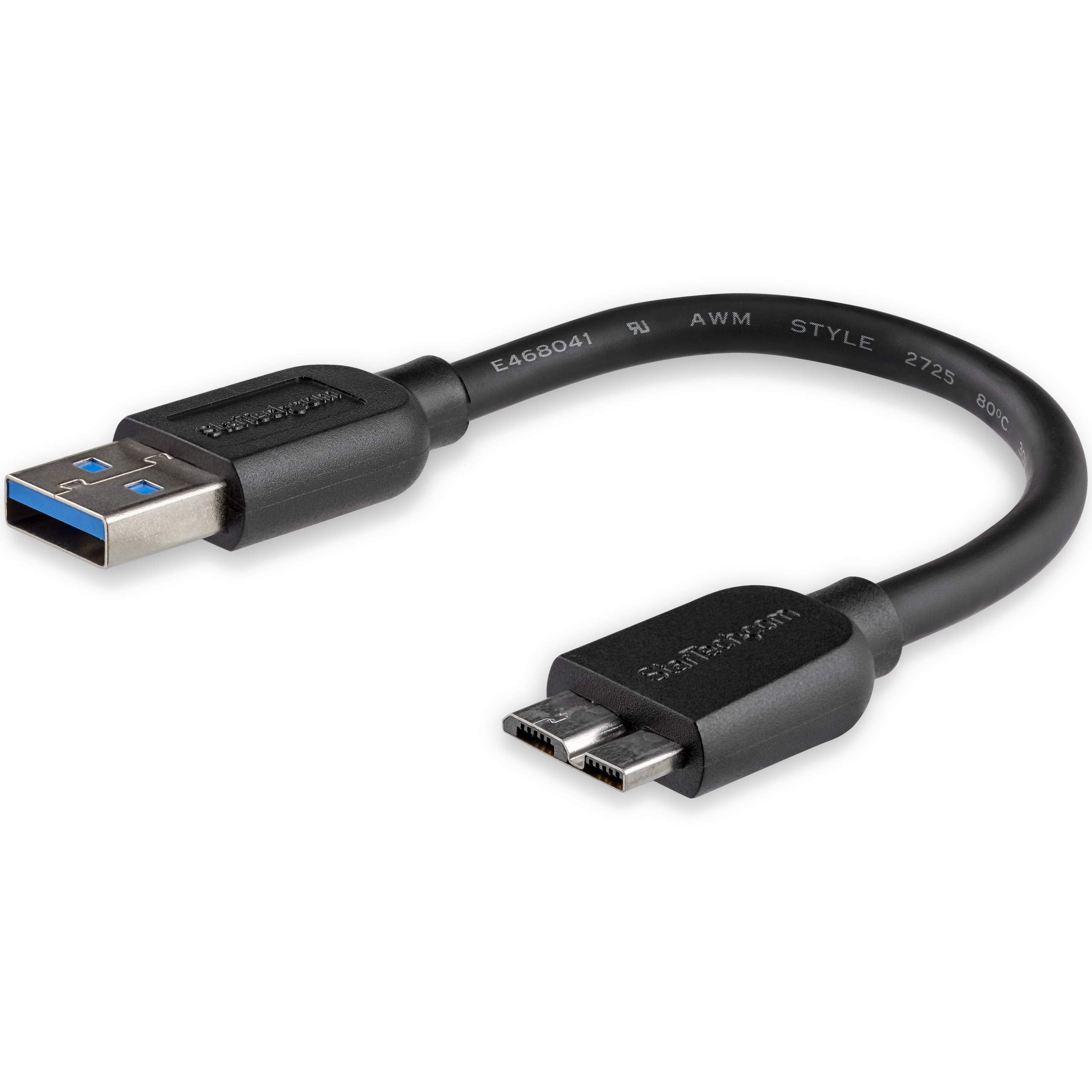
Startech.Com 15Cm 6In Short Slim Usb 3.0 A To Micro B Cable M/M Mobile Charge Sync Usb 3.0 Micro B Cable For Smartphones And T
$15.78

Frequently Asked Questions
- Q: What is the length of the StarTech.com USB 3.0 A to Micro B Cable? A: The cable is fifteen centimeters long, which is approximately six inches. This short length is ideal for close-range connections.
- Q: What material is the StarTech.com USB 3.0 cable made of? A: The cable is made of copper. This material ensures efficient data transfer and charging capabilities.
- Q: What are the dimensions of the StarTech.com USB cable? A: The dimensions are six point three centimeters in length, five point nine centimeters in width, and two centimeters in height. These compact dimensions make it easy to store.
- Q: How do I use the StarTech.com USB 3.0 A to Micro B Cable? A: Simply connect the USB A end to your device and the Micro B end to your smartphone or tablet. The cable is designed for both charging and data syncing.
- Q: Is this cable suitable for charging smartphones and tablets? A: Yes, this cable is suitable for charging and syncing USB 3.0 Micro B-equipped smartphones and tablets. It efficiently connects your devices for quick charging.
- Q: Can I use this cable while my device is in its case? A: Yes, the thin Micro USB connector allows you to connect your device even while it is inside its protective case. This feature adds convenience during use.
- Q: How do I keep the StarTech.com USB cable in good condition? A: To keep the cable in good condition, avoid bending it excessively and store it in a dry place. Regularly check for any signs of wear and tear.
- Q: Is the StarTech.com USB cable safe to use with power banks? A: Yes, this cable is safe to use with power banks. Its design supports charging and syncing efficiently without overheating.
- Q: What should I do if the cable arrives damaged? A: If the cable arrives damaged, you should contact the retailer for a return or replacement. Most retailers have a straightforward return policy.
- Q: Does this cable support high data transfer speeds? A: Yes, the StarTech.com USB cable supports USB 3.0 data transfer rates up to five gigabits per second. This ensures fast data transfers for your files.
- Q: What is the outer diameter of the cable? A: The outer diameter of the cable is four millimeters. This slim design helps minimize clutter on your desk.
- Q: Is this cable compatible with all USB 3.0 devices? A: Yes, this cable is compatible with all USB 3.0 devices that use a Micro B connection. It's a versatile option for various mobile devices.
- Q: Can I use this cable for connecting external hard drives? A: Yes, this cable is perfect for connecting portable external hard drives to your laptop. Its short length is great for tidy setups.
- Q: How do I prevent damage to the USB port on my device? A: To prevent damage to the USB port, use the thin cable that reduces strain on the connection. Always handle the cable with care during use.
- Q: Is the StarTech.com USB cable lightweight? A: Yes, this cable is designed to be lightweight. Its design makes it easy to carry in your laptop bag or case.