

Cart
0


Shure Mv7I Smart Microphone With Built In Audio Interface Podcast & Musician Mic With 2 Channels, Xlr And 1/4'', Usb C For Mac
Free Standard Shipping Across USA
Vendor: Shure
Type: Speakers & Sound Bars
Sku: WBMUSB0DNTZ22M5
Availability: Sold Out
Couldn't load pickup availability
Guarantee safe checkout

Sold by Electroeshop, an authorized reseller.
Returns accepted within 30 days | support@electroeshop.com
Shipping Information
- Free Standard Shipping — United States only
- Processing Time: 3–5 business days
- Estimated Delivery: 6–10 business days after dispatch
- Double-boxed, fully insured & discreetly packaged
- Tracking number sent via email once dispatched
Returns & Refund
Returns accepted within 30 days of delivery.
Damaged or Defective Item
Free return shipping + replacement or full refund
Wrong Item Received
Free return shipping + replacement or full refund
Change of Mind
Return shipping at customer's expense · 25% restocking fee applies
All returns require a Return Authorization (RA) number before sending.
View Full Return & Refund Policy
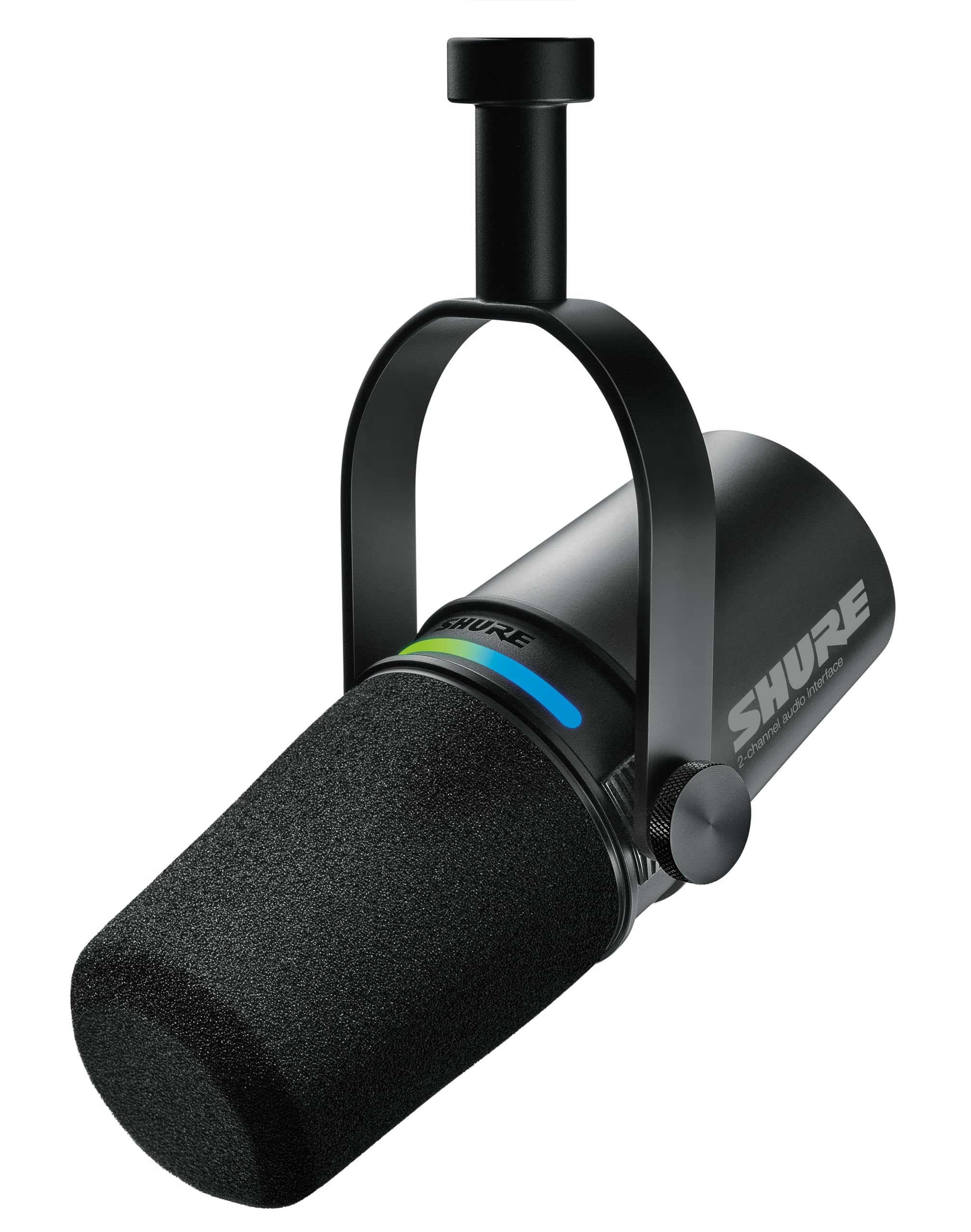
Shure Mv7I Smart Microphone With Built In Audio Interface Podcast & Musician Mic With 2 Channels, Xlr And 1/4'', Usb C For Mac
$513.16

Frequently Asked Questions
- Q: What are the dimensions of the Shure MV7i microphone? A: The Shure MV7i microphone measures fourteen point eighty-five inches in length, nine point zero five inches in width, and six point fifty-five inches in height.
- Q: What material is the MV7i microphone made of? A: The MV7i microphone is constructed with rugged all-metal material, ensuring durability and reliability during use.
- Q: What type of microphone is the Shure MV7i? A: The Shure MV7i is a dynamic microphone designed specifically for podcasting, music, and streaming applications.
- Q: How do I connect the MV7i microphone to my computer? A: You can connect the MV7i microphone to your computer using a USB-C cable, which is included in the package.
- Q: Is the MV7i compatible with professional audio interfaces? A: Yes, the MV7i is compatible with professional audio interfaces as it features both USB-C and XLR outputs.
- Q: How do I use the Auto Level Mode on the MV7i? A: Simply enable the Auto Level Mode, and the microphone will automatically adjust its output level based on your voice volume and distance.
- Q: Can I use the MV7i for live streaming? A: Yes, the MV7i is certified for Open Broadcaster Software (OBS), making it ideal for live streaming with broadcast-quality audio.
- Q: Is the MV7i microphone suitable for beginners? A: Yes, the MV7i is user-friendly and designed for both beginners and experienced users, making it accessible for anyone.
- Q: How do I clean the Shure MV7i microphone? A: To clean the MV7i microphone, use a soft, dry cloth to wipe down the exterior, avoiding any harsh chemicals.
- Q: What should I do if my MV7i microphone arrives damaged? A: If your MV7i microphone arrives damaged, contact the manufacturer's support for assistance with returns or exchanges.
- Q: Is there a warranty for the Shure MV7i microphone? A: Yes, the Shure MV7i microphone typically comes with a limited warranty that covers manufacturing defects.
- Q: How should I store the MV7i microphone when not in use? A: Store the MV7i microphone in a cool, dry place and consider using a protective case to prevent physical damage.
- Q: What features help reduce background noise on the MV7i? A: The MV7i features built-in noise reduction technology, including Voice Isolation Tech and real-time denoise processing.
- Q: Can I customize the LED panel on the MV7i? A: Yes, the MV7i has a customizable LED touch panel that allows you to choose from millions of color options.
- Q: Does the MV7i include accessories in the box? A: Yes, in the box, you will find one MV7i microphone, one USB-C to USB-C cable, and a quick start guide.