

Cart
0

Seagate Hard Drives
Free Standard Shipping Across USA
Vendor: Seagate
Type: Processors (CPUs)
Sku: WBEEAB01K2UYJ4A
Availability: Sold Out
Couldn't load pickup availability
Guarantee safe checkout

Sold by Electroeshop, an authorized reseller.
Returns accepted within 30 days | support@electroeshop.com
Shipping Information
- Free Standard Shipping — United States only
- Processing Time: 3–5 business days
- Estimated Delivery: 6–10 business days after dispatch
- Double-boxed, fully insured & discreetly packaged
- Tracking number sent via email once dispatched
Returns & Refund
Returns accepted within 30 days of delivery.
Damaged or Defective Item
Free return shipping + replacement or full refund
Wrong Item Received
Free return shipping + replacement or full refund
Change of Mind
Return shipping at customer's expense · 25% restocking fee applies
All returns require a Return Authorization (RA) number before sending.
View Full Return & Refund Policy
Seagate Hard Drives
$198.67

Frequently Asked Questions
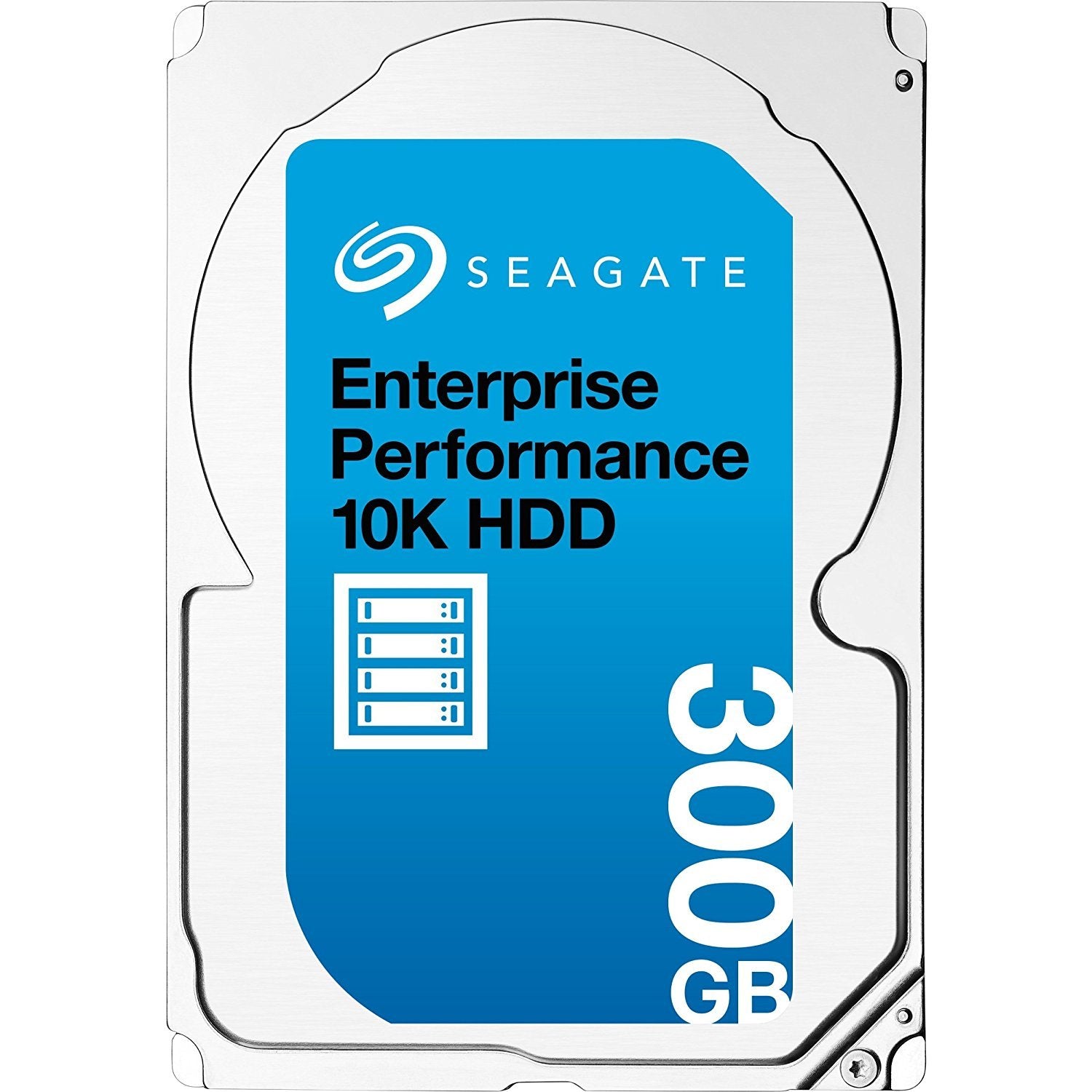
- Q: What is the storage capacity of the Seagate Hard Drive? A: The storage capacity is three hundred gigabytes. This is suitable for storing a large amount of data, including documents, photos, and videos.
- Q: What is the rotational speed of the Seagate Hard Drive? A: The rotational speed is ten thousand revolutions per minute. This high speed allows for faster data access and improved performance.
- Q: What is the interface type of the Seagate Hard Drive? A: The interface type is SAS six gigabits per second. This ensures high-speed data transfer rates between the drive and the computer system.
- Q: What are the dimensions of the Seagate Hard Drive? A: The dimensions are two point seven six inches wide, three point nine five inches deep, and zero point five nine inches high. This compact size makes it suitable for various internal components.
- Q: How much cache does the Seagate Hard Drive have? A: The drive has one hundred twenty-eight megabytes of cache. A larger cache helps to improve performance by storing frequently accessed data.
- Q: What is the average latency of the Seagate Hard Drive? A: The average latency is two point nine milliseconds. This low latency contributes to faster data retrieval times.
- Q: How do I install the Seagate Hard Drive? A: You can install it by opening your computer case and connecting it to the SAS interface. Ensure the drive is securely mounted and connected before powering on.
- Q: Is the Seagate Hard Drive compatible with all systems? A: No, it requires a SAS controller for operation. Check your system specifications to ensure compatibility before purchasing.
- Q: Can I use the Seagate Hard Drive for gaming? A: Yes, it's suitable for gaming due to its high rotational speed and fast data transfer rates. This will enhance your gaming performance.
- Q: What is the typical operating power of the Seagate Hard Drive? A: The typical operating power is six point three zero watts. This is efficient for an enterprise-grade hard drive.
- Q: How should I store the Seagate Hard Drive when not in use? A: Store it in a cool, dry place and avoid exposure to static electricity. Proper storage helps maintain the drive's longevity.
- Q: What if my Seagate Hard Drive arrives damaged? A: If it arrives damaged, contact customer support for guidance on returns or replacements. Keep all original packaging for the return process.
- Q: Does the Seagate Hard Drive come with a warranty? A: Yes, it typically comes with a limited warranty. Check the manufacturer's website for specific warranty details and coverage.
- Q: How do I clean the Seagate Hard Drive? A: You should clean it lightly with a soft, dry cloth. Avoid using liquids or abrasive materials that could damage the exterior.
- Q: Is the Seagate Hard Drive suitable for data backup? A: Yes, it is ideal for data backup due to its reliability and performance. Use it to secure important data efficiently.
- Q: What is the weight of the Seagate Hard Drive? A: The weight is zero point four eight one pounds. This lightweight design makes it easy to handle and install.