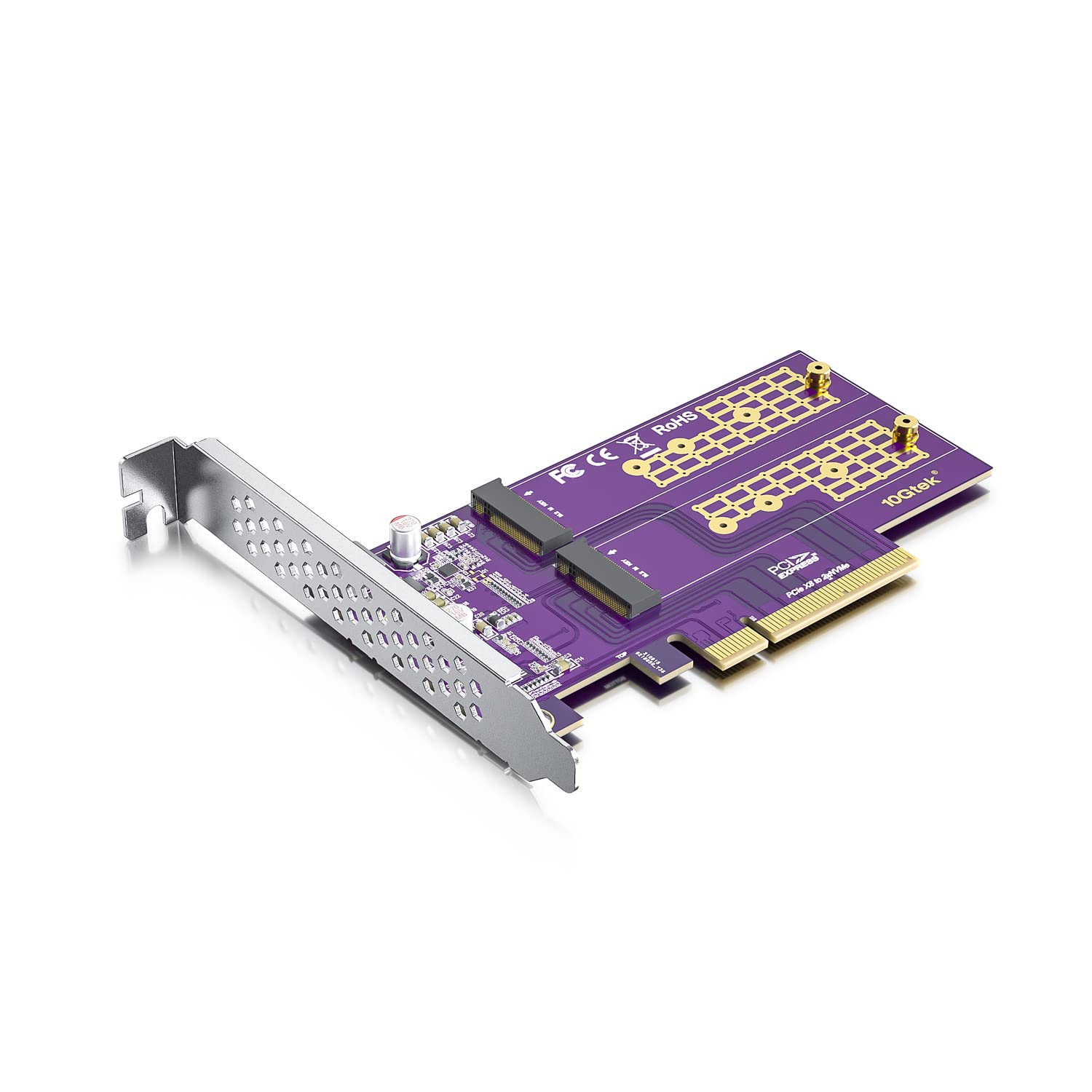
Pcie 3.0 To Nvme (2) M.2 Adapter For M.2 (M Key) Ssd, X8,Compatible With Pcie 3.0 Motherboards And Backward Compatible With Pcie 2.0 And Pcie 1.0
⚠️ WARNING (California Proposition 65): This product may contain chemicals known to the State of California to cause cancer, birth defects, or other reproductive harm. For more information, please visit www.P65Warnings.ca.gov.
Frequently Asked Questions
Q: What type of SSDs does this adapter support?A: This adapter supports PCIe M.2 SSDs including NVMe and AHCI types, specifically sizes two thousand two hundred thirty, two thousand two hundred forty-two, two thousand two hundred sixty, and two thousand two hundred eighty drives.
Q: What is the length of the product?A: The product's length is unspecified in the details provided.
Q: What is the model of this adapter?A: The model of this adapter is S95N2X8, which is designed for efficient performance with M.2 SSDs.
Q: What features does this adapter provide?A: This adapter connects to M.2 NVMe SSDs, improves SSD speed through PCIe's low delay, and adds two M.2 interfaces to a host.
Q: Is this adapter compatible with older PCIe versions?A: Yes, this adapter is compatible with PCIe three point zero motherboards and is backward compatible with PCIe two point zero and PCIe one point zero.
Q: Does this adapter come with installation hardware?A: Yes, it includes both full height and low profile brackets for installation flexibility.
Q: Can I install multiple SSDs with this adapter?A: Yes, you can install two M.2 SSDs simultaneously, provided your motherboard and BIOS support bifurcation.
Q: How do I install this PCIe to NVMe adapter?A: To install, insert the adapter into a compatible PCIe slot on your motherboard and then attach the M.2 SSDs to the adapter.
Q: Is hot swapping supported with this adapter?A: No, this adapter does not support hot swapping; SSDs must be powered down before removal or installation.
Q: What should I do if the adapter doesn’t recognize the second drive?A: If the second drive is not recognized, ensure that your motherboard and BIOS support bifurcation, as this is necessary for dual drive recognition.
Q: How do I maintain this adapter for best performance?A: To maintain optimal performance, keep the adapter free from dust and ensure proper ventilation around the SSDs to avoid overheating.
Q: What is the warranty policy for this product?A: The warranty policy specifics are not provided in the details; please check with the manufacturer for warranty information.
Q: Can this adapter be used in gaming PCs?A: Yes, this adapter is suitable for gaming PCs as it enhances SSD performance and increases storage capacity with M.2 interfaces.
Q: What is the weight of the adapter?A: The weight of the adapter is not specified in the provided details.
Q: Are there any hazardous materials in this product?A: No, there are no hazardous materials mentioned in the product details.