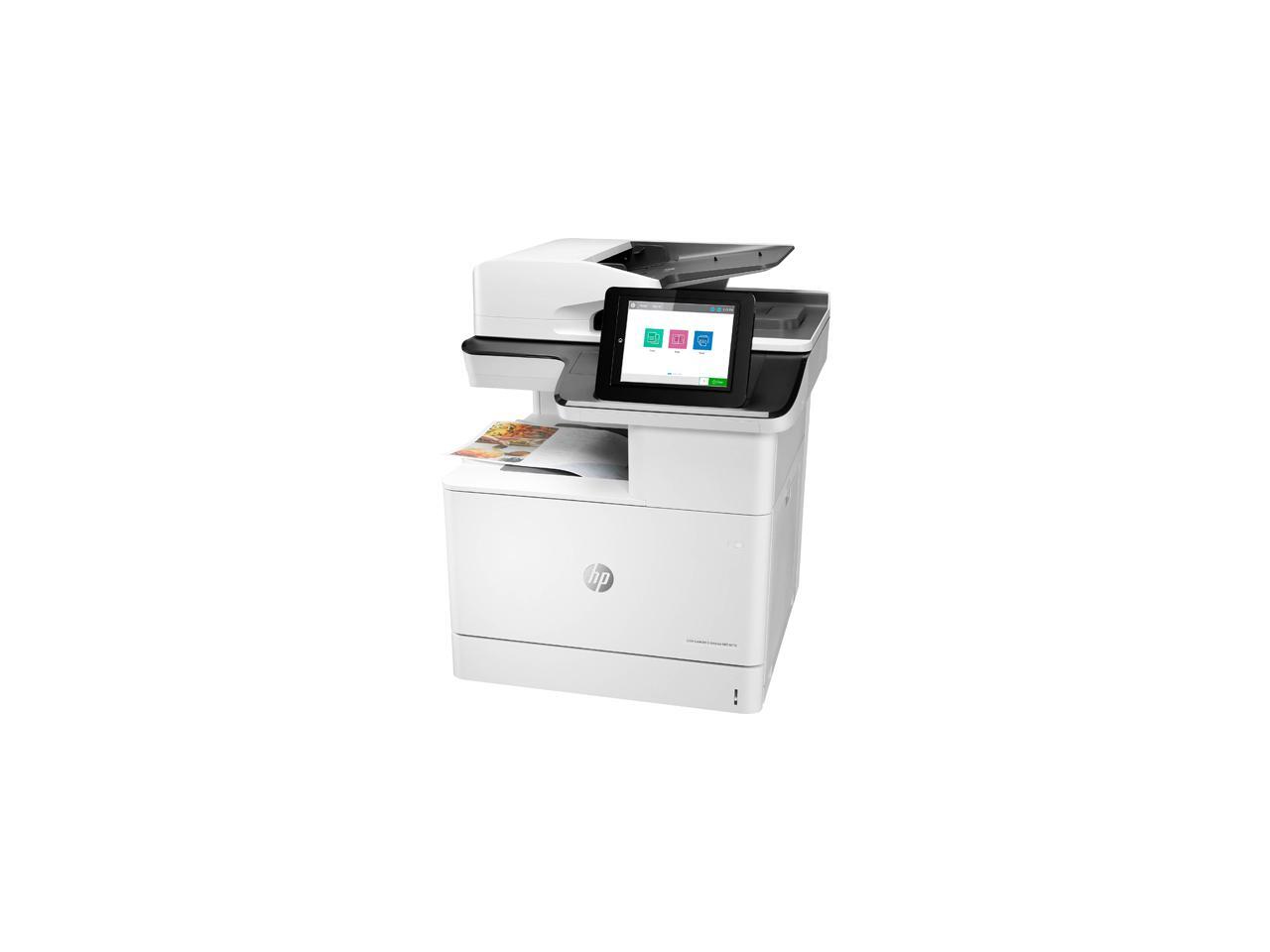
Hp Color Laserjet Enterprise Mfp M776Dn Mfp Up To 45 Ppm 1200 X 1200 Dpi Color Print Quality Color Laser Printer
⚠️ WARNING (California Proposition 65): This product may contain chemicals known to the State of California to cause cancer, birth defects, or other reproductive harm. For more information, please visit www.P65Warnings.ca.gov.
Frequently Asked Questions
Q: What are the dimensions of the HP Color LaserJet Enterprise Multifunction M776dn?A: The dimensions are twenty-six point two inches long, twenty-three inches wide, and twenty-eight inches tall. This size makes it suitable for office environments.
Q: What is the printing speed of the HP M776dn printer?A: The printer has a speed of up to forty-five pages per minute for both black and color prints. This fast performance helps improve productivity in busy work settings.
Q: What type of printer is the HP M776dn?A: It is a color laser multifunction printer. This means it can print, scan, copy, and optionally fax all in one device.
Q: How do I set up the HP M776dn printer?A: Begin by unpacking the printer and placing it on a flat surface. Then connect it to a power source and follow the setup instructions in the user manual to configure the network settings.
Q: Can I print double-sided documents with the HP M776dn?A: Yes, the HP M776dn supports automatic duplex printing. This feature helps save paper and reduces environmental impact.
Q: What is the recommended monthly page volume for the HP M776dn?A: The recommended monthly page volume is between five thousand and thirty thousand pages. This range is optimal for maintaining printer performance.
Q: How do I clean the HP M776dn printer?A: To clean the printer, use a soft, lint-free cloth to wipe the exterior. For internal cleaning, consult the user manual for specific instructions to avoid damaging components.
Q: What type of cartridges does the HP M776dn use?A: The printer uses original HP cartridges with specific chips or circuitry. Non-HP cartridges may not work with this device due to security features.
Q: Is the HP M776dn printer suitable for small businesses?A: Yes, it is ideal for small to medium-sized businesses due to its multifunction capabilities and high-speed performance. It can handle various print volumes efficiently.
Q: What warranty does the HP M776dn come with?A: It typically comes with a one-year limited warranty. This warranty covers defects in materials and workmanship under normal use.
Q: How do I troubleshoot printing issues with the HP M776dn?A: If you encounter printing issues, check the printer's display for error messages. Restarting the printer and ensuring proper connectivity can often resolve common problems.
Q: Can I scan documents directly to email with the HP M776dn?A: Yes, the printer supports scanning to email. You will need to set up the email configuration in the printer's network settings.
Q: What types of media can the HP M776dn print on?A: It can print on various media types, including plain paper, envelopes, and glossy photo paper. Always check the printer settings for the selected media type.
Q: Is the HP M776dn compatible with mobile printing?A: Yes, this printer supports mobile printing via HP's mobile apps. You can print documents directly from your smartphone or tablet.
Q: What security features does the HP M776dn include?A: It includes advanced security features such as run-time intrusion detection and monitoring of outgoing network connections. These help protect sensitive information.
Q: How can I extend the life of my HP M776dn printer?A: Regular maintenance, such as cleaning and using original cartridges, can help extend the printer's lifespan. Additionally, keep the printer in a dust-free environment.